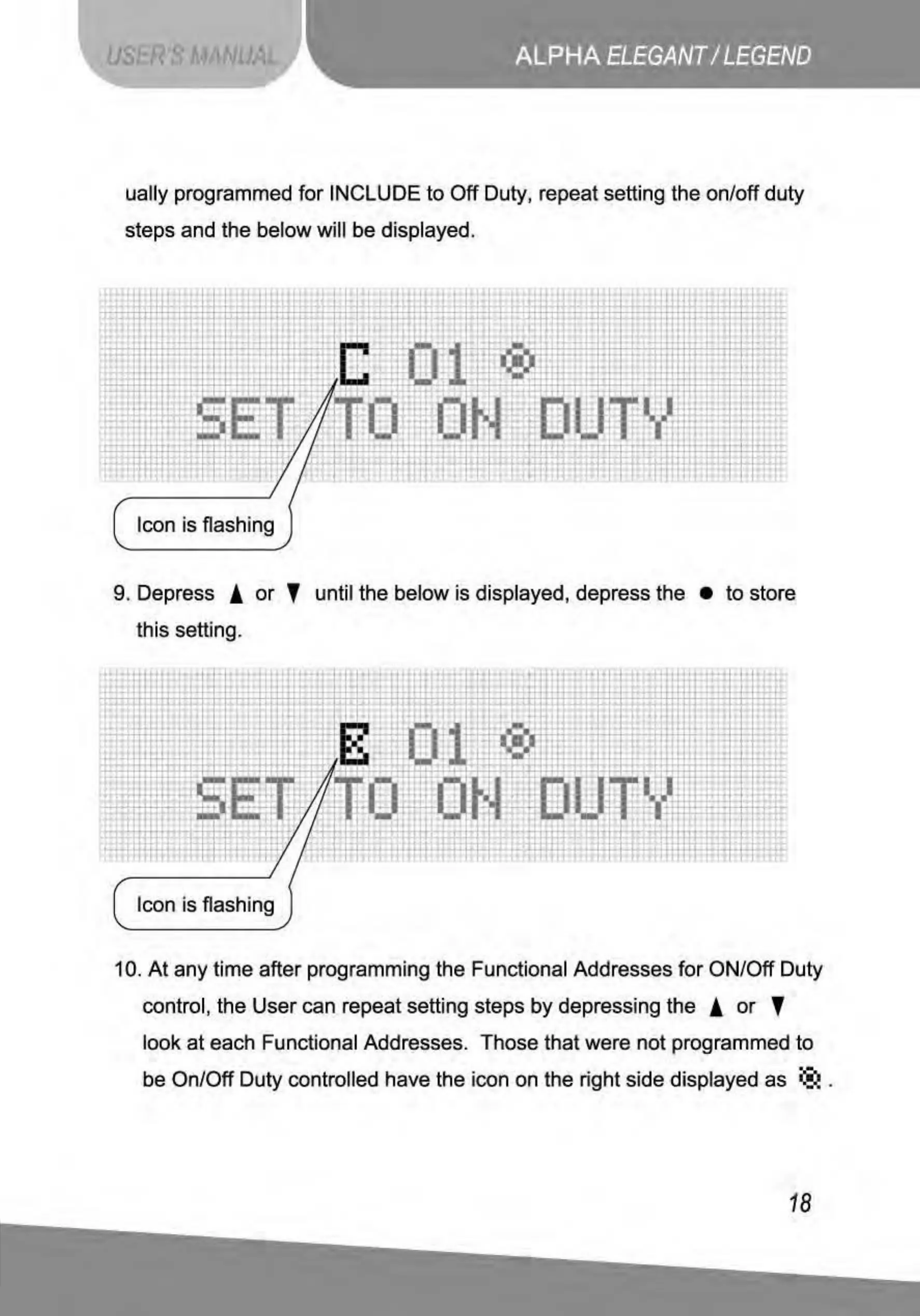
ually programmed
for
INCLUDE
to
Off
Duty, repeat setting the on/off duty
steps and the below will be displayed.
attl
+
:1~
'
•
fd '
'
•
•
•
1
•
'
'
'
•
l
:t
'
..
t;
•
!;
:
L:
.!
l
" l
-
'
• •
'
..
•
·i·
~
'
•
it
....
1)1(
,.)
:
f
-
.,/
'
-~
- -
....
. -
---:
'
·
~-Hj
r
i/
~
"
·0
~~ :
,,
~
'
: :
- I 1
..
• •
+:;
•
I!
·;
t
_J
.• -
1
•
:.:
.
t~
-
...
-
.•
i.
ili
l :
: !
•
:111~
/
ll
ll
;
: l
•i; •
. '
-
-
Icon is flashing
9. Depress !
or
' until
the
below is displayed, depress the •
to
store
this setting.
•
~
..
• •
'
•
• •
I
•
•
·ti
..
,a..,
•
l
m
n:
:r
'~·~
t"
•
'
l
~
· :
:t!
r
u:
·!rJ
•
!
'
4'·-~
1
~
·
~
' .
' . .
~·
...
,.....
'
' j .
.:;:l
•
~:.
~
:
,.
.
~i
' "
•
::r::
•
•
'
·
~-
' -
•
!
:!
:
'
i i ,
~
II
li
~l
H
'
--
f.t
11
97'
:· -
.:
t
-
• •
-
i':"'
..i
I"
I
d:i
r
'"'
·•
' -
' T I -
I•
' >
I'
,,
,.
;•
•I•
' t
I•
.,
-
J
Icon is flashing
10.
At
any time after programming the Functional Addresses
for
ON/Off Duty
control, the User can repeat setting steps
by
depressing the !
or
'
look
at
each Functional Addresses. Those that were not programmed
to
·-
be On/Off Duty controlled have the icon on the right side displayed as
®.
.
18



 To Next Page