EasyManua.ls Logo

Uniden DC4 - User Manual

Uniden DC4
24 pages
Print Icon
To Next Page IconTo Next Page
Loading...
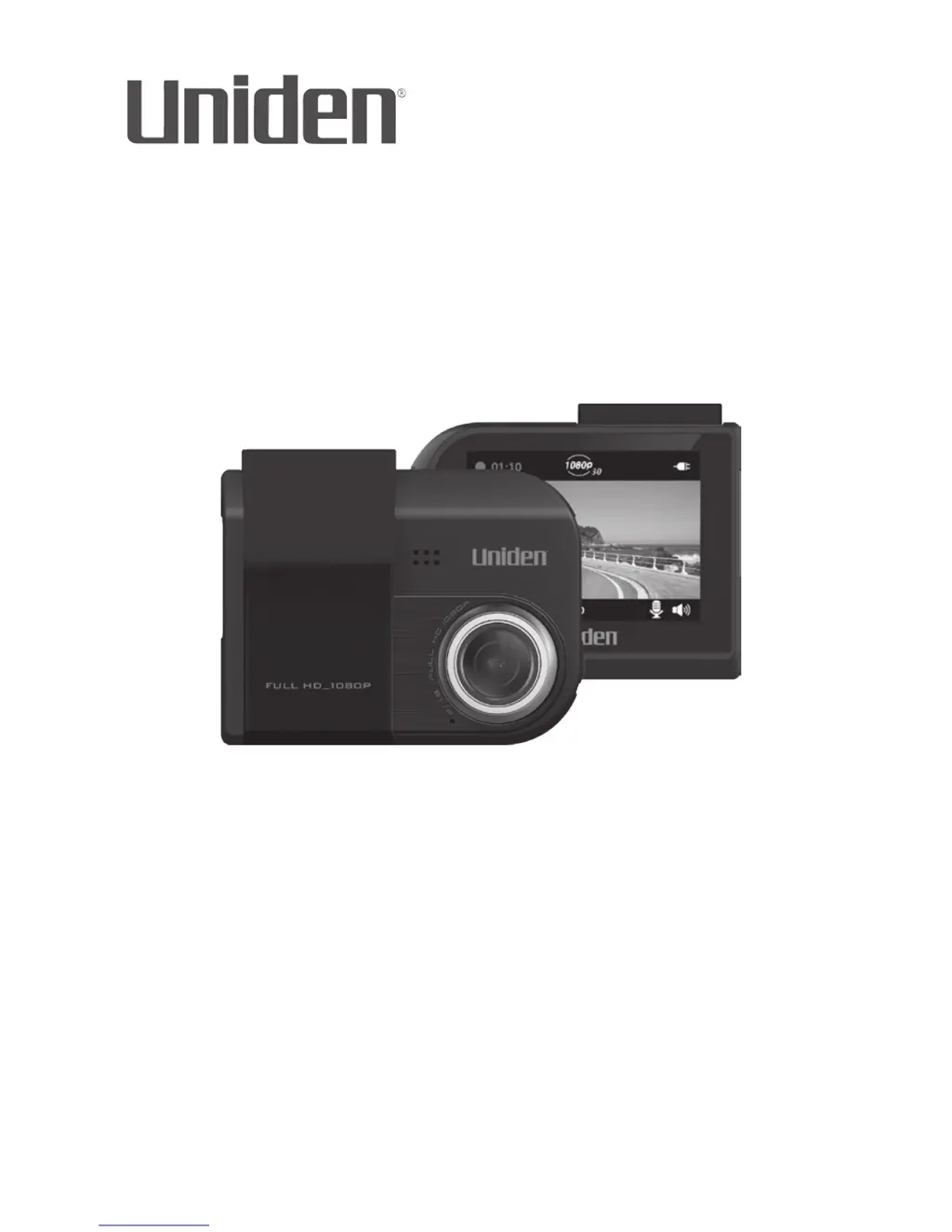
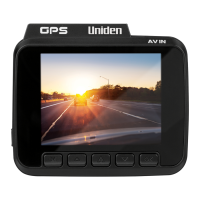
DC4
AUTOMOTIVE VIDEO RECORDER
Issue 1, March 2016
Printed in China
© 2016 Uniden America Corporation
Irving, Texas
OWNER’S MANUAL
iW
itness

Questions and Answers

  • L
    leepatrickJul 27, 2025
    What to do if Uniden DC4 won't record video or take photos?
    • J
      Joshua ChapmanJul 27, 2025
      If you cannot record video or take photos on your Uniden Dash Camera, it might be that the microSD card is out of space. To solve this, either delete files from the microSD card or use a new one. Also, check if the microSD card is locked; if it is, unlock it.
  • D
    David Hughes DDSAug 3, 2025
    How to fix 'File Error' on Uniden DC4 Dash Cameras?
    • G
      Gregory EdwardsAug 3, 2025
      If a “File Error” appears when photos or videos are replayed on your Uniden Dash Cameras, it means that there is a format card error. To fix it, reformat your MicroSD card through Menu/Files Management/ Format Card.
  • D
    Dennis Hansen MDAug 11, 2025
    Why can't I access the menus on my Uniden DC4?
    • G
      Glen LambAug 11, 2025
      If you cannot access the menus on your Uniden Dash Cameras, it might be because you are currently recording and have pressed the M button. In this case, the menus should display. Alternatively, you might still be recording; press the question mark button to stop recording. If there is no response or recording does not stop, reset your device.
  • D
    Darren GarrisonAug 18, 2025
    How to fix unclear video on Uniden DC4 Dash Cameras?
    • T
      Todd LittleAug 18, 2025
      If the video quality is unclear on your Uniden Dash Cameras, clean the lens and the windshield to improve clarity. As an alternative, reset your device.

Summary

Safety Considerations

Install the DC4

Installation Considerations

Guidance on where and how to mount the device for optimal performance and safety.

Connect to Power

Initial Setup

Set Language

Steps to change the device's display language.

Set Date and Time

Procedure to configure the device's date and time settings.

Set Automatic Recording

How to enable the device to start recording when the engine turns on.

Screen Description

Operation

Using the Menus

Guide on navigating and interacting with the device's menu system.

Recording Basics

Automatic;Manual Recording

How to set the device to start recording automatically or manually.

Collision Detection

Configuration of G-Sensor sensitivity for automatic collision recording.

Parking Mode

Settings for recording while the vehicle is parked (Motion Detection or Collision Recording).

Playback Basics

View on DC4

How to play back video files and view photos directly on the device.

View on Television

Method for connecting the device to a TV to watch recorded files.

View on PC

Instructions for transferring and viewing files on a computer.

Lane Departure Warning System

Maintenance

Troubleshooting

Specifications

FCC;Industry Canada Information

One-Year Limited Warranty

Uniden DC4 Specifications

General IconGeneral
BrandUniden
ModelDC4
CategoryDash Cameras
LanguageEnglish

Related product manuals