3
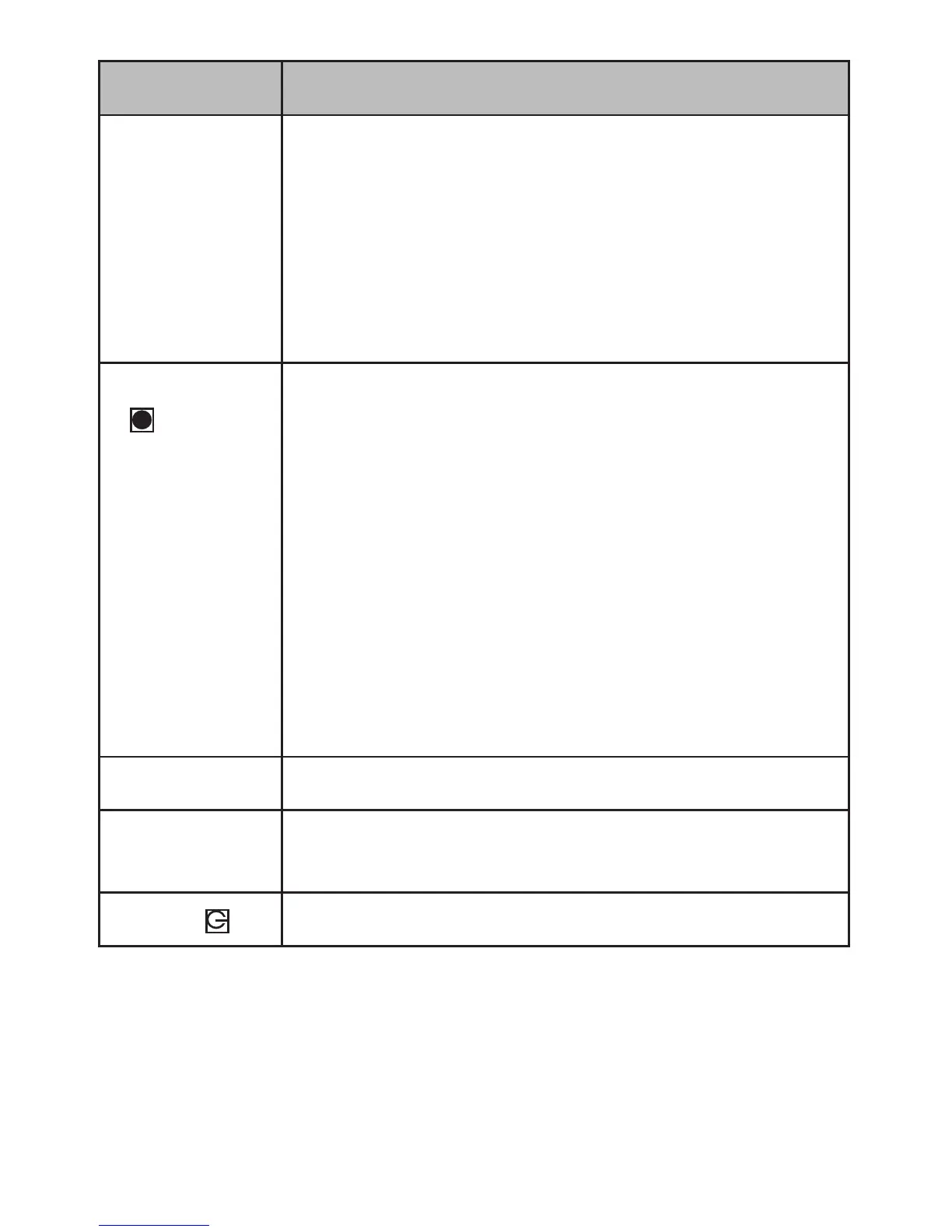
Item Function
UP (▲) • In Menus: Moves selecon up in the list.
• In Playback mode: Selects the previous le.
• In Standby mode: Takes a snapshot of the
current image.
• While recording: Press to take a snapshot of
the current image.
Record/OK
( )
• Press to begin recording.
• In Menus: Press to accept selecon.
• In Playback mode: Pauses and unpauses
video replay.
• While Recording: Tags current recording as an
emergency le and stores in the Emergency
folder.
• While recording: Press and hold to calibrate
LDWS (see page 4).
• While viewing a snapshot: Press to zoom.
SD Card Slot Insert microSD card here to record video les.
Reset Insert an unbent paper clip to reset your device
if it has crashed and is unresponsive.
Power ( )
Press and hold to turn the unit on and o.
DC4 INSTALLATION AND SETUP
Installation Safety Warnings
WARNING! Failure to comply with the following warnings could
result in an accident or collision, resulng in death or serious injury.




 To Next Page