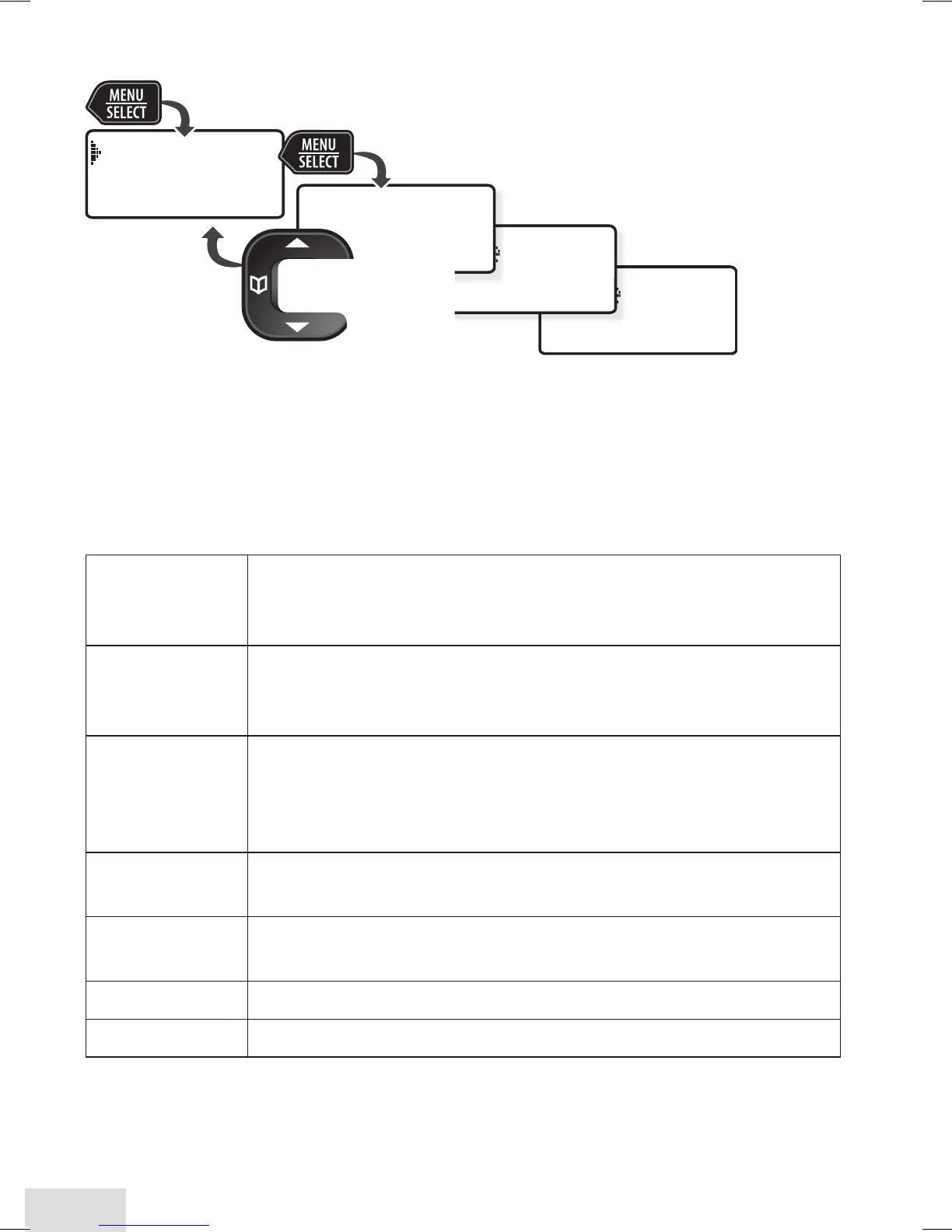
Using the Handset Menu
If you don't press any keys for about 30 seconds, the handset exits
the menu. During a call, use
PhonEbook
to back out of the menu without
hanging up.
Handset Setup
Menu
You can change these settings separately for each handset.
T-coil
Turn on T-coil mode to reduce noise on hearing aids
equipped with a telecoil (T-coil) feature. T-coil mode
shortens talk time, so keep your battery fully charged.
Ringer Tones
Choose this handset's ring tone. As you highlight each
ring tone, the phone plays a sample. When you hear the
tone you want, press
MEnu/SElEcT
.
Personal Ring
Requires Caller ID service. Turn on personal ring so
you can assign a special ring tone to people in your
phonebook. If you have Caller ID service, this handset uses
the assigned tone when the person calls.
AutoTalk
Have this handset answer a call when you pick it up from
the cradle (without pressing any buttons).
Any Key Answer
Have this handset answer a call when you press any key
on the 12-key dialpad.
Banner
Change the name used on the handset's display.
Key Touch Tone
Have the keypad sound a tone when you press a key.
Ans. Setup
Menu
Refer to p. 16 for details on setting up your answering system.













 To Next Page