EasyManua.ls Logo

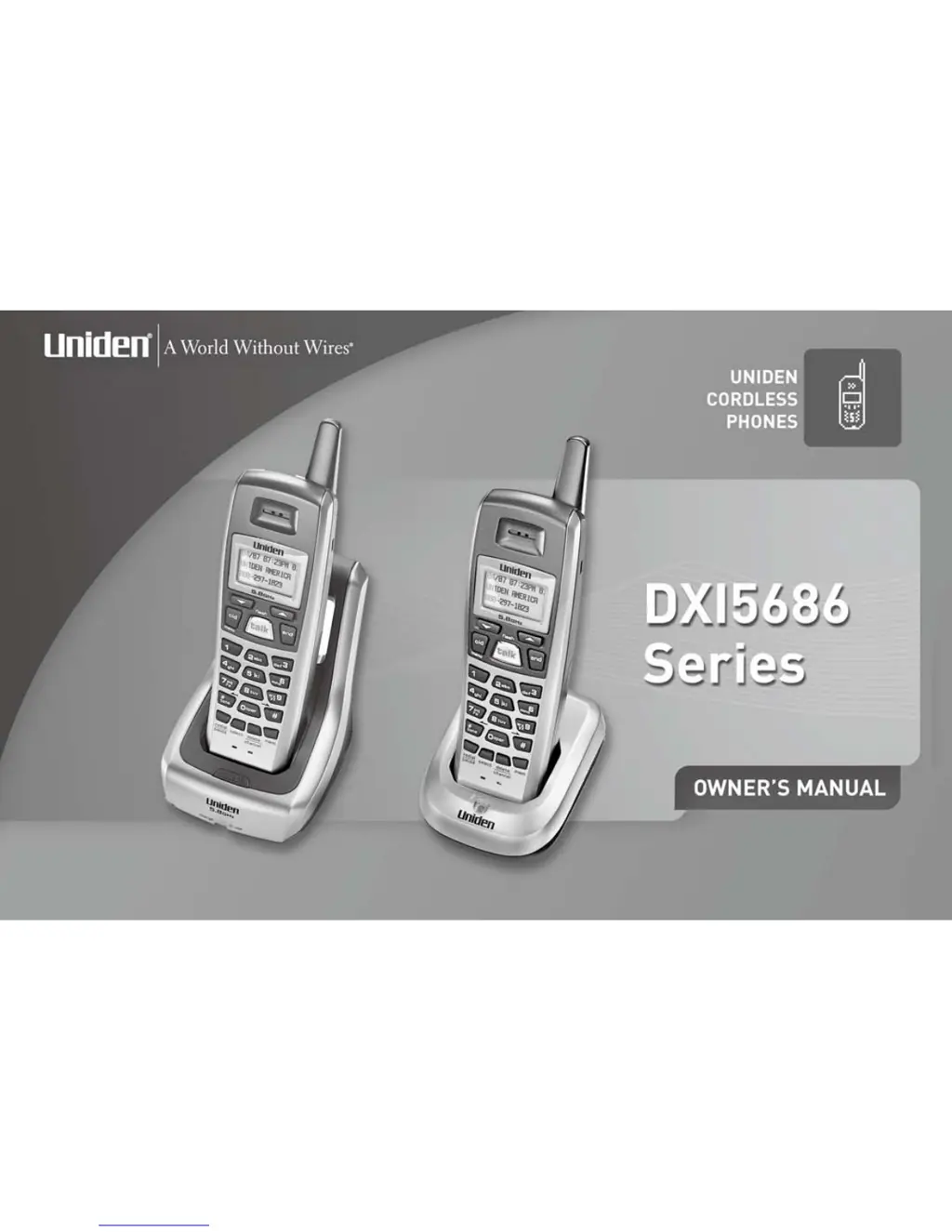
Uniden DX15686 Series - User Manual

Uniden DX15686 Series
48 pages
Print Icon
To Next Page IconTo Next Page
Loading...

Questions and Answers

Summary

Welcome

Accessibility

Terminology

Manual Conventions

Product Overview

Main Phone Features

Lists the key capabilities and technologies of the cordless phone.

Controls and Functions

Handsets

Details the components and buttons on the cordless handset.

Main Base Unit

Extra Charging Cradle

Installing the Phone

Choosing the Best Location

Guidelines for selecting an optimal placement for the phone base and handset.

Installing the Rechargeable Battery Packs into the Handsets

Step-by-step instructions for inserting battery packs into the handset.

Installing the Base Unit and Charging Cradles

Procedures for connecting power adapters to the base and charging cradles.

Mounting the Base Unit on a Wall

Instructions for securing the phone base to a wall.

Installing the Belt Clip

How to attach and remove the belt clip accessory.

Headset Installation

Guidance on connecting an optional headset for hands-free use.

Register Handsets to the Main Base before Using!

When to Re-register Handsets

Scenarios requiring re-registration of handsets to the base unit.

Basic Setup

Activating AutoTalk

Enables answering calls by simply picking up the handset.

Activating Caller ID on Call Waiting (HS1 only)

How to enable seeing caller information during an active call.

Programming Your Area Code

Setting the local area code for proper dialing and caller ID display.

Choosing the Dialing Mode (HS1 only)

Selecting between tone or pulse dialing for network compatibility.

Setting the Language

Changing the display language for the handset menus.

Using the Speed Dial Memory

Storing a Name and Number in Memory

Steps to save phone numbers and names for quick dialing.

Storing Caller ID in Speed Dial Memory

Saving incoming caller information directly into speed dial locations.

Using Your Phone

Making and Receiving Calls

Basic procedures for initiating and answering phone calls.

Making a Call from Speed Dial Memory

Dialing stored numbers using the speed dial feature.

Making a Call from the Caller ID List

Initiating calls directly from the list of received calls.

Transferring a Call

Moving an active call from one handset to another.

Redialing the Last Dialed Number

Selecting the Ring Tone and Volume

Temporarily Mute Ringer

Adjusting the Earpiece Volume

Using Call Waiting

Selecting a Different Channel

Changing the operating channel to reduce interference.

Find Handset

Locating a misplaced handset by making it beep.

Tone Dialing Switch-over

Voice Mail Waiting Indicator

Caller ID and CIDCW (Caller ID on Call Waiting)

Caller ID on Call Waiting (CIDCW)

Displays caller info during an active call if subscribed.

Viewing the Caller ID Message List

Accessing and reviewing the history of incoming calls.

Deleting Information from the Caller ID List

Manual removal of caller records from the list.

Changing the Digital Security Code

Maintenance

Specifications

Technical details including operating temperature, AC adapter, battery, and frequency.

Power Failure

Information on phone operation during power outages.

Talk and Standby Times

Low battery alert

Battery replacement and handling

Cleaning the battery charging contacts

Troubleshooting

Traveling Out-of-Range

Issues encountered when moving too far from the base unit.

Common Issues

Solutions for typical problems like no illumination or weak audio.

Liquid Damage

Precautions!

Important Safety Instructions

The FCC Wants You To Know

Radio Interference

I.C. Notice

Cordless Telephone Privacy

One Year Limited Warranty

At Uniden, well take care of you!

Uniden DX15686 Series Specifications

General IconGeneral
TypeCordless Telephone
Number of Handsets1
Caller IDYes
Call WaitingYes
Talk TimeUp to 10 hours
Standby TimeUp to 5 days
SpeakerphoneYes
Answering MachineNo
Battery TypeNiMH
DisplayLCD

Related product manuals