PART III: OPERATION
33
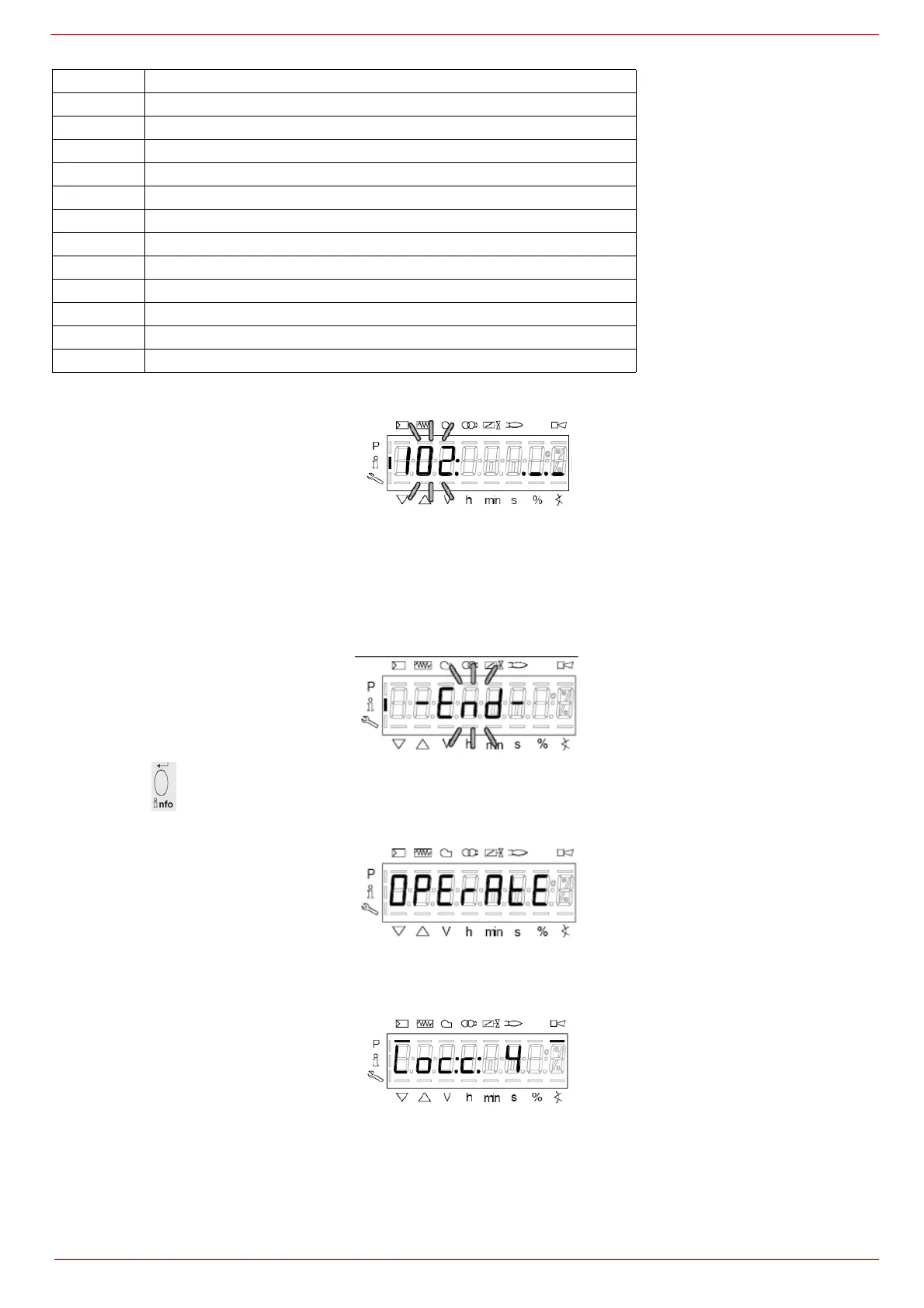
5 Example: choose parameter 102 to show the date
the display shows parameter 102 flashing on the left and characters ._._ on the right.
6 press InFo for 1-3 seconds: the date will appear
7 press InFo to go back to parameter “102”
8 by pressing + / -, it is possible to scroll up/down the parameter list (see table above), or, by pressing ESC or InFo for more seconds,
the display will show
9 Once the last parameter is accessed (143) by pressing + , the End message will flash.
10 Press InFo
for more than three seconds or for more than three seconds orto return to the normal display.
If a message like the one below is shown during operation,
it means that the burner is locked out and the Errore code is shown (in the example “error code:4”); this message is alternating with
another message
Parameter Description
167 Cubic meters of fule (resettable)
162 Operating hours (resettable)
163 Device operating hours
164 Burners start-ups (resettable)
166 Total number of start-ups
113 Burner number (i.e. serial number)
107 Software version
102 Software date
103 Device serial number
104 Customer code
105 Version
143 Free



 To Next Page