PART III: OPERATION
35
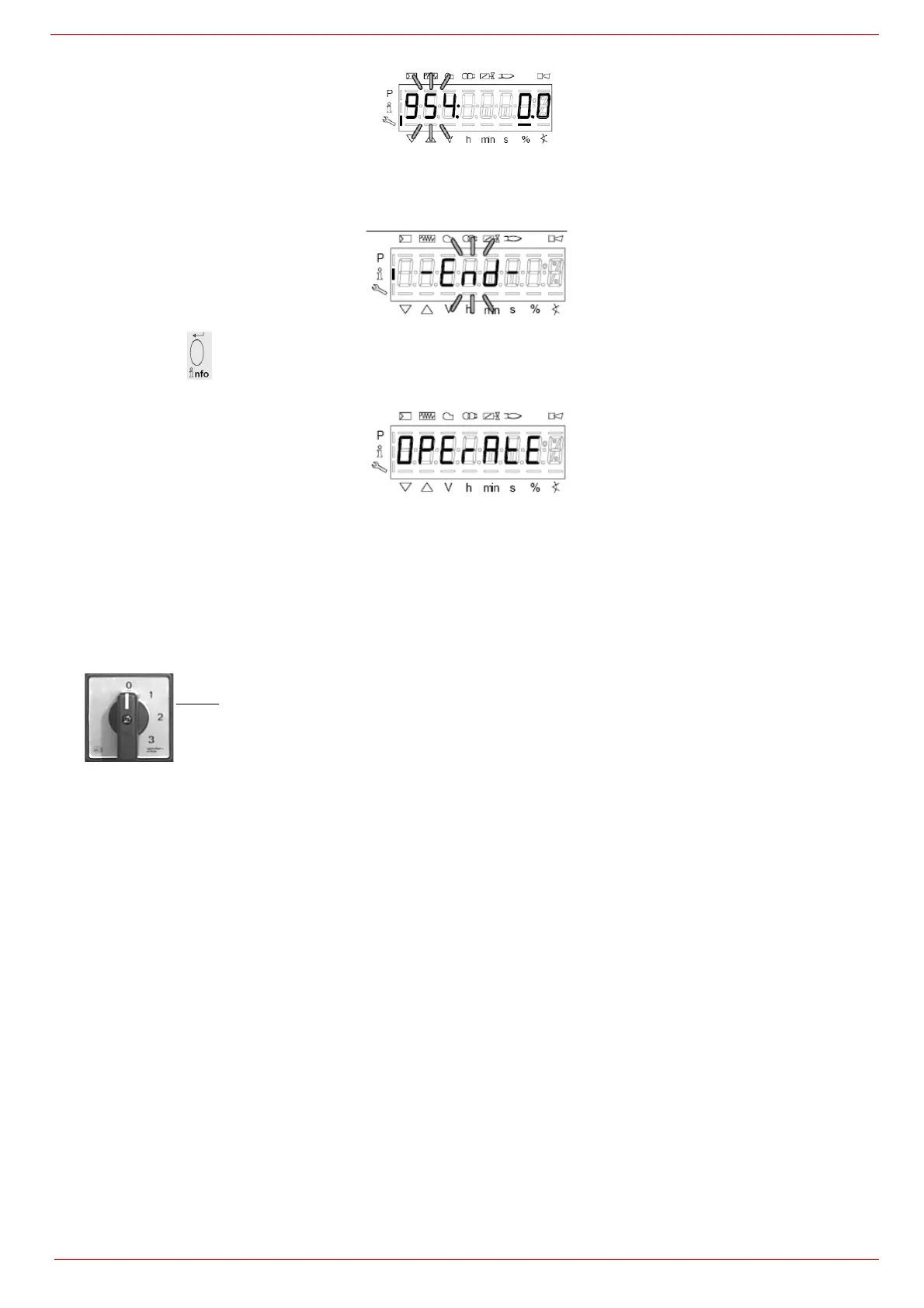
1 .the first parameter will be “954”: the percentage of flame is shown on the right. By pressinf + or - it is possible to scroll up/down the
parameter list.
2 Once the last parameter is accessed (143) by pressing + , the End message will blink.
3 PressPress InFo
for more than three seconds or for more than three seconds orto return to the normal display.
For further nformation, see tha LMV2 related manual.
Fully-modulating burners
.To adjust the fully-modulating burners, use the CMF switch on the burner control panel (see next picture), instead of the TAB thermo-
stat as described on the previous paragraphs about the progressive burners. Go on adjusting the burner as described before, paying
attention to use the CMF switch intead of TAB.
The CMF position sets the oprating stages: to drive the burner to the high-flame stage, set CMF=1; to drive it to the low-flame stage, set
CMF=2.
CMF = 0 stop at the current position
CMF = 1 high flame operation
CMF = 2 low flame operation
CMF = 3 automatic operation



 To Next Page