36
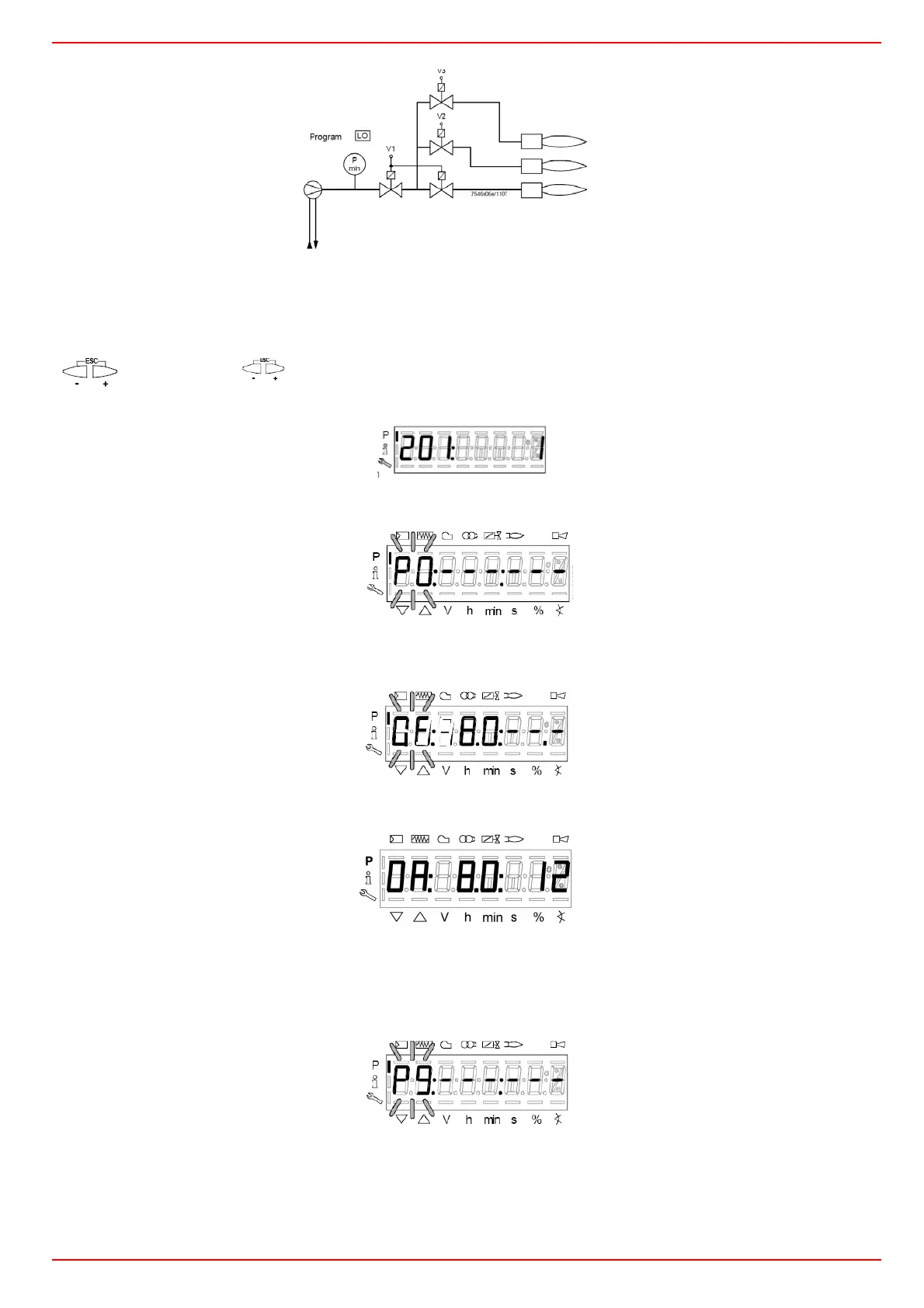
In the example the Gmod gas train has been set (Configuration “1”).
Choose the fuel train by pressing ENTER, then press “+” / “-”. Press ENTER to confirm: number “1” will appear on the right side of the
display.
Then press ESC to quit. The following display is:
Press “+” to show the first point to be set P0.
Press F and “+” to increase the opening angle of the fuel actuator “0F” until the requested value is reached (for example 8°, see
below) for the ignition point; or press F and “-” to decrease the angle:
To set the air damper opening angle “0A” in the ignition point (12° for exam
ple - see below), press “A” and “+” “A” and “-” at the
same time:
LMV37:
Now the air and fuel quantities are set at the ignition point P0:
By pressing “+”, point P9 can be programmed to set the air and fuel values at the maximum output
go on as described above to the the opening angles of the air actuator (A) and fuel actuator (F):
Lo 3-stage



 To Next Page