14
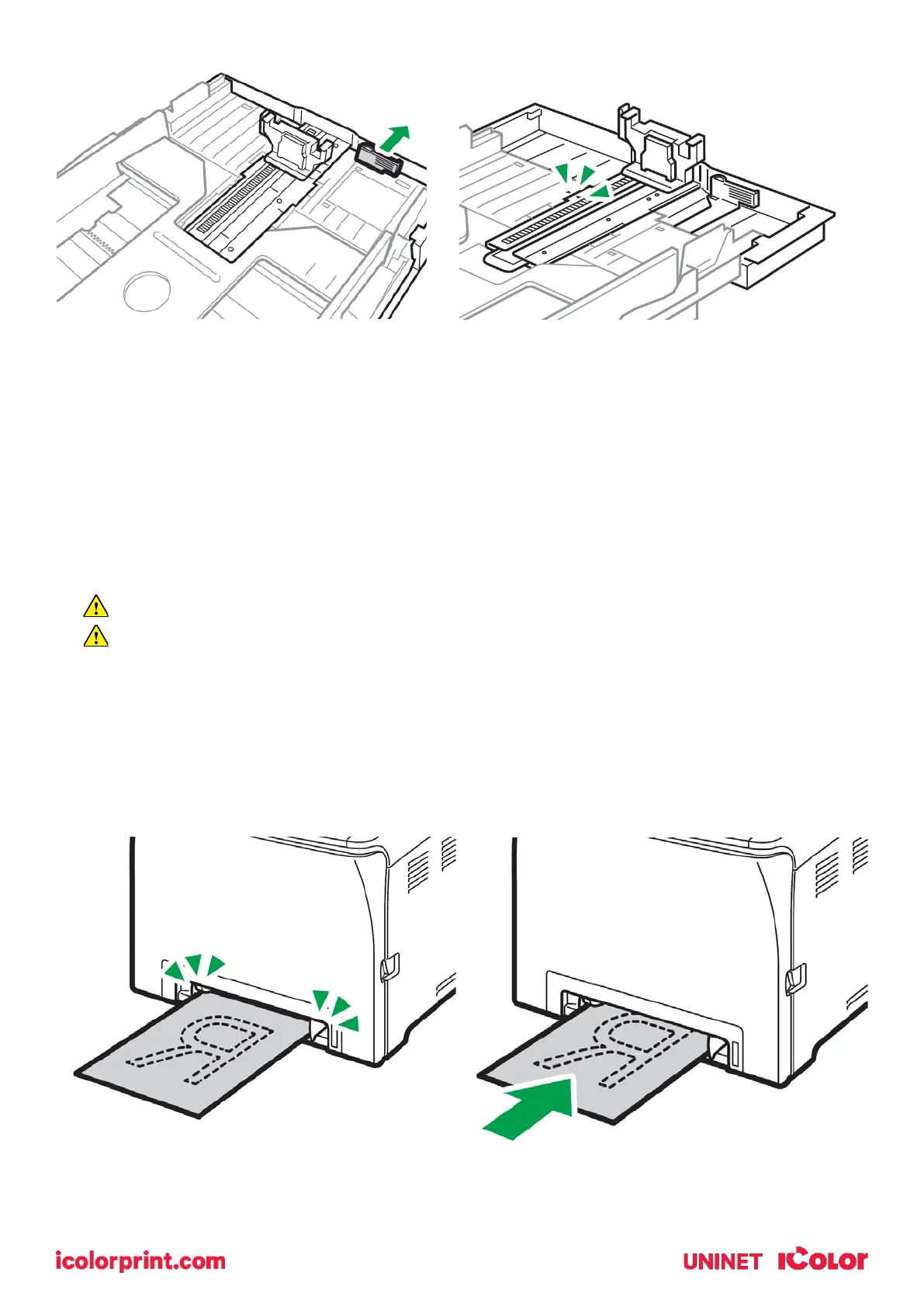
• Pinch the extender, and then pull out the extender until it clicks into place to
accommodate lengths up to 14” long.
• After extension, check that the arrows on the extender and tray are aligned.
• The tray will protrude out of the back of the printer. This is normal.
• To reinsert the extender, you might have to push it with moderate force.
• Maximum paper length is limited to 14” long. Use of longer papers can lead to jams.
Remember to also set the side guides in accordance with the width of the paper used.
NOTE: Do not extend this tray when loading A4 or letter size paper. Otherwise, a paper
jam may occur.
Bypass Tray Operation



 To Next Page