26
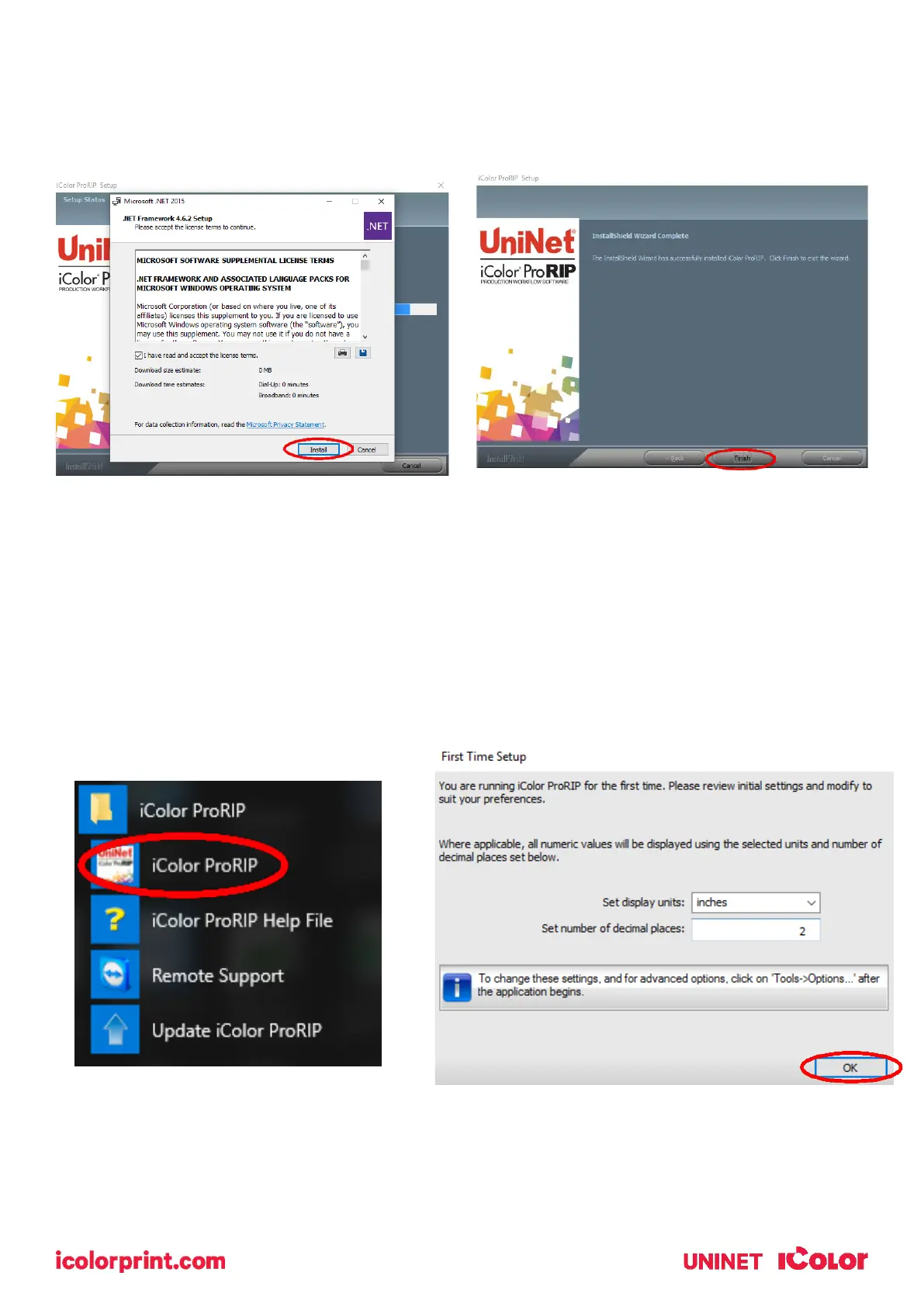
7) If not already installed, you will be prompted to install .NET Framework, which is a necessary component
to the ProRIP software. Accept the license terms and click ‘Install’. Once the InstallShield Wizard is
complete, click ‘Finish’. This installation normally takes several minutes to complete.
ProRIP First Time Setup
1) Be sure the IColor ProRIP dongle is installed and you are connected to the internet. From the Windows
Start menu, choose All Programs >> IColor ProRIP or double click on the desktop icon that was created
upon installation. Launch the program. Create a shortcut if desired for quicker access later. Confirm first
time setup by setting your preferred unit of measure and decimal places. This can be changed later
under Tools >> Options.



 To Next Page