EasyManua.ls Logo

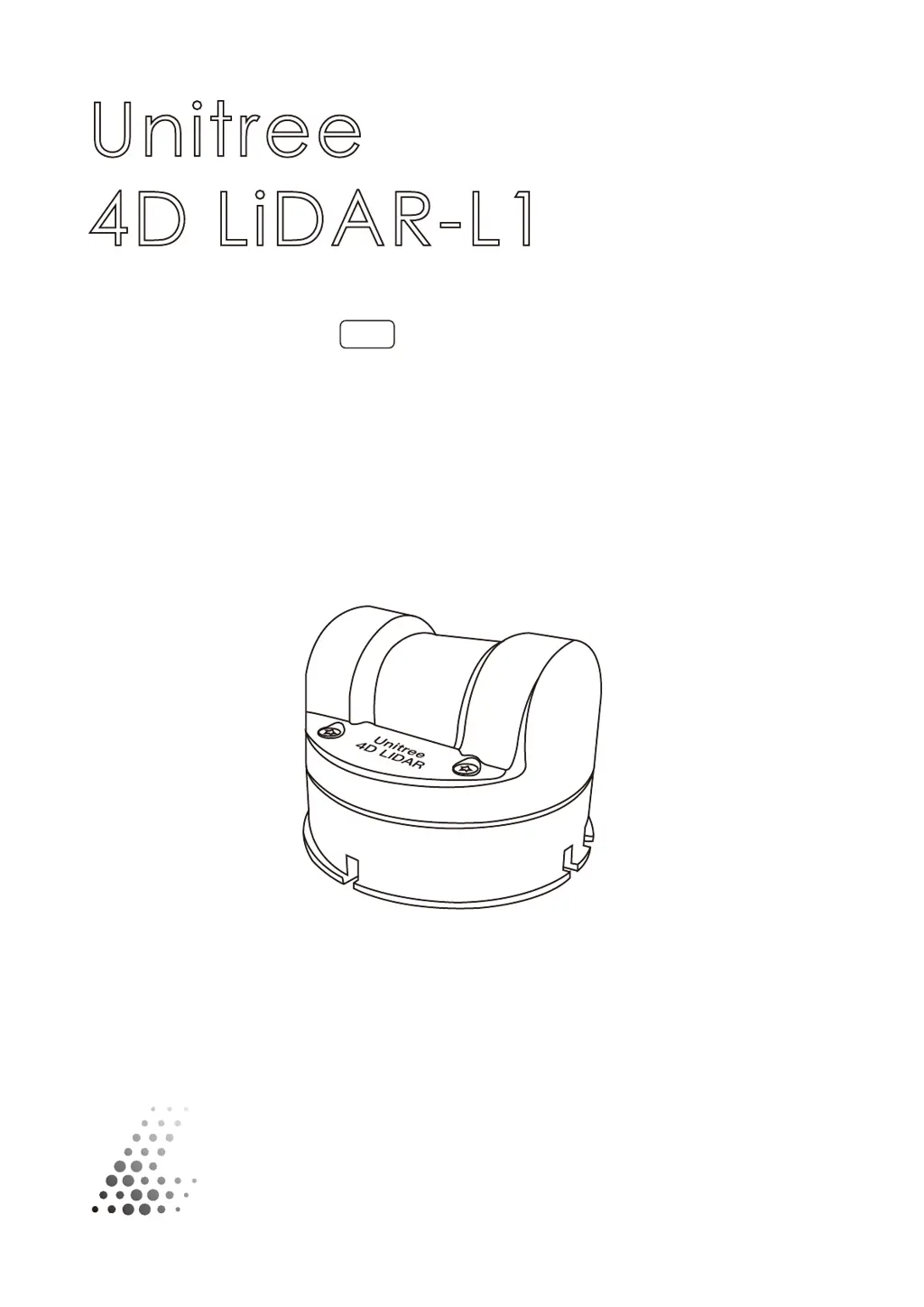
Unitree 4D LiDAR-L1 - User Manual

Unitree 4D LiDAR-L1
18 pages
Print Icon
To Next Page IconTo Next Page
Loading...
Unitree
4D LiDAR-L1
User Manual
2023.04
v 1.0

Other manuals for Unitree 4D LiDAR-L1

Questions and Answers

Summary

Product Overview

Introduction

Introduces the Unitree 4D LIDAR-L1 as a cost-effective, safe, and reliable 4D LiDAR, detailing its applications and capabilities.

Working Principle

Component Description

Optical Window

The aperture through which the laser beam emits, enabling scanning of objects within the Field of View.

Outlet

The 4-pin connector for power and data transmission, allowing connection via a conversion module.

Locator slot

A positioning point on the bracket to enhance overall positioning accuracy.

M3 Mounting Hole

Holes for fixing the L1 unit to a suitable position using M3 screws.

Interface Definition

4-Pin Connector

Details the 4-pin serial port, its pin sequence definition, signal, attribute, description, cable color, and function for power and data transmission.

Installation

Effective Field of View (FOV) Range

Describes the L1's scanning capabilities, including horizontal and vertical FOV, and its impact on point cloud density.

Installation Precautions

Provides critical safety and handling guidelines to ensure optimal performance and longevity of the L1 unit.

Installation Dimensions

Details the mechanical dimensions, mounting hole specifications, weight, and size of the L1 unit for installation planning.

Usage

Wiring

Explains how to connect the L1 using the adapter module, power adapter, and data cable for power supply and data transmission.

Coordinate System

Defines the Cartesian coordinate system (0-XYZ) for the L1, specifying axis directions and origin for point cloud data.

Point Cloud Data

Working Status and Working Modes

Working Status Description

Explains the different operational states of the L1: sampling, standby, and interference status.

Working Mode Description

Describes the two user-selectable modes: normal and standby, and how they are set and managed.

LED Modes

Unilidar

Unilidar SDK

Storage, Transportation, and Maintenance

Storage

Provides guidelines for storing the L1 unit, including temperature range and environmental considerations.

Transportation

Outlines precautions for safely transporting the L1, emphasizing secure installation and packaging.

Maintenance

Details the maintenance required for the L1, focusing on cleaning the optical window to ensure data quality.

FAQ

After-sales Warranty Information

Parameter Specifications

Unitree 4D LiDAR-L1 Specifications

General IconGeneral
Laser Wavelength905 nm
Number of Lasers128
IP RatingIP67
Angular Resolution (Horizontal)0.1°
Scan Rate10Hz
InterfaceEthernet