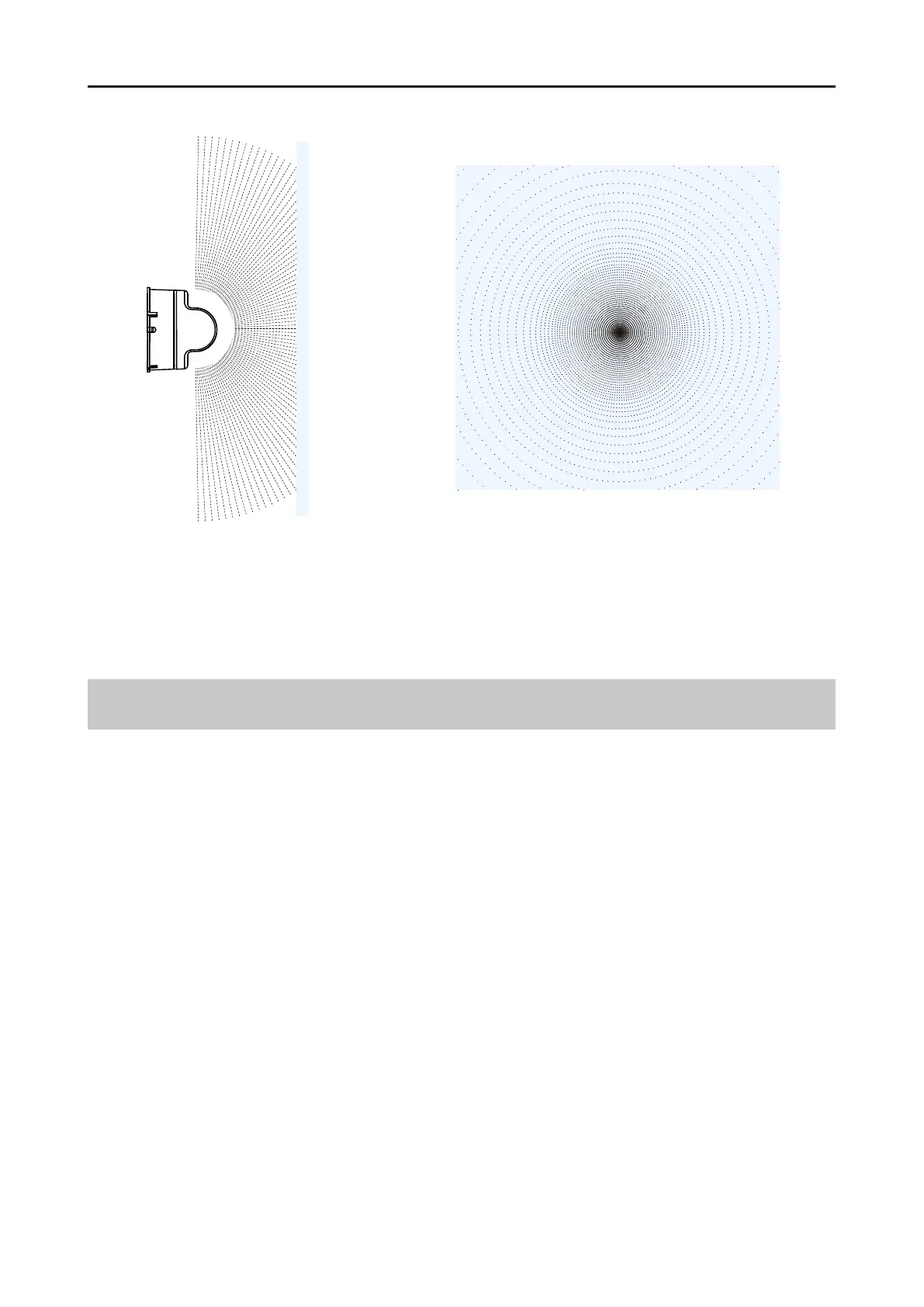
The range of view directly above L2 is the furthest. In addition, there will be an extremely small
angle area of vision deficiency directly above L2, which is a normal phenomenon after algorithm
correction.
L2 Different FOC Regions Point Cloud Density
2024 Unitree Robotics. All rights reserved. 7
Unitree4D LiDAR-L2 User Manual
Installation Precautions
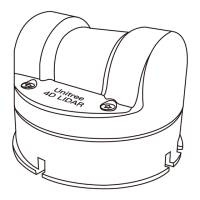
Before formally installing the L2, please be sure to read the following precautions carefully:
Clean the optical window with alcohol or a clean cloth before installation. Also ensure the clean-
liness of the optical window during use. Dust or other dirt may affect the scanning effect of the
L2.
During installation, do not block its FOV. Even installing a transparent glass plate on the optical
window will affect the performance of L2.
The L2 can be installed in any direction through the bottom installation holes.
The installation structure of L2 can only ensure its own reliability, and the body cannot bear ad-
ditional loads.
Leave a certain amount of space on all four sides during installation to prevent poor air flow
from affecting the heat dissipation effect.
When the application scenario requires water resistance, the L2 needs to be equipped with a
water protection device. The water protection diagrams for normal installation and upside -
down installation are as follows:
1.
2.
4.
3.
5.
6.



 To Next Page