2) Remote Control Charging
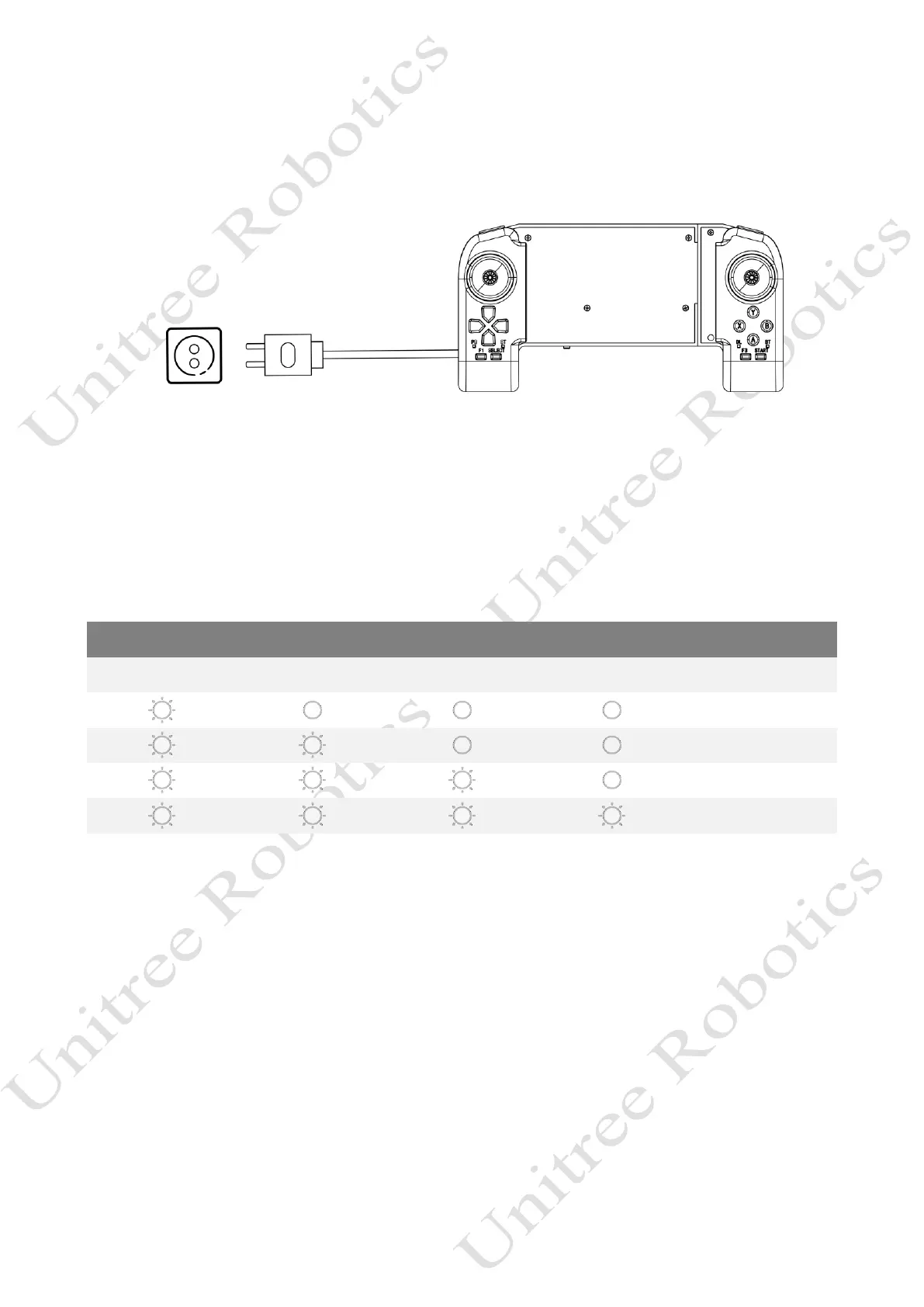
When the battery indicator light of the companion remote control shows that the battery is low, you should
connect the companion remote control to the charger as shown in the figure below:
1) We recommend you to use a 5V/1A USB charger which meets FCC/CE standard.
2) Ensure that handheld remote control is switched off before charging it.
3) The power indicator light will flash at 1Hz (1 second/time) in charging status and indicate the current
power level.
4) When the power indicator light is all off it means the battery pack is full, please remove the charger to
finish charging.



 To Next Page