MSC-400 Reference Manual
Rev 4
51
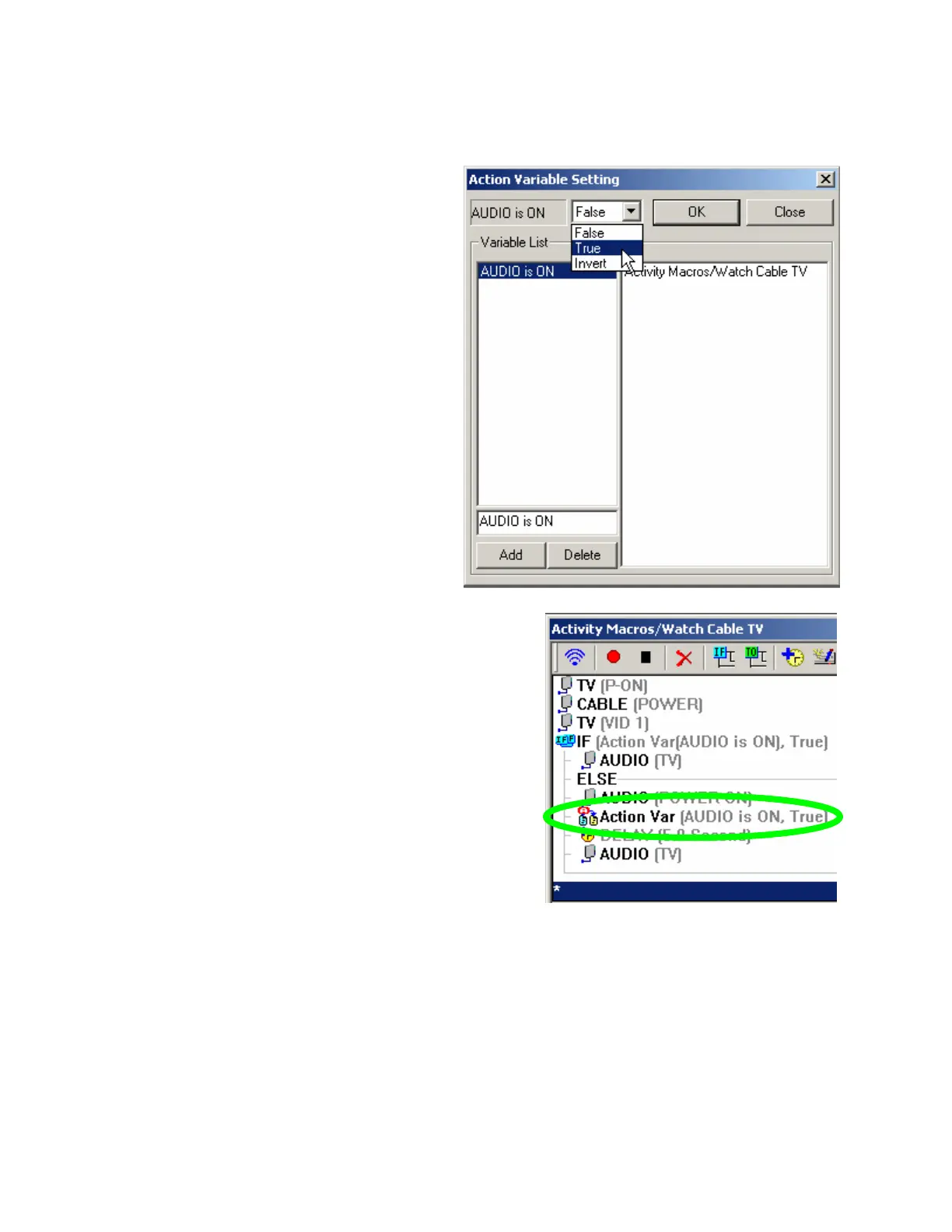
10. Change the state of our “Audio is ON”
variable to TRUE.
Click on OK to close the window.
The new variable setting appears in Smart Macro
window. Drag it into place in your IF Else statement .
Remember every place that the Audio Receiver’s
power state changes needs to have the variable set
correctly. Now you just need to repeat for all your
Smart Macros. Don’t forget the System Off smart
macro, since it will change the Audio Receiver to off,
thus the variable Audio is ON needs to be set to
FALSE.



 To Next Page