MSC-400 Reference Manual
Rev 4
55
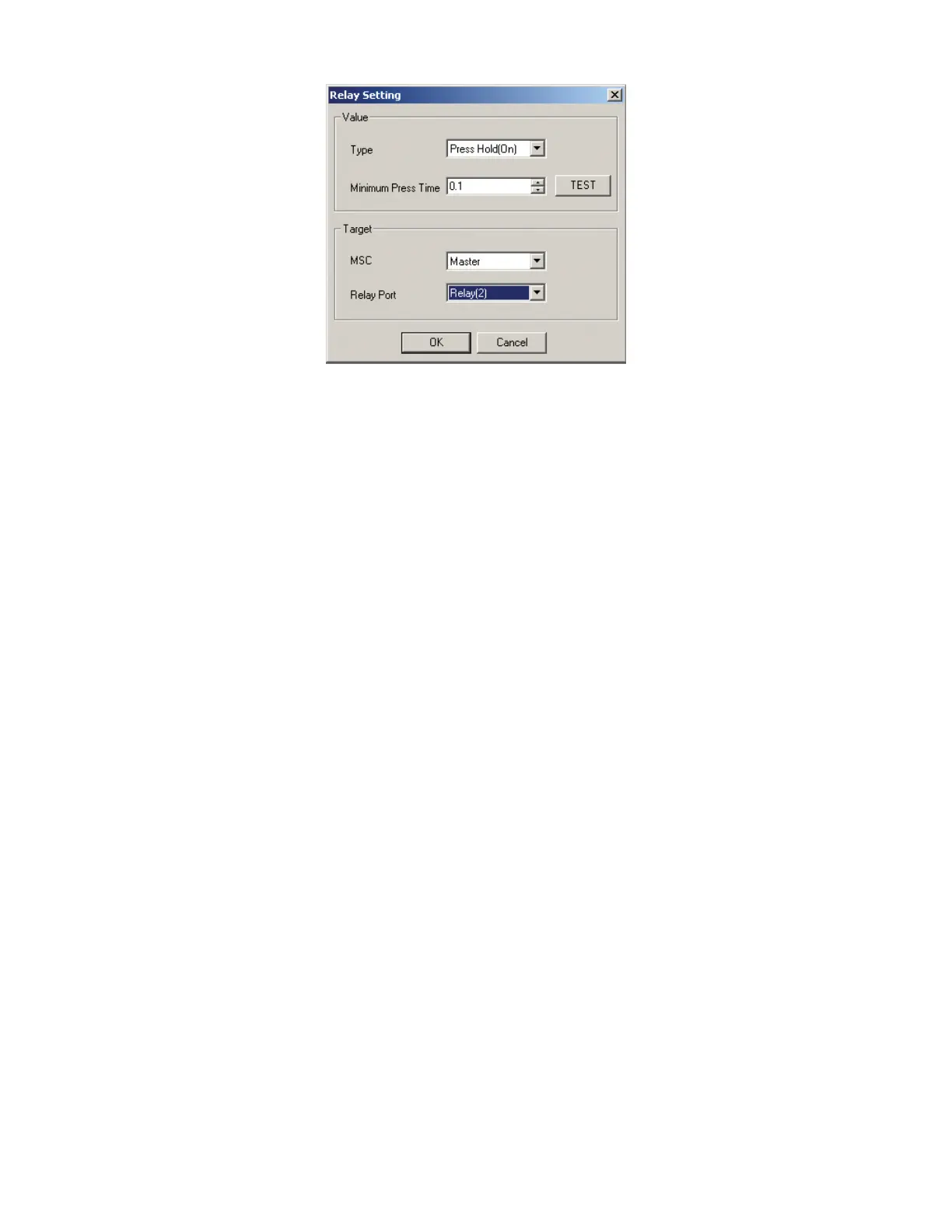
Press & Hold Relay Setting Window
11. In the VALUE BLOCK set the TYPE of Relay using the PULL-DOWN. (ex. Press & Hold On)
12. IF appropriate, set a MINIMUM PRESS TIME from .1 TO 32.3 SECONDS. This will have the relay
close (or open) for the duration designated in Minimum Press Time or for the duration of the button
press, whichever is longer. For a purely PRESS & HOLD COMMAND set the value at .1 SECOND.
13. In the TARGET BLOCK, set MSC to MASTER/SLAVE as appropriate, using the pull-down.
14. In the TARGET BLOCK, set RELAY PORT to RELAY 1 or 2.
15. Click OK.
16. Repeat STEPS 9 -15 for all other RELAY SMART MACROS.
17. To TEST a RELAY COMMAND with a TIMED DURATION (with the PC connected to the MSC400
USB1 PORT) click the TEST BUTTON. There should be two audible clicks, from the MSC-400, equal
to the value set in Minimum Press Time, indicating the relay is changing state.
18. To test a PURE PRESS & HOLD COMMAND, or any other RELAY COMMANDS from the REMOTE,
SAVE and DOWNLOAD the MSC PROJECT. See Section: SAVING AND DOWNLOADING A MSC-
400 PROJECT for additional information. Pg #
19. In MX/TX EDITOR, program the appropriate buttons for the RF TRIGGERS for the PRESS & HOLD
RELAY COMMANDS or any other RELAY COMMANDS to be TESTED from the REMOTE. See
Section: PROGRAMMING MACRO TRIGGERS TO THE REMOTE for additional information. Pg#
20. SAVE and DOWNLOAD the MX/TX PROJECT. See Section: SAVING AND DOWNLOADING A
MX/TX PROJECT. Pg#
21. TEST from the REMOTE by PRESSING AND HOLDING the appropriate BUTTONS.
12
13
14
15
17



 To Next Page