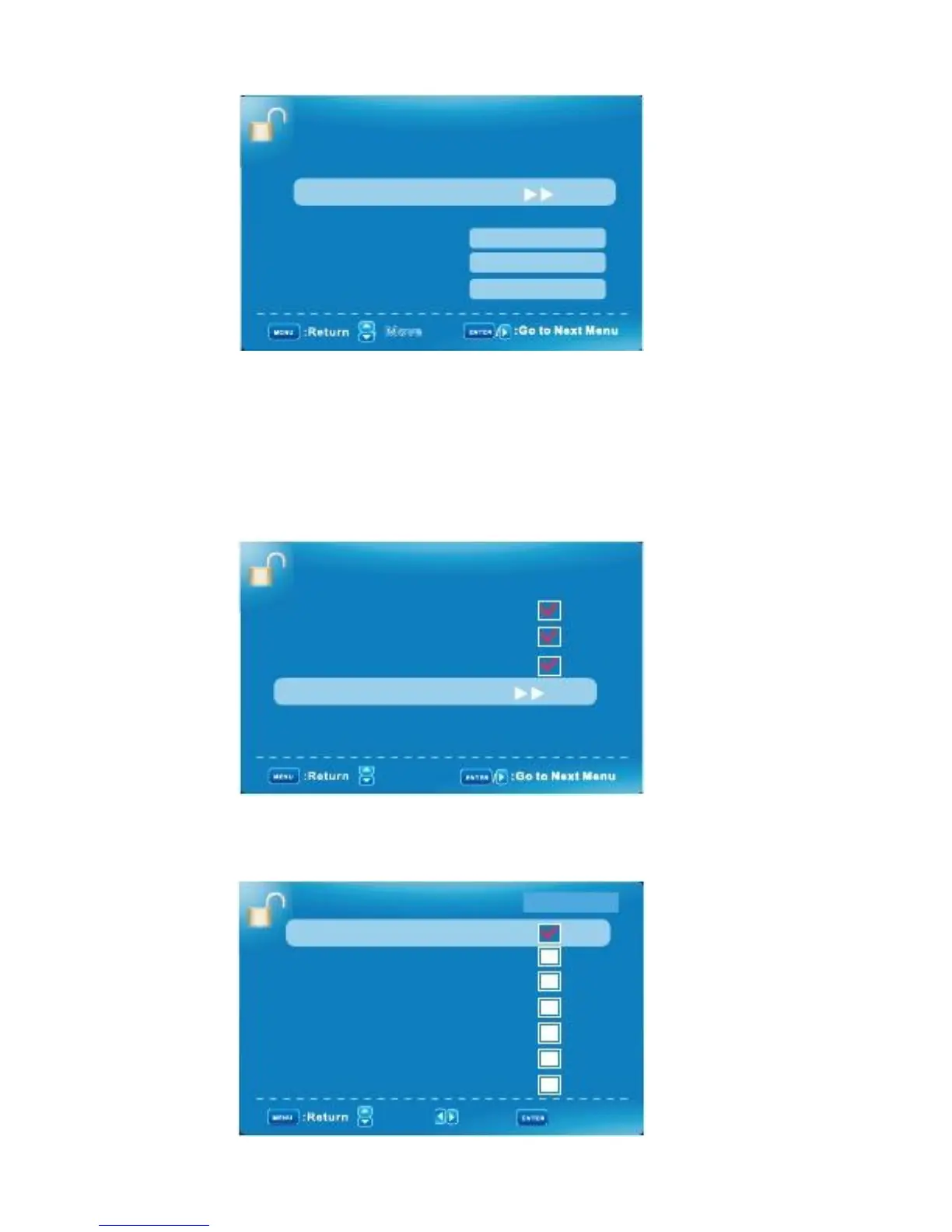
PARENTAL CONTROL MENU/ Hotels Lock Settings
HOTEL SETTING
Boot Setting
Hotel Lock Setting
Power Save
Export Setting
Import Setting
Reset Hotel Setting
Off
Execute
Execute
Execute
:
Move
A. Tuner Lock:
Press
▲▼
to select tune to lock, then press ENTER to set it to lock. Moreover, it could not search the
Channel, .but change available channel.
B. Keypad Lock
Press
▲▼
to select keypad if you want to lock, and then press ENTER to set it to lock. Meanwhile, remote
Control only could be used for selection.
C. Menu Lock
Press
▲▼
to select the menu you want to lock, and then press ENTER to set it to lock. If anyone want to
Use this menu, the reset is needed.
HOTEL LOCK SETTING
Tuner Lock
Keypad Lock
Menu Lock
Source Lock
Channel Lock
:
Move
D.Souce Lock:
Press
▲▼
to select the source you want to lock, and then press ENTER to set it to lock. If
Anyone want to use this source, the reset is needed.
SOURCE LOCK
TV
AV
YPbPr
HDMI1
HDMI2
HDMI3
PC
Page 1/2
:
Move
: Page
English -27
: On/Off



 To Next Page