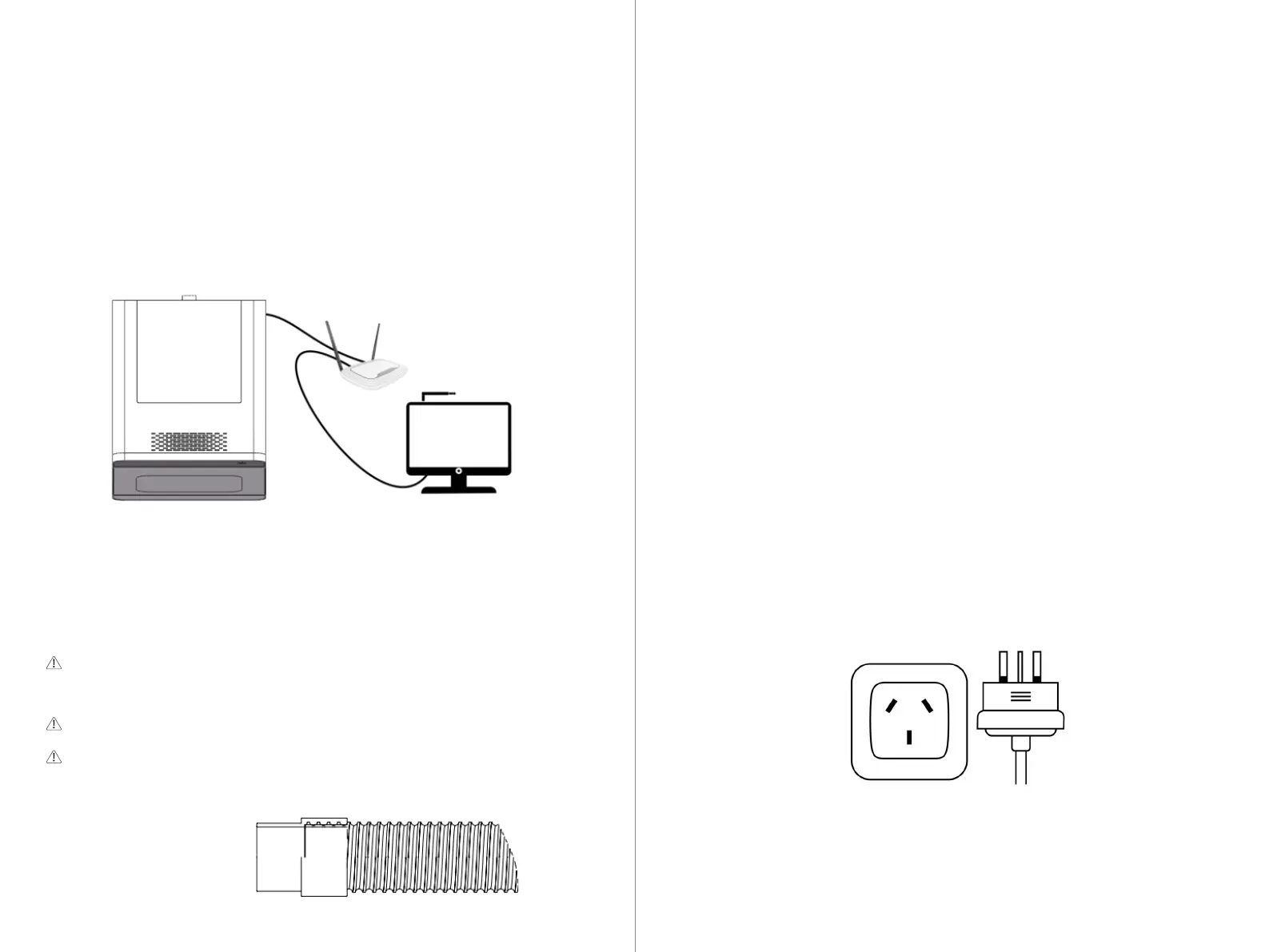
Inner diameter 40mm
Outer diameter 48mm
This machine must be equipped with a dental vacuum cleaner specifically
designed to remove machining debris.
Without a vacuum cleaner, the machine cannot complete machining tasks.
Please configure the vacuum cleaner in advance, and ensure it runs simulta-
neously during machining.
During installation, please read the vacuum cleaner's instruction manual and
follow these steps:
Step 1: Place the vacuum cleaner body in a suitable area.
Step 2: Connect the vacuum cleaner to the machining machine with the vacuum pipe.
Step 3: Connect the machining machine linkage line.
Step 4: Insert the power cord into the vacuum cleaner body and turn on the power.
The machine needs continuous power supply to operate normally:
-Insert the power cord included in the accessory box into the power interface on
the machine's connection panel.
-Insert the plug into a socket protected by a residual current device/ground fault
circuit interrupter.
-Use a separate power strip or power input, do not use extension cords or power strips.
-Ensure voltage stability. If a power failure occurs during operation, the needle
and material may be damaged.
Note: Do not bundle the power cord and network cable together to avoid inter-
ference, which may cause abnormal operation of the equipment."
If you want to connect via the network:
1. Insert one end of the network cable into the network port on the machine's
connection panel.
2. Insert the other end of the network cable into a port on the local network,
such as a router or switch.
- The computer must also be connected to the same network.
- IP assignment in the network must be handled by a DHCP server.
5.4 Establishing Vacuum Connection
5.5 Establishing Electrical Connection
23 24



 To Next Page