43 44
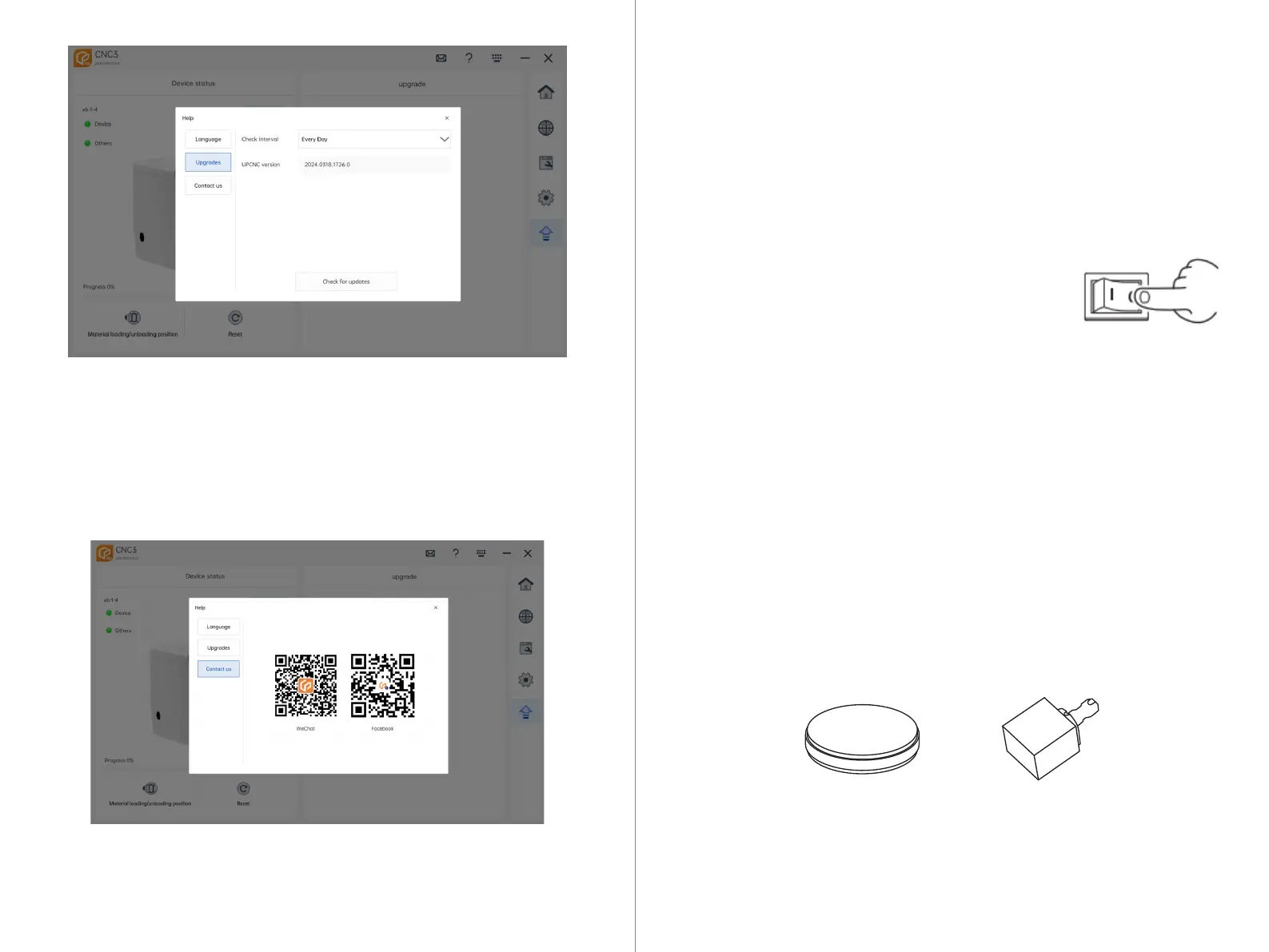
Check for Updates Interval: Click the dropdown menu to display the update
checking interval options: daily, weekly, or monthly.
Check for Updates: Click "Check for Updates." If there are no new versions avail-
able, it will prompt that the current version is up to date. If there is a new version
available, it will automatically initiate the upgrade process.
Contact Customer Service: You can scan the corresponding QR code to contact
customer service.
/Machine Startup
08
8.1 Machine Startup
- Ensure that the equipment operating door is closed.
- Turn on the main power switch of the equipment.
- Press the power button on the front panel of the equipment.
- Start CNC 3 at the control end.
- The intelligent light bar and internal indicator lights of the
equipment illuminate.
- The equipment starts successfully.
8.2 Pre-processing Preparation
Improper use can result in damage to tools and materials or affect cutting effective-
ness. Please ensure the correct material type and size specifications for cutting, and
use original factory milling cutters for milling. Also, to avoid material movement and
vibration during cutting, ensure that the material tray is properly locked.
Zirconia, PMMA, PEEK, wax, composite resin, and soft cobalt-chromium alloy.
Disc (with step): Diameter 98.5mm, Height 10-30mm
Square: Pin diameter 6mm
Note: When cutting square materials, an additional square clamp is required.
8.2.1 Supported Cutting Materials



 To Next Page