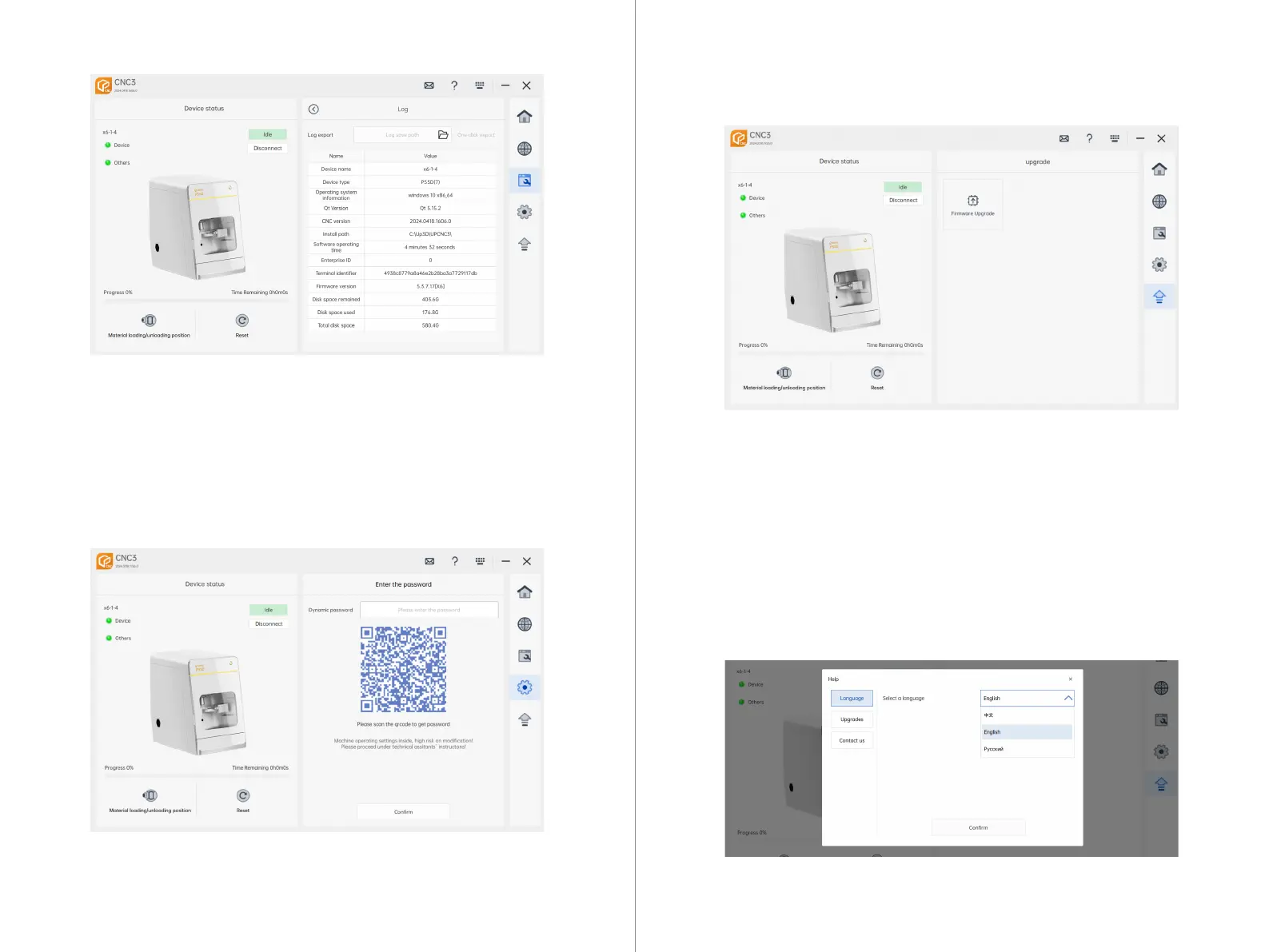
Restart Device Upgrade: As shown in Figure 4.1, after entering the firmware
upgrade page, select the corresponding upgrade package and click "Restart
Device Upgrade." This will erase the current firmware of the machine, switch it to
BOOT mode, and require reconnection to BOOT mode.
Write Firmware: In BOOT mode, manually select the firmware package that
needs to be upgraded, click "Write Firmware," and wait for the firmware to be
successfully written. After a few seconds, you can reconnect the machine.
7.6 CNC3 Upgrade Interface
7.6.1 Firmware Upgrade
Log Export: Click on Log Export, select the export path, and then click Export All
to export all log information of the current machining machine, including the
lower machine log, device information, operating environment, Link informa-
tion, current NC file, machining machine parameters, and upper machine log.
7.4.12 Logs
Enter Password: Clicking on the settings page will pop up a dialog box to scan
the code using the app for login. Note: This feature is for after-sales mainte-
nance use, so password protection management is implemented.
7.5 CNC3 Setting Interface
7.5.1 Advanced Settings
41 42
Language Interface: Click on the dropdown menu, select the desired language to
switch to, then click "Confirm" to change the language.
7.7 CNC3 Help Interface



 To Next Page