6.1 Equipment Startup
/Equipment Operation
06
When starting the equipment for the first time, there is a risk of short circuit if the
equipment is in an excessively cold state. If the machine is transported from a cold
environment to a warmer one, condensation may cause a short circuit.
After the initial preparations, ensure the following:
- Ensure that the temperature of the environment where the equipment is located
meets the requirements for the equipment's operation.
- Before turning on the power, ensure that the machine's temperature is the same
as the ambient air temperature.
- Ensure that the interior of the machine is completely dry to avoid the risk of short
circuits caused by moisture.
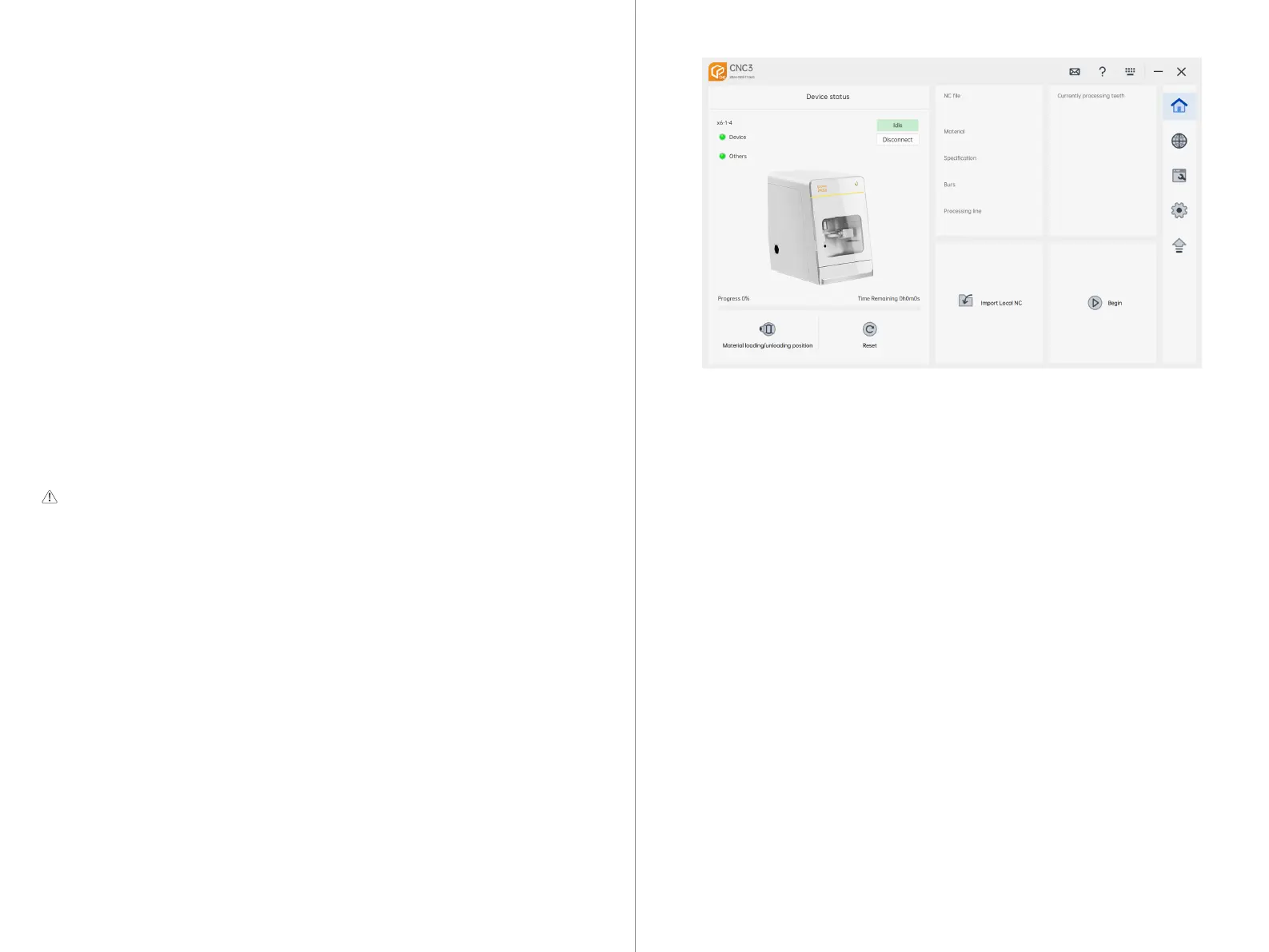
If the machine is not displayed in UPCNC, please follow these steps to check:
1. Machine Power: Ensure that the machine is powered on and the main power
supply is connected.
2. Wired Connection: If you are using a wired connection, make sure all cables
are properly connected to the machine and the computer's network ports. Check
for loose or damaged cables.
3. Wireless Connection: If you are using a wireless LAN, ensure that the signal is
strong enough. If the signal is weak, consider temporarily switching to a wired
connection to test and eliminate the possibility of unstable wireless signals.
4.Firewall Settings: Check the firewall settings to ensure that the firewall is not
blocking the connection between the machine and the CAM computer. You can
try temporarily disabling the firewall to test if it is preventing the connection.
After completing the above checks, follow these steps to start the equipment:
1. Ensure that the equipment's operating door is closed, and the equipment is in a
closed state.
2. Turn on the main power switch of the equipment and press the power button on
the front panel of the equipment.
3. Check if the LED lights on the equipment are on. At this point, the equipment will
not home, but the indicator lights indicate that the power is properly connected.
4. Double-click to start the UPCNC control software on the computer and confirm
that the equipment is successfully connected.
Pre-start check: Ensure that the transportation lock has been removed
and the equipment's power connection is correct.
25 26



 To Next Page