10. Press [ENTER].
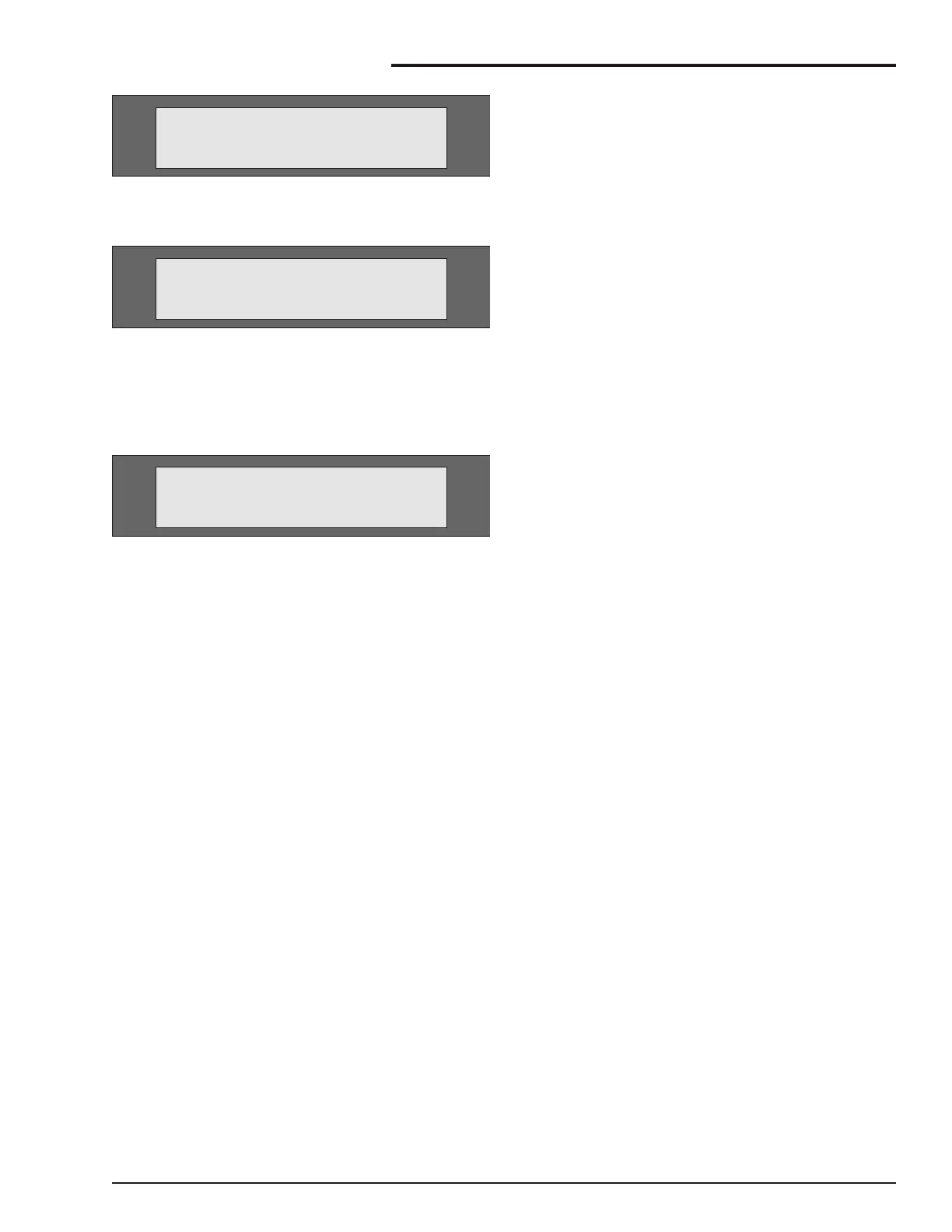
The display screen will show:
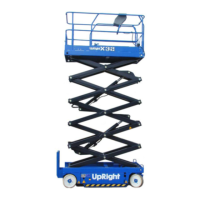
11. Press [ESC] to abort the calibration or
[ENTER] to proceed with the calibration
process.
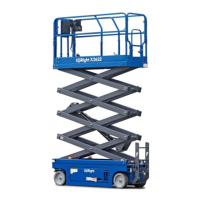
If [ENTER] is selected the display screen
should show:
12. Values should now read approximately 0.0,
0.0. If they do not repeat from step 9.
13. Switch the ignition off and on again.
14. Check that the machine now levels correctly.
SR3370 & SR2770 (CE) – 12864B page 21
Maintenance Information
CALIBRATE LEVEL:
YES:ENTER.NO:ESC
CALIBRATE LEVEL:
TILT 0.0’.0.O’
MACHINE SETUP:
CALIBRATE LEVEL



 To Next Page