Wireless MAXg Access Point:
User Guide
Access Point Status Information
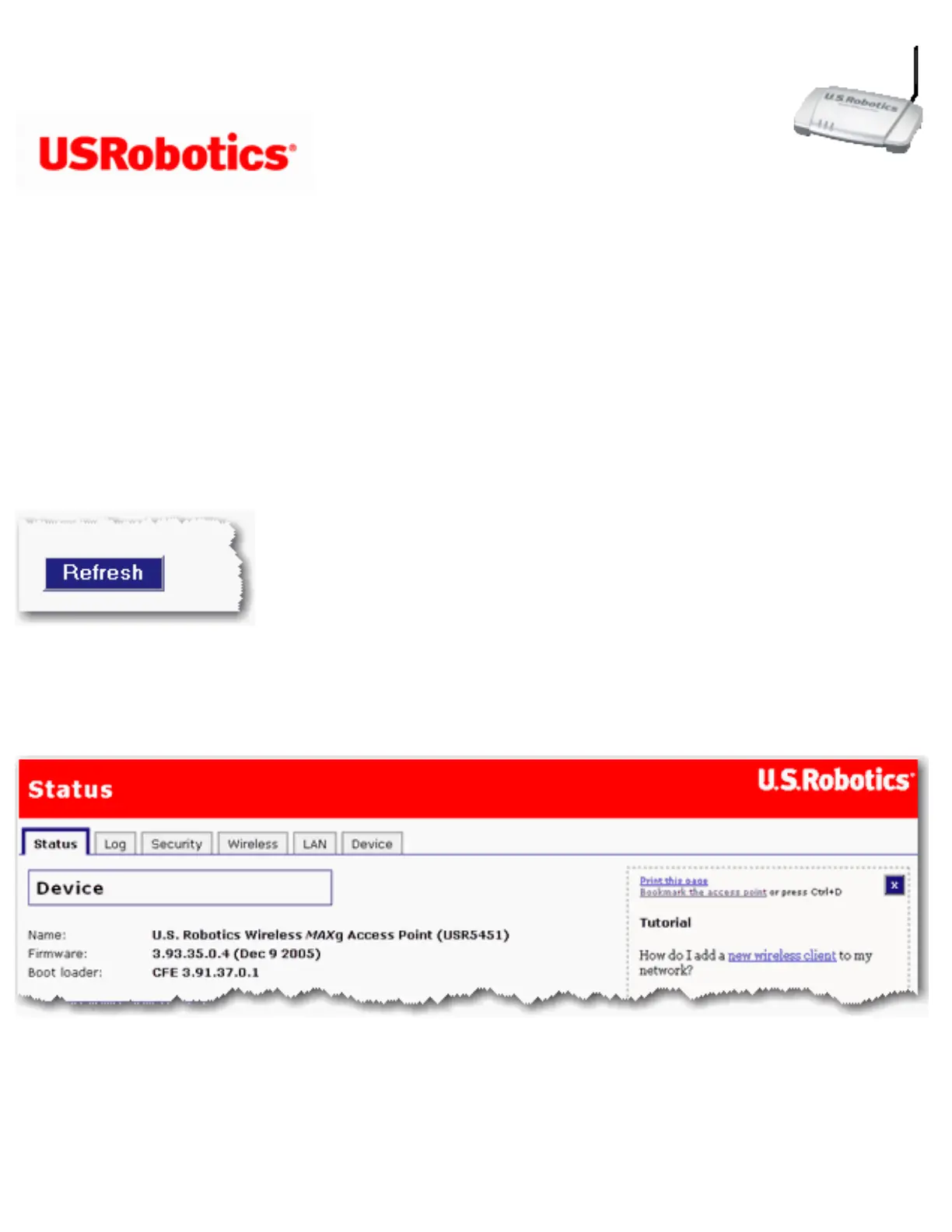
From Status page, you can view the current status of your access point and its features.
Refresh: Click Refresh at the bottom of the page to update the page with current
information.
Device
● Name: The name of the access point.
● Firmware:The current firmware version on your access point.
● Boot loader:The boot loader version that is running on your access point.
file:///G|/CSO/T-Writer%20Repository/Networking/5455%20MAXg%20CR%20AP/Regulatory%20Preview/status.html (1 of 4)4/24/2007 5:15:45 PM



 To Next Page