Wireless MAXg Access Point:
User Guide
Security
The Security page lets you configure and change the security settings for the access point,
including your wireless security settings, MAC address filtering options, and login information.
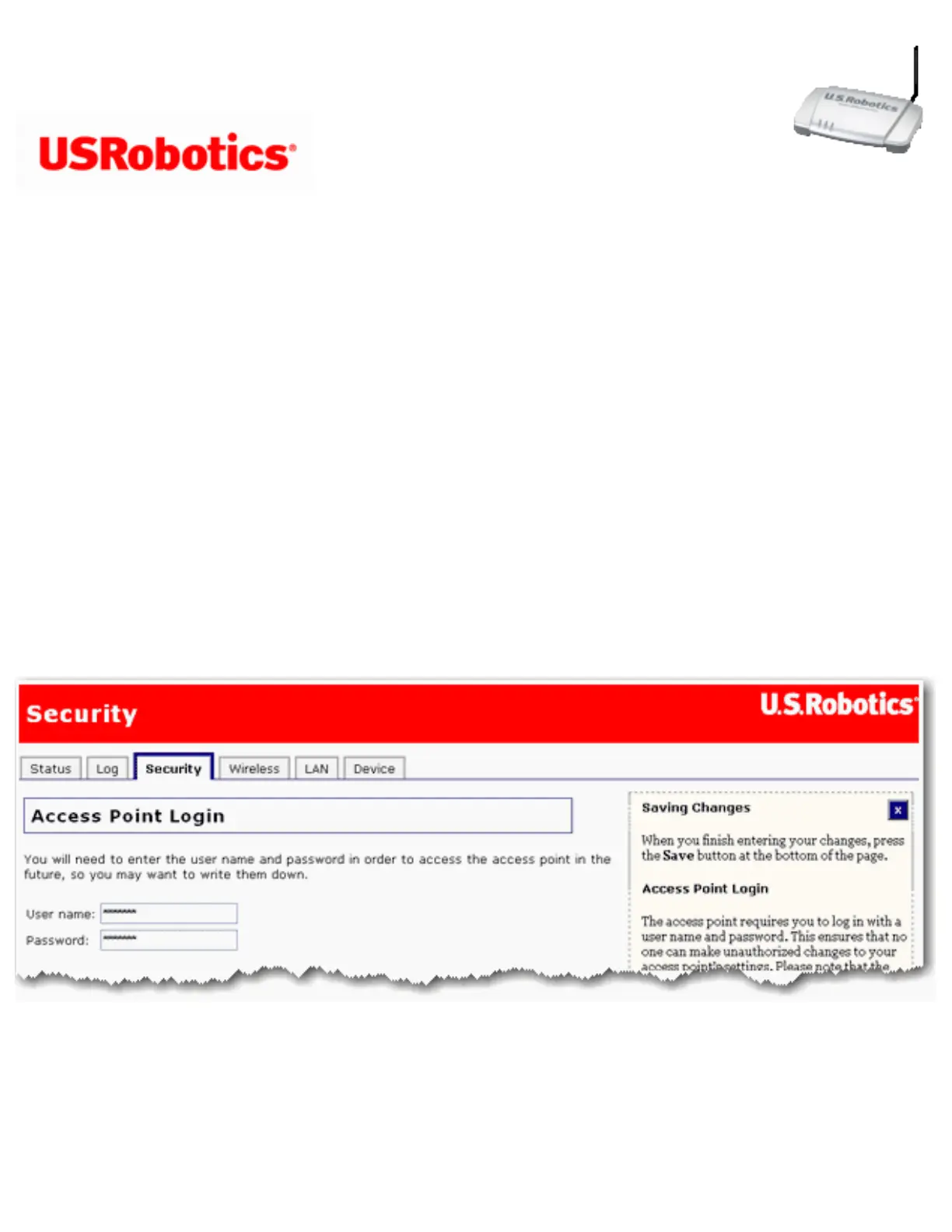
Access Point Login
This section lets you change the user name and password required to use the configuration
pages in the access point. To change these fields, enter the new user name and password
and click Save at the bottom of the page. Then use the new name and password to log in to
your access point.
Password Rules:
1. You can set a password up to 15 characters long. The most secure passwords are
file:///G|/CSO/T-Writer%20Repository/Networking/5455%20MAXg%20CR%20AP/Regulatory%20Preview/security.html (1 of 8)4/24/2007 5:15:53 PM



 To Next Page