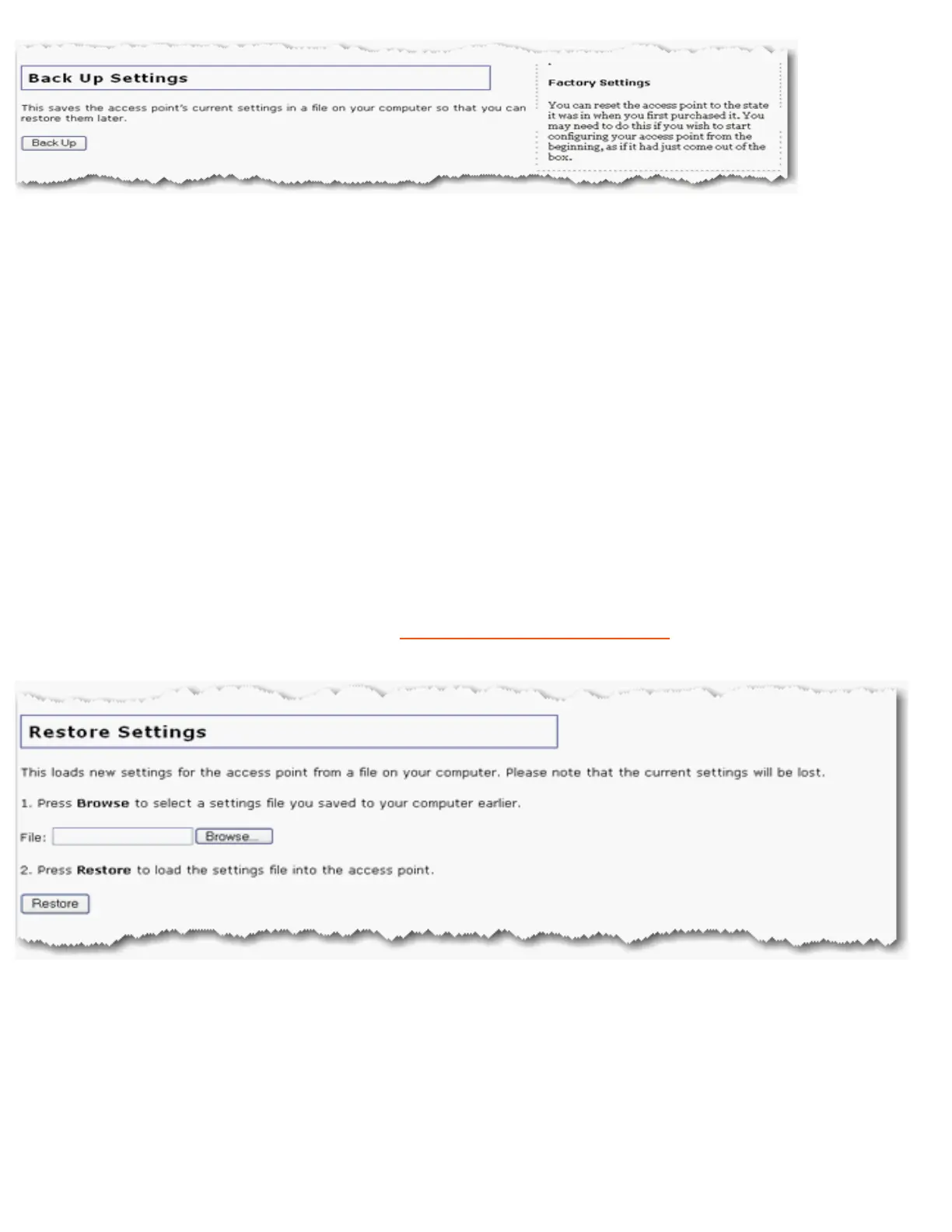
To save your settings:
1. Select Back Up.
2. A window appears. Click Save.
3. Browse to the location at which you want the backup file saved and click Save.
Restore Settings
If you ever lose your settings or if your settings have changed and the access point is not
functioning properly, you can restore your saved settings from a backup file. If you did not
create a backup file, you may need to
restore the default settings.
1. Browse to the location where your backup file is saved and click Open.
2. In the access point configuration page, click Restore.
Factory Settings
file:///G|/CSO/T-Writer%20Repository/Networking/5455%20MAXg%20CR%20AP/Regulatory%20Preview/device.html (3 of 4)4/24/2007 5:15:54 PM



 To Next Page