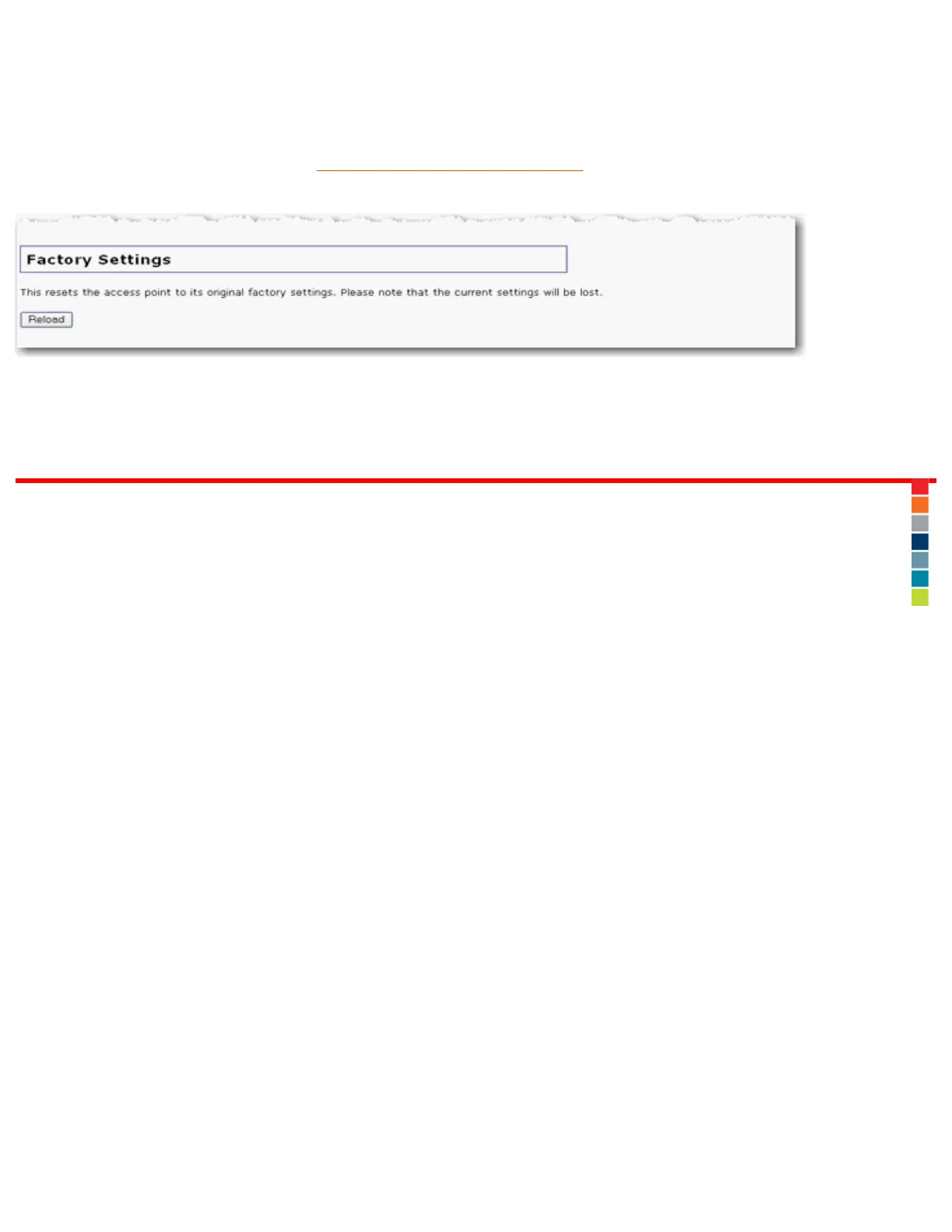
Click Reload to restore the factory default settings of your access point. When you restore
the factory default, all your current settings will be lost. If you have forgotten the password
to your access point, you will need to restore to the factory default using the Reset button
on the access point, and then
reinstall your access point.
You can also restore the factory default settings using the Reset button on the access
point. Press in and hold the Reset button on the access point for 7 seconds.
© 2007 U.S. Robotics Corporation
file:///G|/CSO/T-Writer%20Repository/Networking/5455%20MAXg%20CR%20AP/Regulatory%20Preview/device.html (4 of 4)4/24/2007 5:15:54 PM



 To Next Page