13
If using the Serial Cable to connect
your cutter to a computer:
If using the USB Cable to connect
your cutter to a computer:
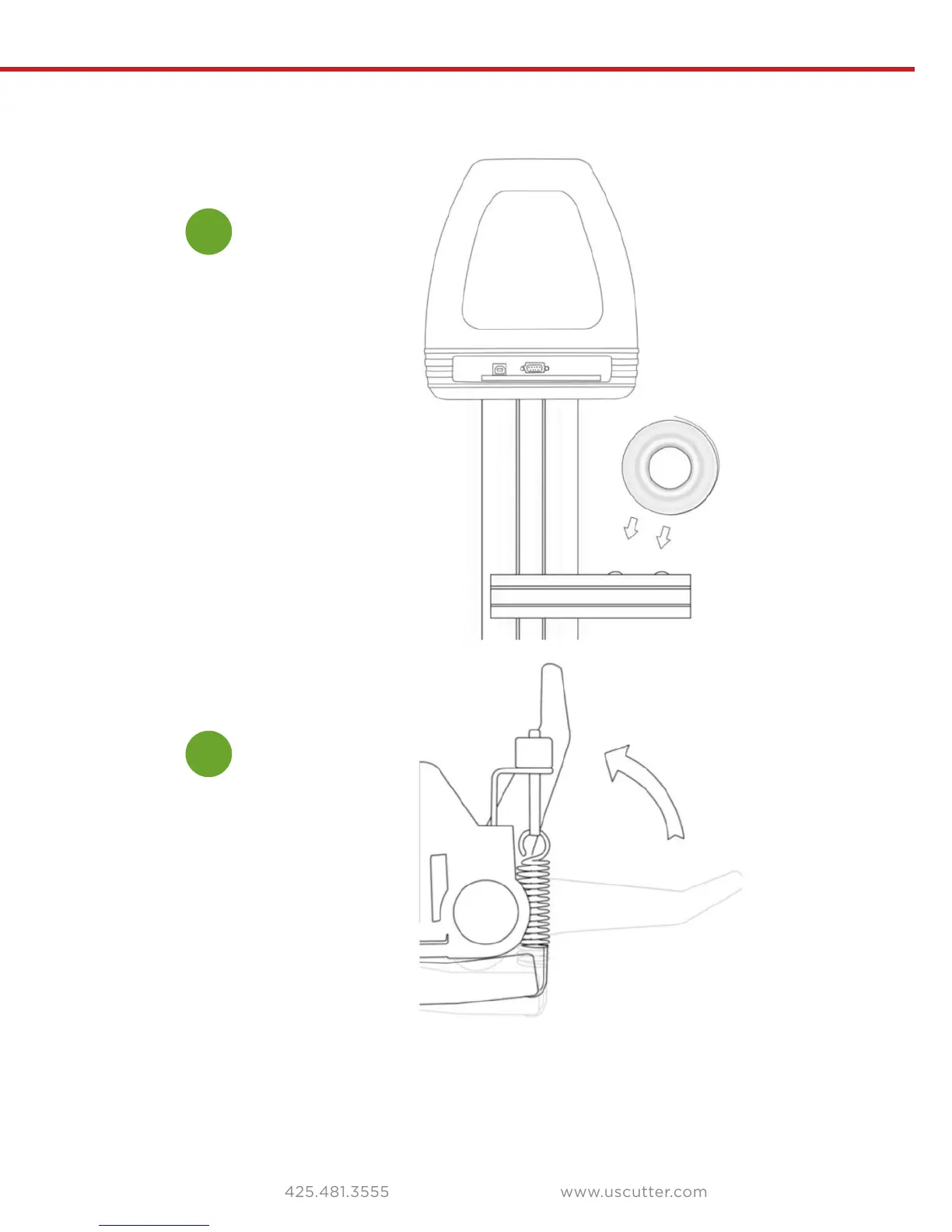
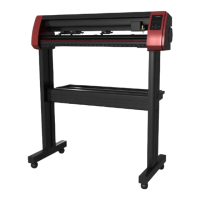
Setting up media
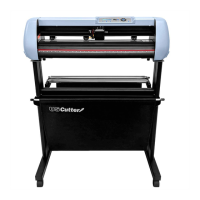
Place the roll on top of the stand rollers.
Release the pinch rollers release levers.
If you are going to cut from a scrap or single sheet instead of a roll, then skip the
next step on placing a vinyl roll. All other steps will be the same.
1
2
For heat press vinyl, please flip the roll.


 To Next Page