27
ISSUE
ISSUE ISSUE
ISSUE
CAUSE
CAUSE CAUSE
CAUSE
SOLUTION
SOLUTION SOLUTION
SOLUTION
EXAMPLE
EXAMPLE EXAMPLE
ROUNDED CORNERS CORNERS WITH FLAGS
EXAMPLE
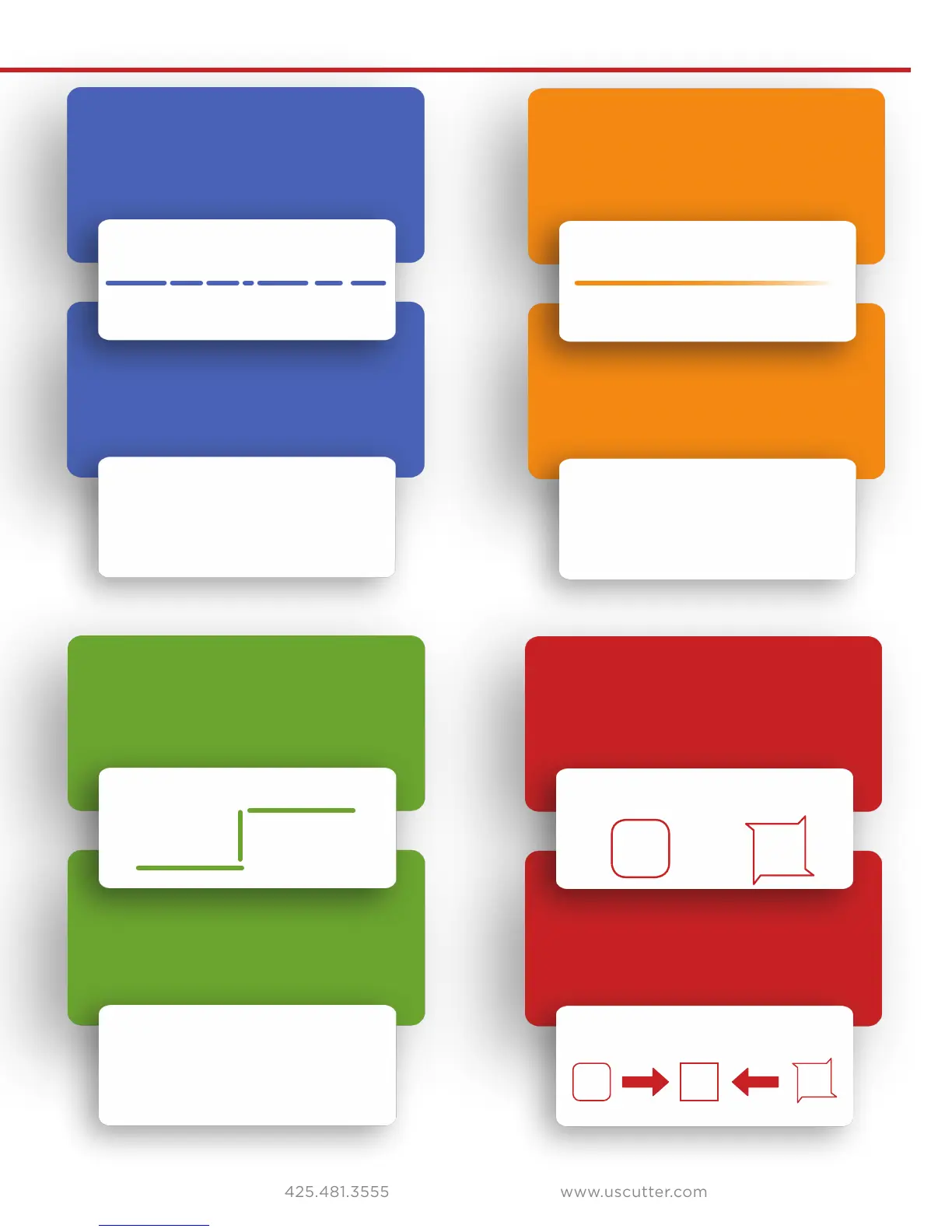
Cut has dashes or looks perforated.
Blade is skipping turns and corners. Corners are not cutting correctly.
Cut line tapers and not cutting
towards the end.
Damaged cutting strip (groove in
strip) or too much blade is exposed
(friction build up).
Part of the blade is dragging on its
side during turns.
Oset setting is incorrect.
Dull blade or blade holder isn’t
secured properly in slot.
Replace the cutting strip or
decrease the blade depth.
Clean the inside of the blade holder by
coating the blade with WD40 and moving
it in and out of the blade holder. Clean o
any debris that comes out. Replacement
blade holder may be needed.
Change the oset setting.
RAISE OFFSET LOWER OFFSET
Replace blade, check the
blade force, and secure the
blade holder.
Common Cutting Issues


 To Next Page