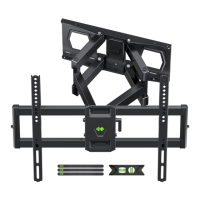
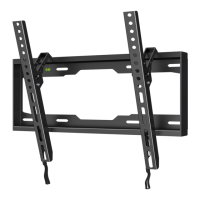
⑥
PAY EXTRA CARE AND ATTENTION WHEN YOU FASTEN TWO TV BRACKETS
TO THE BACK PANEL OF TV IN STEP 4 . MAKE SURE THE APPROPRIATE
MOUNT HARDWARE IS BEING USED PROPERLY .
1. Select correct Mounting Hardware according to the screw hole size of your TV,
discard any remaining screws or spacers.
2. Carefully lay your TV on its face on a non-abrasivesurface, making sure to lay
padding underneath it so as not to damage the screen .
3. Place left TV bracket and right TV bracket in the appropriate position, making sure
CENTERED on the back of the TV and LEVEL with on another .
4. This product only install on the perpendicular wall,not install on the ceiling.
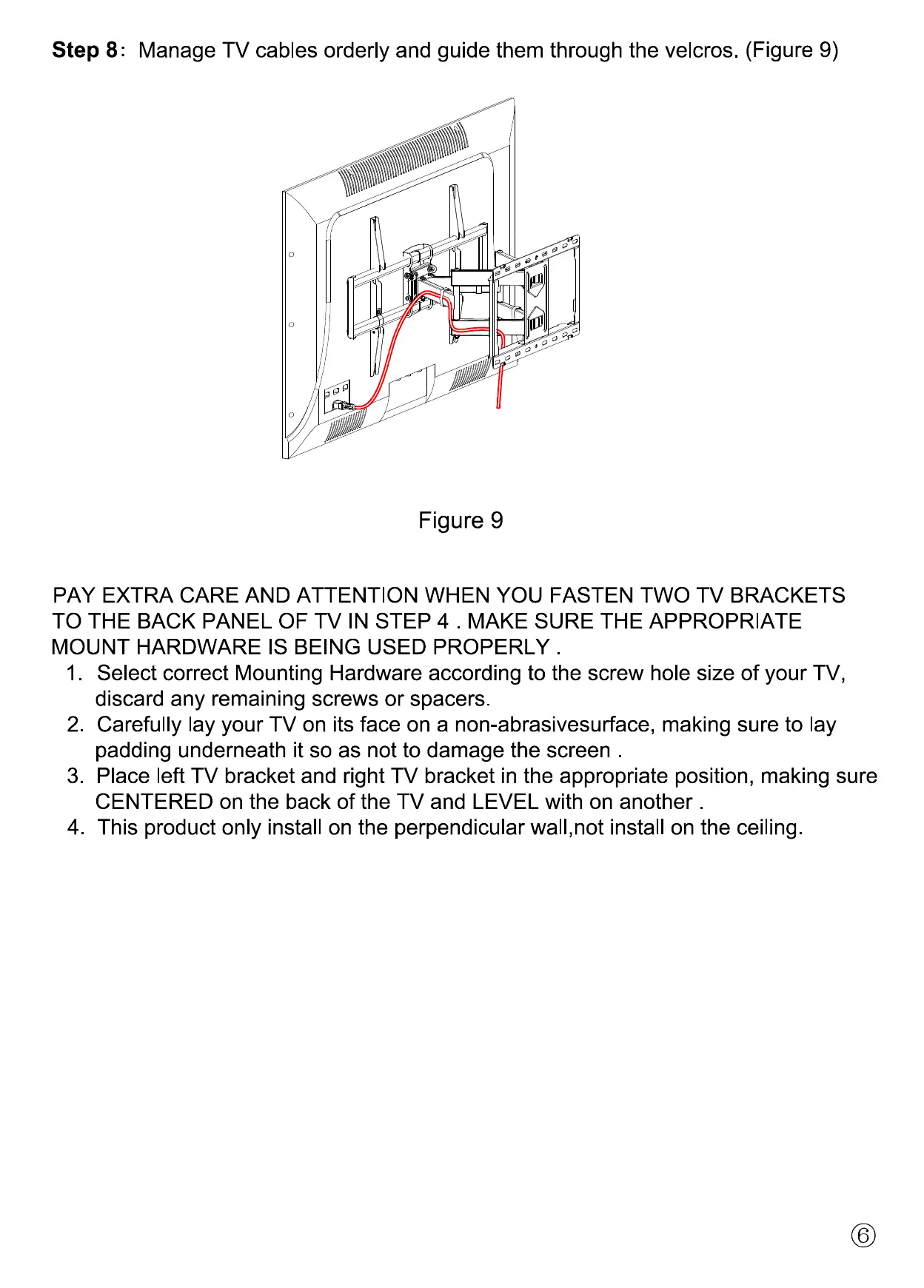
Step 8
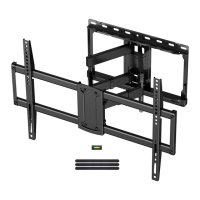
Manage TV cables orderly and guide them through the velcros.
(Figure 9)
Figure 9


 To Previous Page