2LV/2L1/2L2/2MS/2MT-1
1-3-11
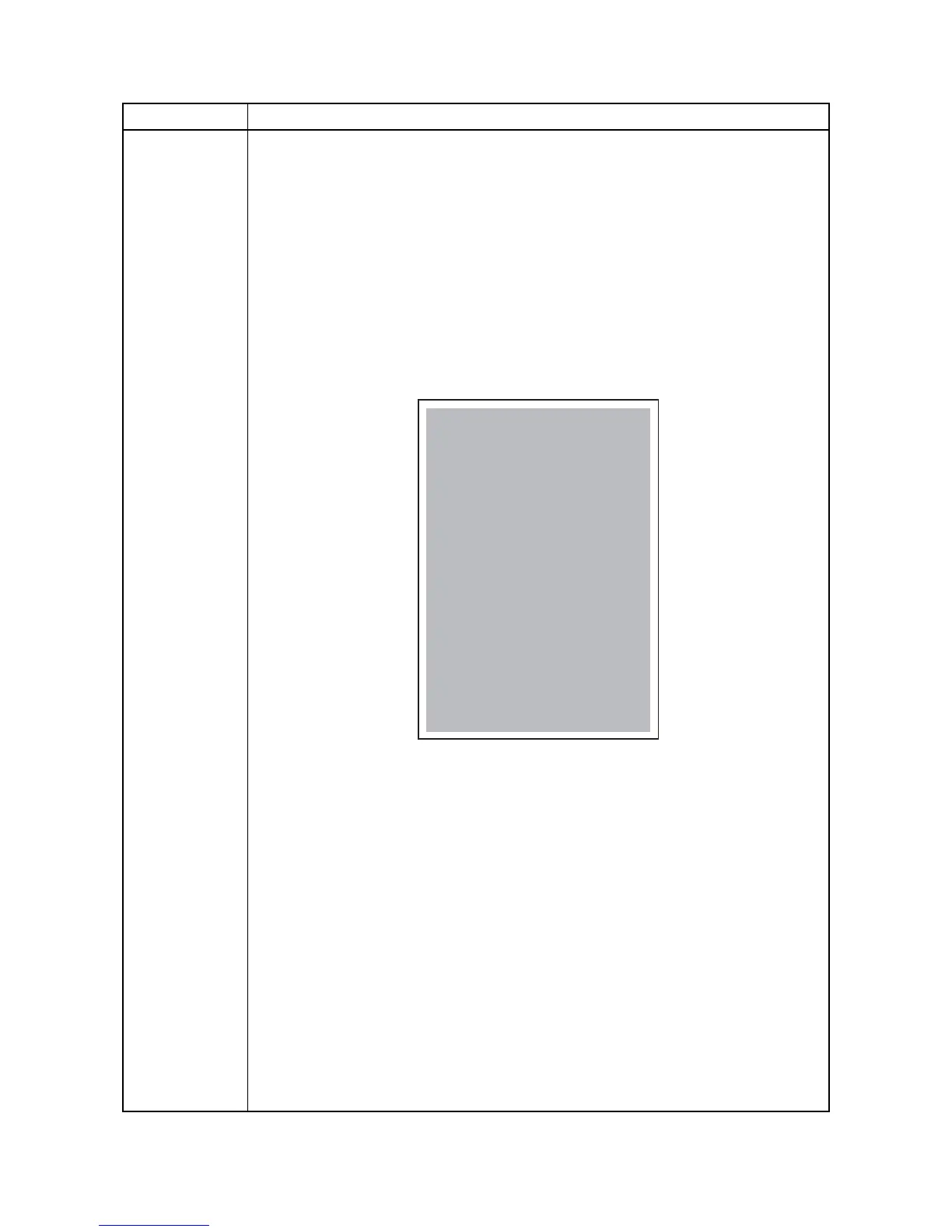
Test Page Printing a test page
Description
The test page is printed with halftones.
Purpose
To check the activation of the developer and drum units.
Method
1. Enter the Service Setting menu.
2. Select [Test Page] using the cursor up/down keys.
3. Press the OK key.
4. Select the [YES] using the left select key.
[Accepted] is displayed and Test page will be printed.
Figure 1-3-3
Service items Description
LS-4300DN SN:SPL8307597 Counter:1135


 To Next Page
 Loading...








