-6-
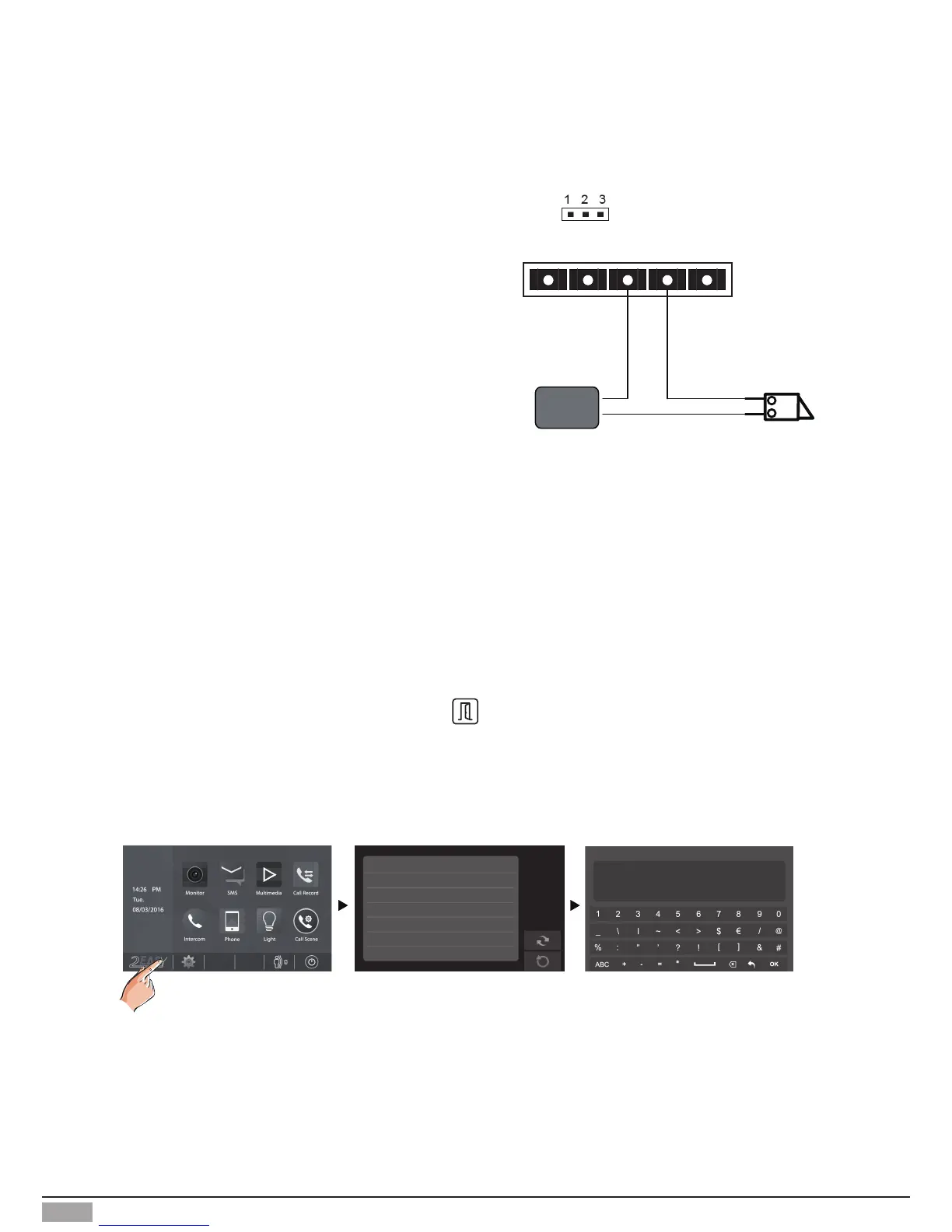
Unlock parameter setting(set on monitor)
LOCK
Take off the Jumper
POWER
SUPPLY
BUS PL S
+
S-
Door Lock Controlled with Dry Contact
Note:
1. The external power supply must be used
according to the lock.
2. The inside relay contact is restricted to AC or
DC 24V/1A.
3. The jumper must be taken off before connecting.
4. Setup the Unlock Mode of Monitor for
different lock types.
• Power-on-to-unlock type:Unlock Mode=0 (by
default)
• Power-off-to-unlock type:Unlock Mode=1
Note:
1.must connect DT601(F)/ID/FE correctly before setting.
2.the parameter will be saved in DT601(F)/ID/FE automatically, so you need only set on one monitor.
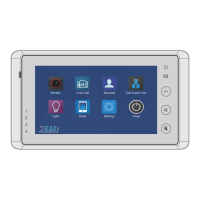
3.Here we take DT47MG(the monitor) for example, please refer to the corresponding user manual.
• On main menu page, touch [Logo] icon to enter About page.
• When the screen stay in About page, press
UNLOCK button on front panel and hold for 2
seconds.
• A keypad is shown.
Refer to the followings:
00:10 DS-1
About
Local Address 00.00
Video Standard
AUTO
System Verson 00.01.00
Display Driver 1.0
Font 1.0
UI 1.0
INSTALLER SETUP
123
_
? + OK: Help Menu
@ + OK: Address Setting Menu


 To Next Page