2 EASY
4. Select 1 to enter Firmware update, the information of “update
ready” will be showed.
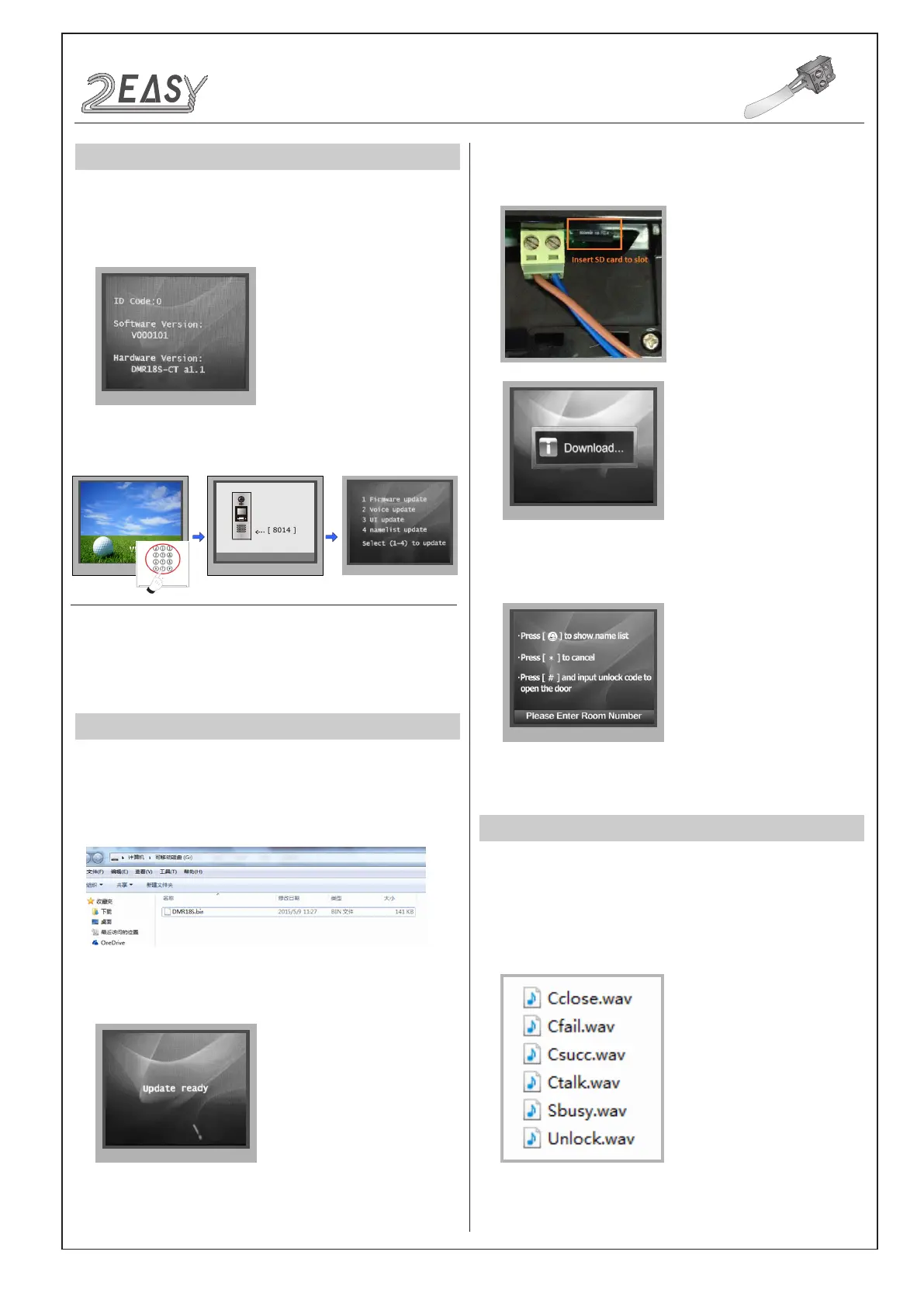
5. Insert the SD card to slot, the information of “Download...” will be
showed when the updated is in progress. After 3 seconds, a long
sound “BP+” will be heard to start the updated.
6. When update is nished, it will return to Standby Mode interface.
This section is used for the software version V000101 of DMR18S.
(After 2015.07.10); In standby mode, please input “#+#” to check the
DMR18S software version, see the following picture shows:
How to enter update page:
DESCRIPTIONS
SOFTWARE UPDATE
TONE UPDATE
1. Format SD card
2. Copy the update software file( DMR18S.bin,provided by our
company ) to SD card by computer.
CONFIGURATION
System Update
DMR18S Technical Manual-10-
When door station is in
standby, press '#' key
Input '8014', then input the
Code 87625761
Update setting page
overview
Please Input Password
1 2 3
654
7 8 9
#0
*
RF CARD
1. Format SD card
2. About the Ringtone le
• English is the standard audio le, as the picture shows:


 To Next Page
 Loading...