2 EASY
DESCRIPTION MOUNTING
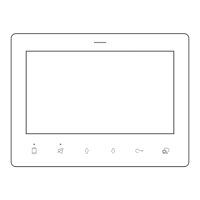
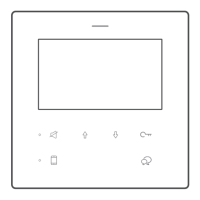
An upgrade of DMR18, DMR18S is more stable and has a few new
functions such as touch sensitive icons, easy upload via SD card of
namelist, voice prompt, etc. , which brings clients fresh and modernized
experience. And for convenience, users can upgrade UI and Voice via
SD card by themselves.
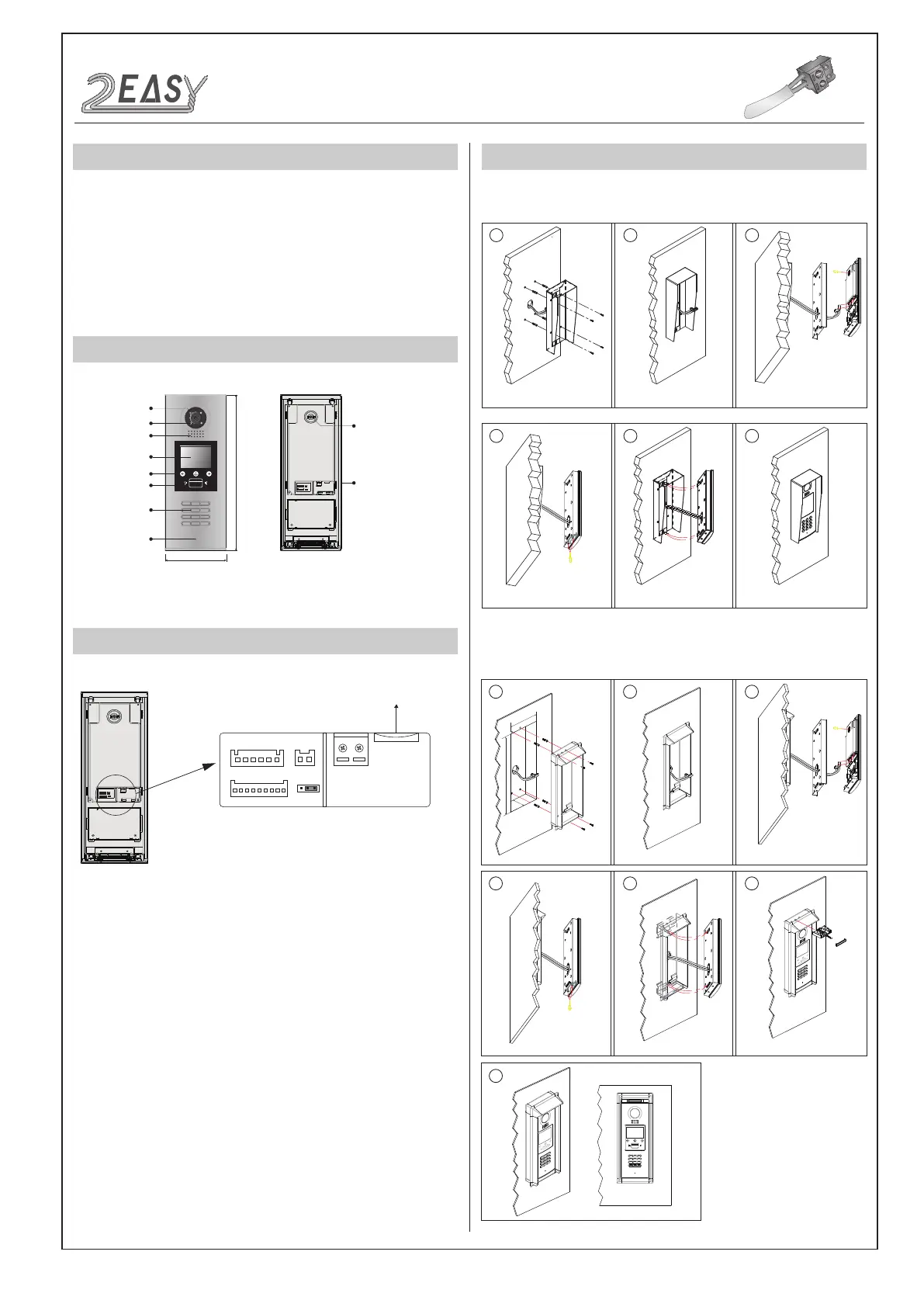
PARTS AND FUNCTIONS
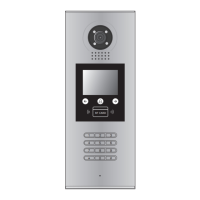
Camera Lens
Night View LED
Speaker
Camera Adjustment
Connection Port
350 mm
128 mm
1 2 3
654
7 8 9
#0
*
LCD Screen
Proximity Reader
Digital Keypad
Microphone
12
3
Touch Icons
RF CARD
TERMINAL DESCRIPTION
L1
T/R -
CN-LK
T/R+
J/KMB JP-LK
Bus
SD Card Slot
EB+
EB-
N.O
LK+
LK-
+12V
L2
12
3
12
3
•
+12V:
12VDC power output
•
LK-(GND):
Power ground
•
LK+(COM):
Common contact of the relay
•
NO.:
Normally open contact of the relay
•
EB+:
Exit button connection port
•
EB-:
Exit button connection port
•
JP-LK:
E
lectric locks type setting
•
T/R-:
USB-RS485 communication terminal negative
•
T/R+:
USB-RS485 communication terminal positive
•
Bus(
L1,L2
):
no-polarity bus line
Surface mounting
Flush mounting
1 2
4 5 6
Drill holes in the wall and attach the rain
cover
Attach screws to fix the back box
Attach the unit to the rain cover
Final result
The view of rain cover installed
Adjust the camera angle if needed
Camera
angle
3
1 2 3
4
7
5 6
Cut a hole and mount the rain
cover inside the hole
Attach screws to fix the back
box
Attach the unit to the
rain cover
Attach the baffle
Final result
The view of rain cover
mounted
Adjust the camera angle if needed
Camera
angle
147mm
395mm
42mm
RF CARD
DMR18S Technical Manual-2-
INTRODUCTION
Installation Guide


 To Next Page
 Loading...