0020288151_04 Operating and installation instructions 55
6.2 Fault message
with the text of the fault message appears in the
display.
You can find fault messages under: MENU → SETTINGS →
Installer level → Fault history
Troubleshooting (→ Appendix B.2)
6.3 Maintenance message
with the text of the maintenance message appears in the
display.
Maintenance message (→ Appendix)
6.4 Cleaning the outdoor temperature sensor
▶ Clean the solar cell with a damp cloth and a little solvent-
free soap. Do not use sprays, scouring agents, deter-
gents, solvents or cleaning agents that contain chlorine.
Note
After you have cleaned the solar cell, there is
a delay before the fault message disappears
because the battery has to be recharged first.
6.5 Changing the batteries
Danger!
Risk of death caused by unsuitable batter-
ies!
If batteries – whether rechargeable or non-
rechargeable – are replaced with the wrong
type of battery, there is a risk of explosion.
▶ Ensure that you use the correct battery
type when replacing batteries.
▶ Dispose of used batteries in accordance
with the instructions in this manual.
Warning.
Risk of chemical burns caused by leaking
batteries!
Corrosive battery fluid may leak out of used
batteries.
▶ Remove any used batteries from the
product as soon as possible.
▶ Before extended periods away from
home, also remove batteries that are still
charged from the product.
▶ Avoid skin or eye contact with leaking
battery fluid.
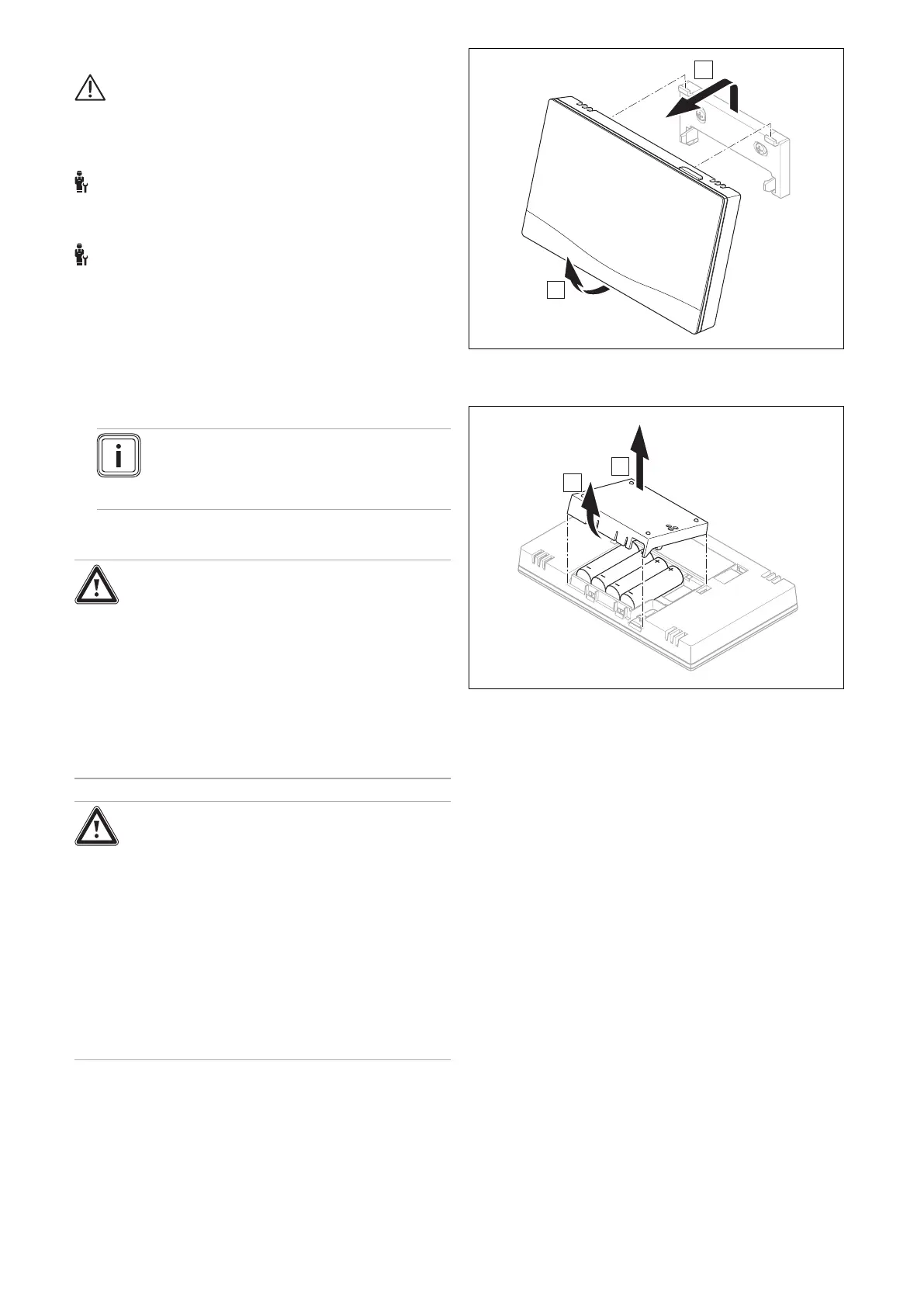
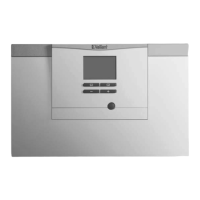
1. Remove the system control from the unit mounting
bracket as shown in the figure.
2. Open the battery compartment as shown in the figure.
3. Always change all the batteries at the same time.
– Only use LR06 batteries
– Do not use rechargeable batteries
– Do not combine the batteries with other battery
types
– Do not combine new and used batteries
4. Insert the batteries, making sure that the poles are the
right way round.
5. Do not short-circuit the connection contacts.
6. Close the battery compartment.





 To Next Page