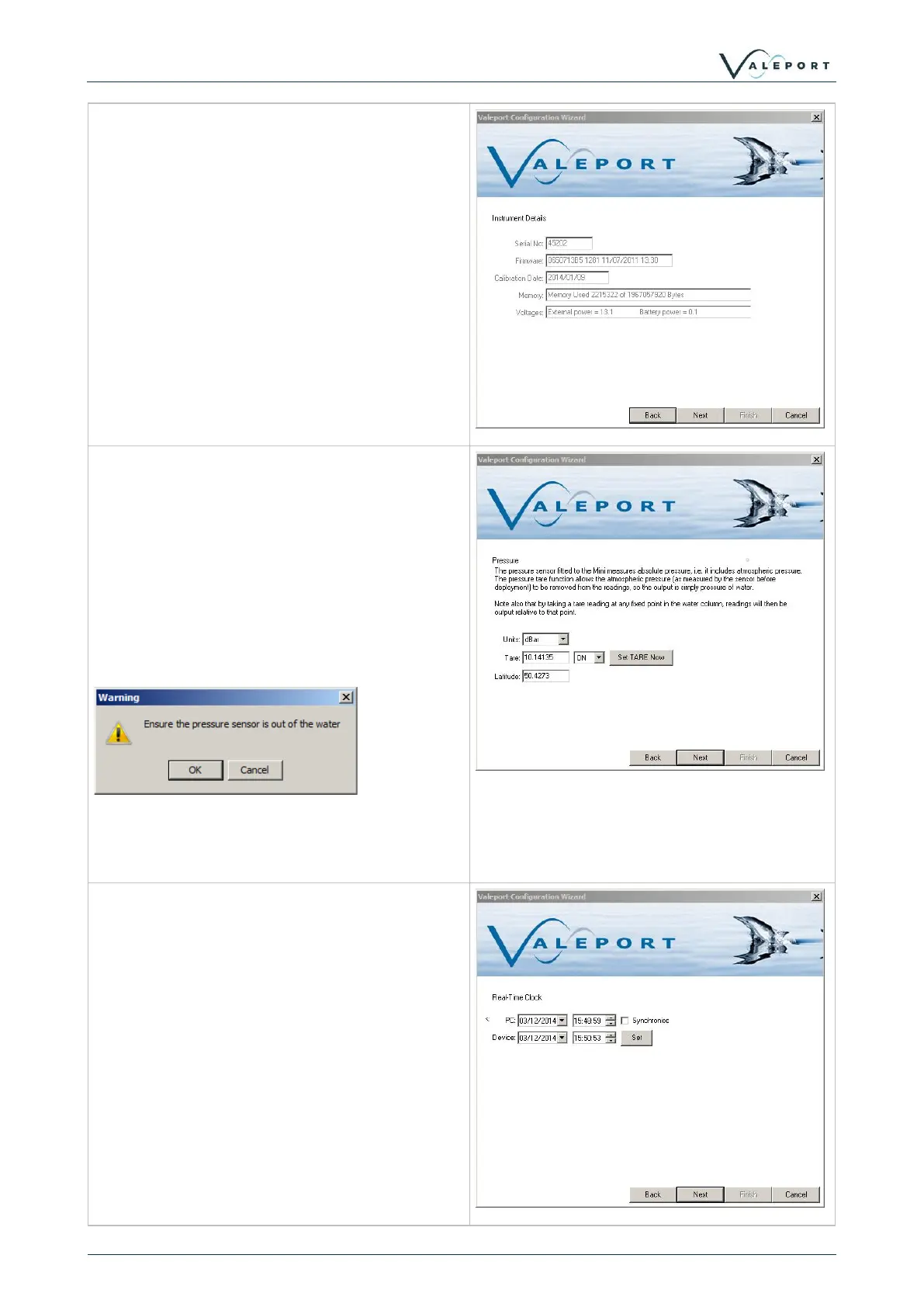
The first wizard window shows information about
the instrument. Boxes are greyed out as
information cannot be changed by the user.
The next screen allows the pressure sensor to
be configured.
Output units can be set and the Tare setting can
be configured.
To set a manual Tare, enter the required figure
in the box.
To take a measured Tare, press the Set Tare
Button.
The following dialog will pop-up.
The Latitude value is used to convert pressure to
depth. An approximate value can be used for the
operational area.
If the instrument being configured has a Real
Time Clock, the option to sync it to PC time is
available.



 To Next Page