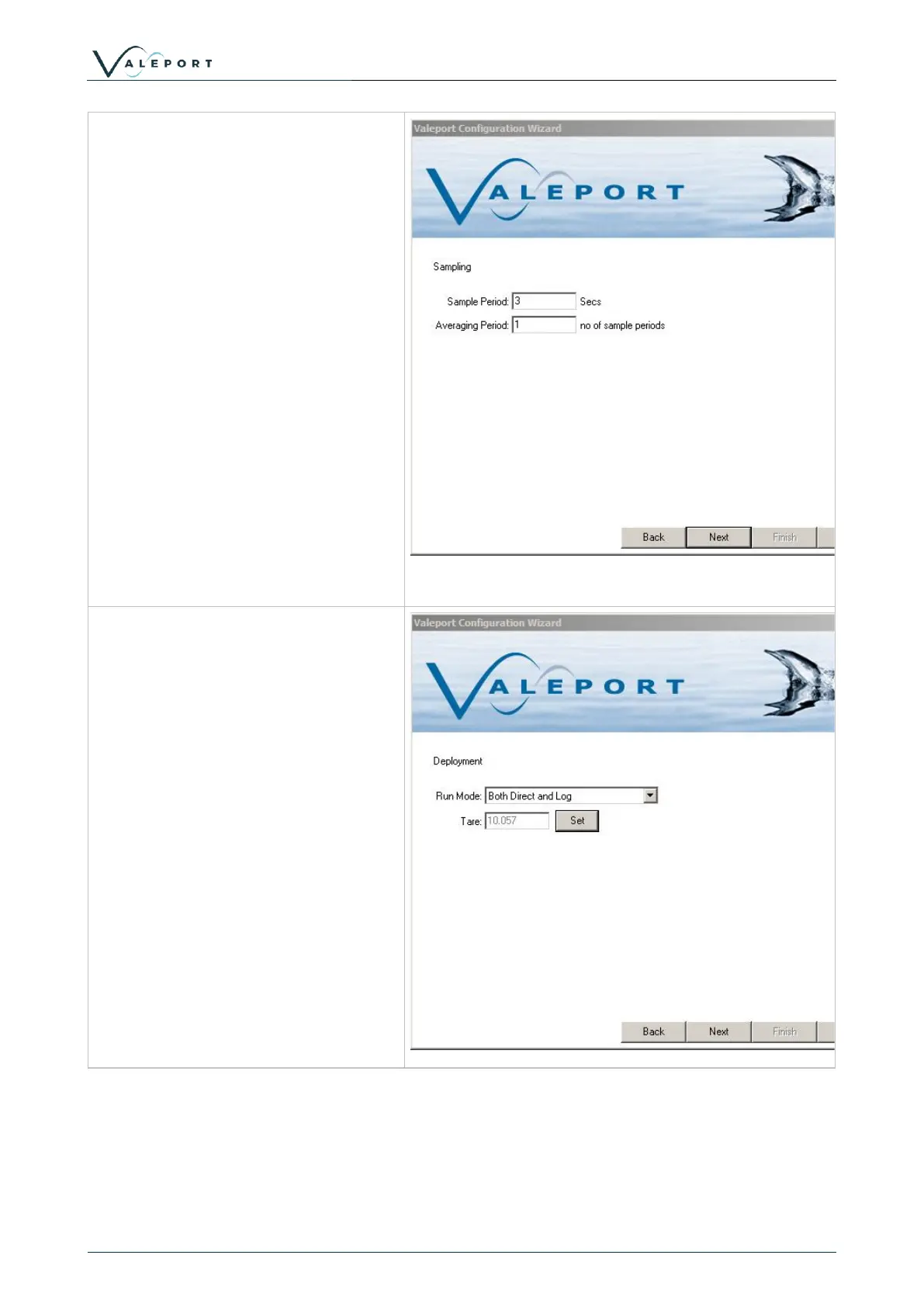
Sample Period and Averaging Period
can be set.
The combination of these two will
determine how often the Model 106 will
log and output data.
Sample Period is how long the 106
counts impeller revolutions for. This is
set to a minimum of 3 seconds.
Average Period is how many Sample
Periods are averaged before a data
point is recorded or output.
I.E
Sample Period = 3s
Average Period = 1
Data recorded once every 3s
Sample Period = 3s
Average Period = 20
Data recorded once every 60s.
The final screen shows the commands
to be sent to the instrument. If no
changes have been made to the
instrument setup, then no commands
will be shown here.
Manual commands can be added here,
for example if you want to put the
instrument straight into run mode, then
add #028 to the list.



 To Next Page