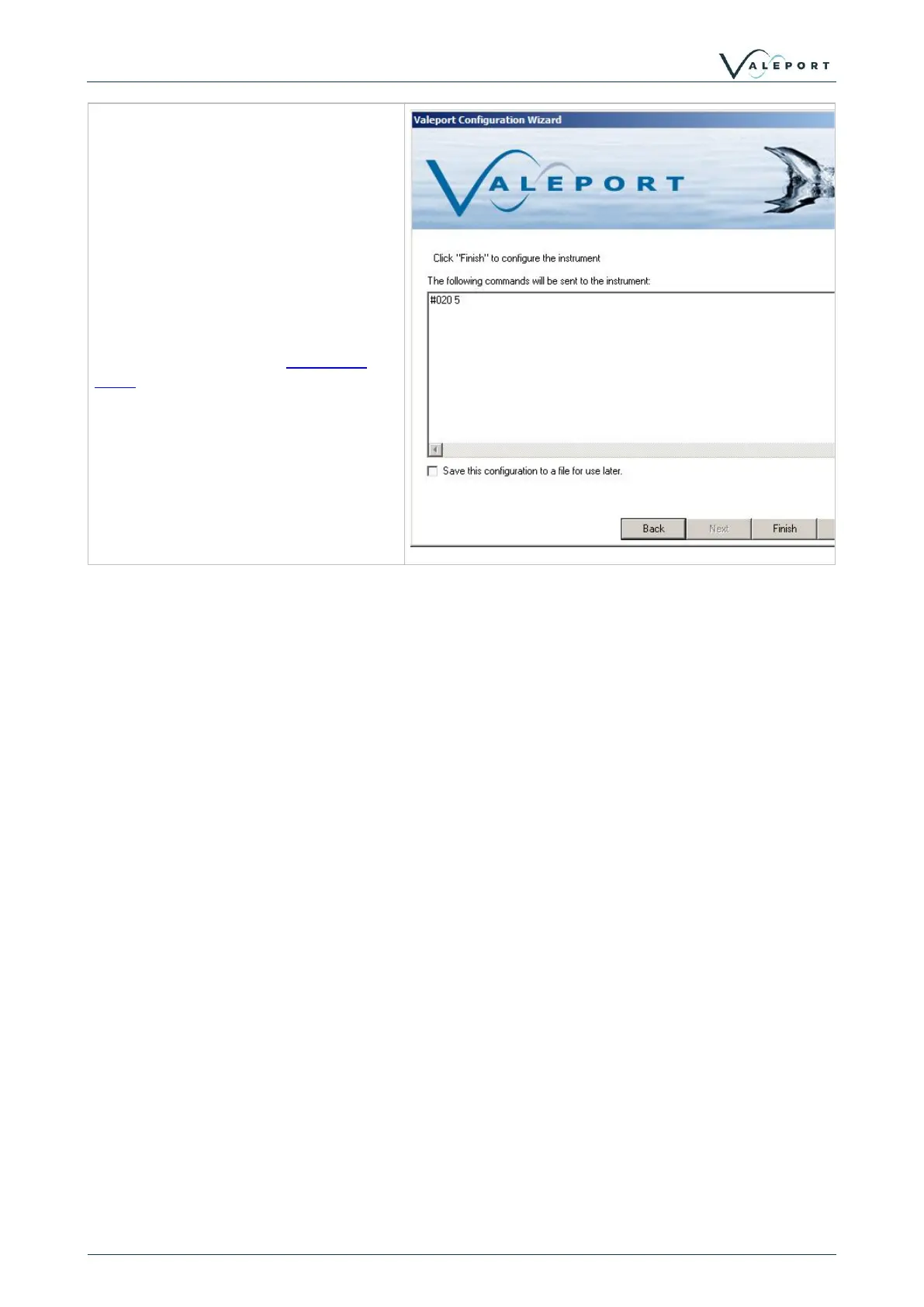
The final screen shows the commands
to be sent to the instrument. If no
changes have been made to the
instrument setup, then no commands
will be shown here.
Manual commands can be added here,
for example if you want to put the
instrument straight into run mode, then
add #028 to the list.
Alternatively, click finish to apply setup
commands, and then start the model
106 running by using the Instrument
Tools run button



 To Next Page