6
P2 Power Kit (P2-WPK)
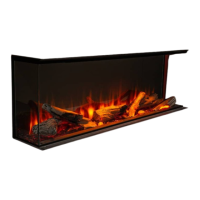
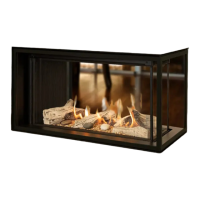
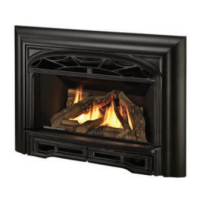
P2 Models
Hardware
The P2-WPK kit consists of:
• An electrical housing
• An electrical snap-in socket
See Hardware Requirements on page 2 for full
details.
Installing the WiFi Power Kit
See "Wiring Diagram" on page 4 for details.
1. Make sure supply power is disconnected before
proceeding.
2. Thread the home's electrical wire inside the appli-
ance casing on the left hand side using an approved
wire clamp for the type of wire used (not included).
Do not tighten the wire clamp just yet to allow for
wire adjustment.
3. Place the junction box cover in the front left corner
of the appliance case.
Electrical
wiring enters
through the
left hand
side of the
appliance case
(front round
hole)
4. Slide the tab at the far end of the box into the slot of
the appliance case located
right behind the cable
clamp. Ensure the wires
are not pinched between
the junction box and the
appliance case.
5. Connect the corresponding wires and cap them with
wire nuts.
6. Tuck the wires inside the junction box and hold it
against the appliance case while pushing any excess
wire out through the wire clamp.
7. Tighten the wire clamp outside of the appliance
case.
8. Fix the junction box to the appliance (1 screw).
Proceed to V-Module Kit (GV60VM) for P2 Models on
page 9.
Note
This Section only applies to all P2 fi replaces that
do not have the optional 255CFK fan kit or an AC
receptacle already installed. Skip this page if this
does not apply.



 To Next Page