EasyManua.ls Logo

Vanatoo TRANSPARENT ZERO - User Manual

Vanatoo TRANSPARENT ZERO
14 pages
Print Icon
To Next Page IconTo Next Page
Loading...
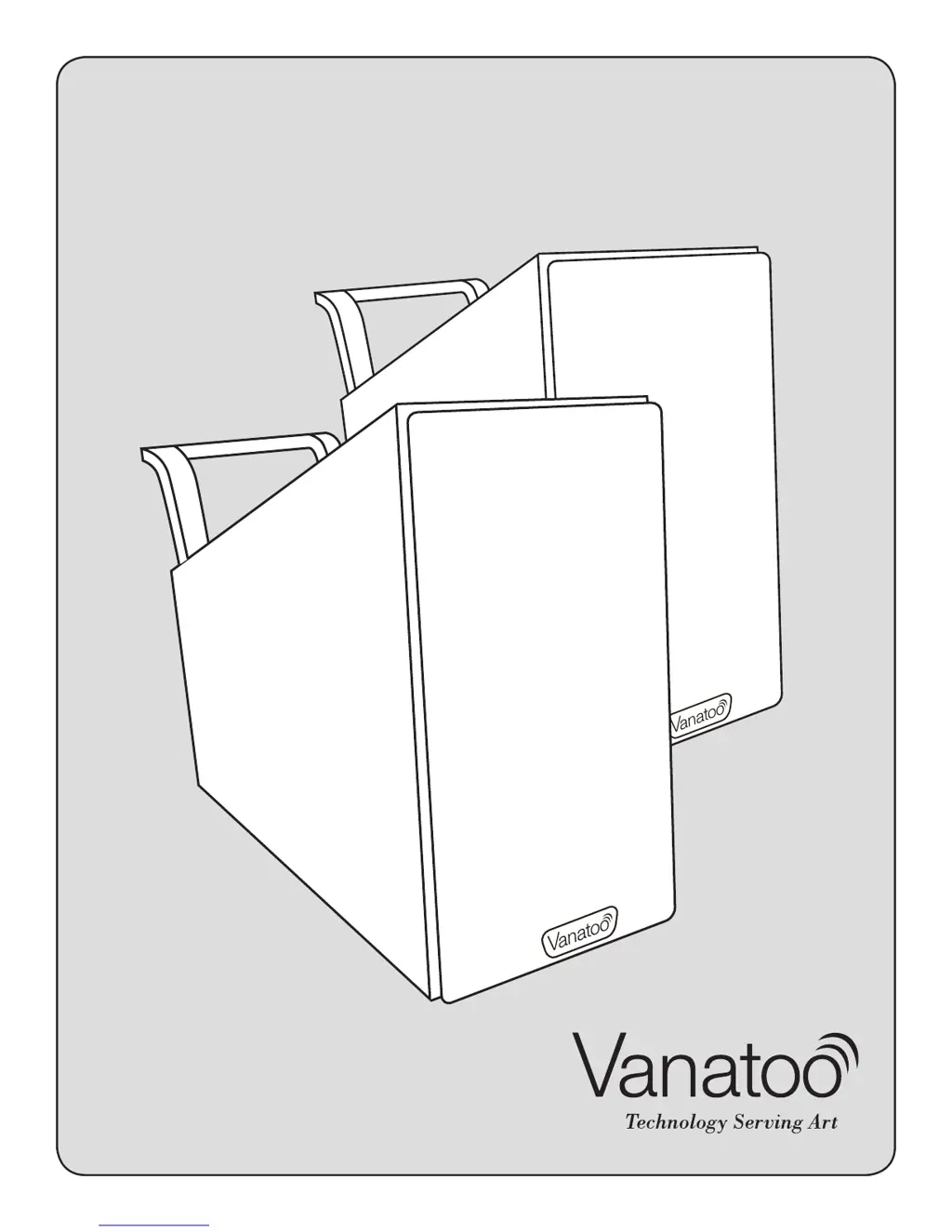
VANATOO
TRANSPARENT ZERO
POWERED SPEAKERS
Owner’s Guide

Other manuals for Vanatoo TRANSPARENT ZERO

Questions and Answers

  • M
    Mark WardJul 26, 2025
    Why does my Vanatoo speaker sound drop out momentarily?
    • B
      Brandon BrownJul 27, 2025
      Sound dropping out momentarily from your Vanatoo speakers could indicate that the automatic protection circuits are engaging to prevent damage from playing the speakers too loudly. Try turning down either the active speaker volume or the audio source volume slightly until this stops. If you are using one of the digital inputs this could also be an indication that your digital signal is being interrupted. You may consider changing the digital cable. If you are using the Bluetooth input this could be an indication that your Bluetooth sending device is on the edge of being out of range.
  • G
    gilmorealecAug 4, 2025
    How to fix distorted audio on Vanatoo speakers?
    • M
      mcdowellmichaelAug 4, 2025
      If the audio from your Vanatoo speakers is distorted, and you are using the analog input (3.5mm connector), ensure you are not overdriving the audio input by turning down the volume on your audio source device and, if necessary, turn up the volume on the active speaker. Also, make sure you are not overdriving the speaker drivers by turning down your audio source device. Check that the audio source signal is providing a clean signal and that the cable between the audio source and the active speaker is properly seated.
  • M
    Michael HumphreyAug 8, 2025
    How to pair a Bluetooth device with Vanatoo T0 speakers?
    • E
      estradatonyAug 9, 2025
      To pair a Bluetooth device with your Vanatoo T0 speakers, first ensure your Bluetooth device is within 5 feet of the T0. Make sure another Bluetooth device does not already have a connection with the T0. To disconnect all BT connections, hit the 'Pair-Prog' button on the back of the active speaker or hit enable followed by the Bluetooth button on the remote, then try to pair your device again.
  • A
    Amanda SantiagoAug 12, 2025
    How to troubleshoot Vanatoo speaker with no power LED?
    • S
      Steven GrayAug 13, 2025
      To troubleshoot a Vanatoo speaker with no power LED, ensure the AC power cord is properly connected to both the power supply and your household wall outlet. Verify the wall outlet the power cord is plugged into is a “live” outlet. Check that the DC power cord from the power supply is connected to the DC Power In connector on the active speaker. Also, make sure the blue LED has not been dimmed to the point that it never lights.
  • M
    maria97Aug 17, 2025
    What to do if there is no sound from Vanatoo subwoofer?
    • A
      Amanda BurnsAug 17, 2025
      If there is no audio from the optional subwoofer, make sure the RCA cable between the active speaker subwoofer output and the subwoofer’s input are properly seated. Ensure the subwoofer is plugged in and switched on, and that the subwoofer volume is turned up.
  • R
    Raymond JohnsonAug 21, 2025
    Why is there sound from the active Vanatoo speaker but not from the passive speaker?
    • J
      Jeanette MartinezAug 21, 2025
      If you are experiencing sound from the active Vanatoo speaker but not the passive speaker, ensure the cable connecting the active speaker to the passive speaker is properly seated at both ends. If you are using the analog input, make sure the 3.5mm connector is firmly seated into the connector input on the active speaker and the audio source. If you are using the 3.5mm to RCA 'Y' cable, make sure both of the RCA connectors are properly seated.
  • J
    Jessica AlexanderOct 30, 2025
    What to do if my Vanatoo TRANSPARENT ZERO Speakers have no sound?
    • M
      Michelle WhitakerOct 30, 2025
      If there is no sound from either Vanatoo speaker, ensure the power LED is illuminated. If not, check the steps for 'Power LED is not illuminated'. Also, make sure the active speaker volume knob and your audio source volume are turned up, and that your audio source is playing audio. Try disconnecting all but one audio source input on the active speaker. Unplug power from the active speaker then plug it back in to reset the inputs to auto switching mode. If the speaker was previously working properly but stopped suddenly, this may be the result of the output drivers experiencing thermal shutdown. Turn the power off on the active speaker, wait 5 minutes, turn down the volume of the audio source, then turn the speaker system back on. If possible, try different inputs on the active speaker to s...

Summary

SAFETY PRECAUTIONS

General Safety Precautions

Essential safety warnings and precautions for operating the speakers safely.

ABOUT YOUR SPEAKERS

Product Specifications

Detailed technical specifications of the Vanatoo Transparent Zero speakers.

SETTING UP YOUR SYSTEM

Audio Device Connectivity

Guides for connecting various audio sources like analog, USB, optical, and Bluetooth.

SPEAKER CONFIGURATION SETTINGS

REMOTE CONTROL

CONNECTING TO AN OPTIONAL SUBWOOFER

CONNECTING TO A BLUETOOTH DEVICE

ADJUSTING TREBLE AND BASS

Treble and Bass Adjustment

How to adjust the treble and bass tone controls using the speaker's physical controls.

AUDIO MUSIC SOURCE PRECEDENCE

TROUBLESHOOTING

Troubleshooting Common Issues

Solutions for common problems such as no sound, distorted audio, or connectivity issues.

Vanatoo TRANSPARENT ZERO Specifications

General IconGeneral
TypePowered Bookshelf Speakers
Configuration2-way
OutputsSubwoofer output
InputsUSB, Optical, Analog 3.5mm
Weight6.5 lbs per speaker
Tweeter1 inch natural silk dome

Related product manuals