LTCA-10/LTCA-40 USER’S MANUAL
50
5.8.3. Printing the Test-Record Directory
A directory of all the test records stored in the LTCA-10/40’s Flash EEPROM can be printed on
the thermal printer using the steps below.
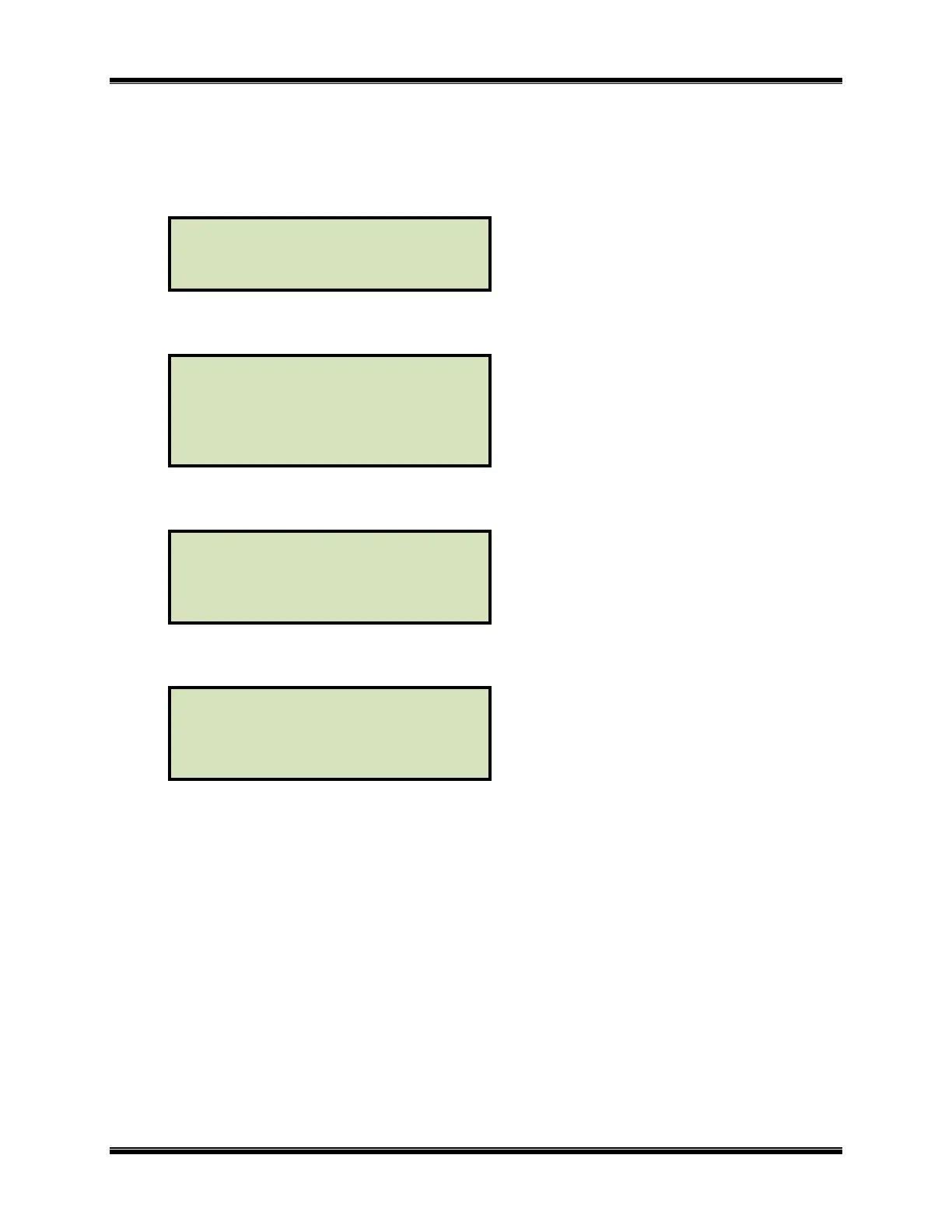
a. Start from the “START-UP” menu:
Press the [2] key (SETUP).
b. The following menu will be displayed:
Press the [3] key (SAVE/RESTORE RECORD)
c. The following menu will be displayed:
Press the [3] key (RECORD DIRECTORY)
d. The following menu will be displayed:
1. FULL DIRECTORY
Press the
[1] key (FULL DIRECTORY) to print the entire directory of test
records. After the directory is printed, the display will return to the “START-UP”
menu. A typical directory printout is shown in figure 14.0.
2. SHORT DIRECTORY
Press the [2] key (SHORT DIRECTORY) to print a short directory listing. This
lists the last 12 records store in the LTCA-10/40’s memory. After the directory is
printed, the display will return to the “START-UP” menu. A typical directory
printout is shown in figure 14.0.
PRINTINT DIRECTORY
1. FULL DIRECTORY
2. SHORT DIRECTORY
1. RESTORE RECORD
2. SAVE RECORD
3. RECORD DIRECTORY
4. ERASE RECORD
1. ENTER XFMR ID
2. PRINT RECORD
3. SAVE/RESTORE RECORD
4. SET TIME
5. SET FONT
1. TEST XFMR 03/04/09
2. SETUP 09:28:03
3. USER DIAG



 To Next Page