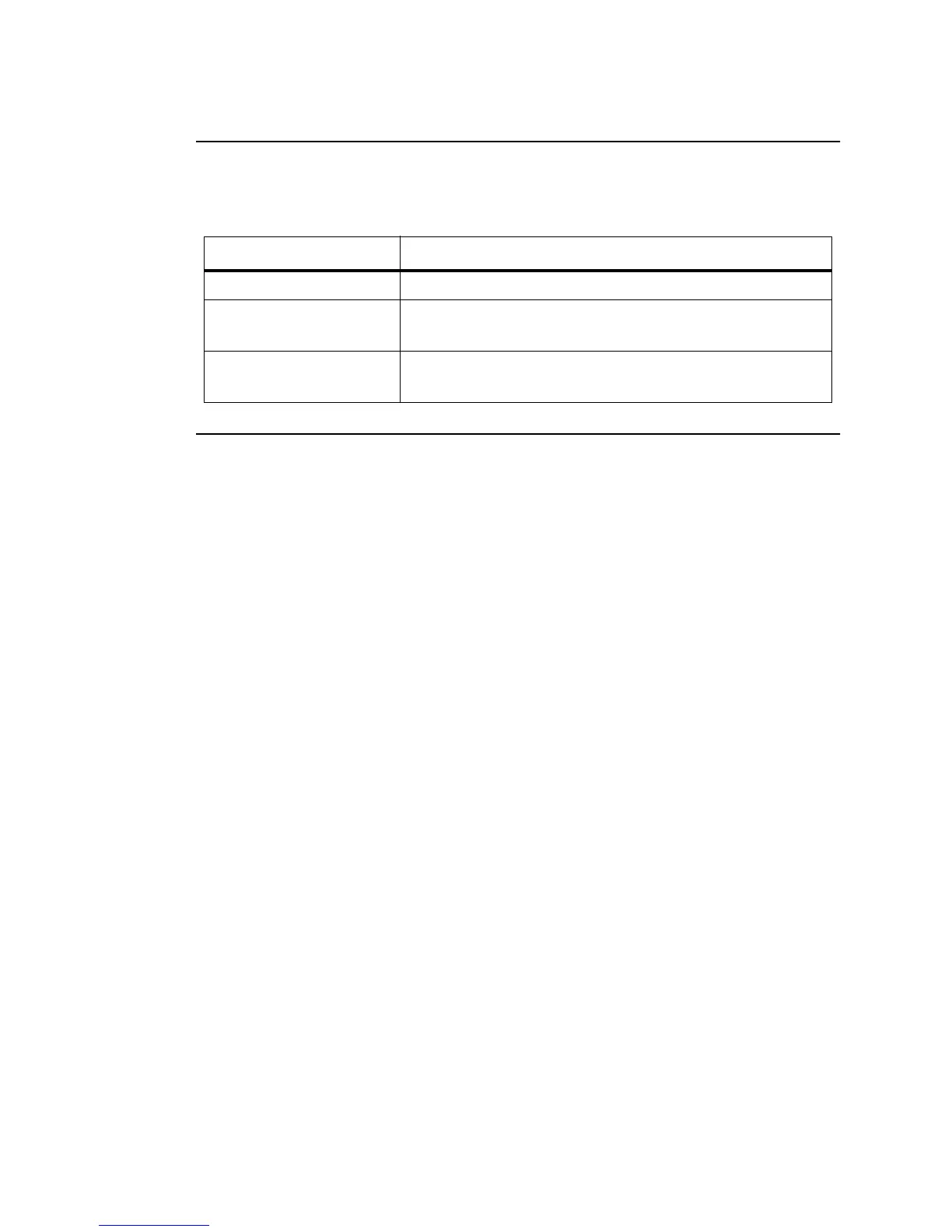
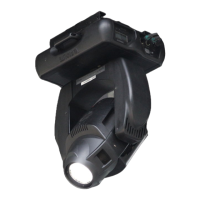
VARI❋LITE® - VL1000™ ERS LUMINAIRE USER’S MANUAL
2 11-Jun-02 02.9663.0001 B
Text Conventions
The following styles and meanings are used throughout this manual:
Customer Service
The Vari-Lite Customer Service Department provides assistance to anyone with a
problem or question about VARI❋LITE equipment. The Customer Service
Department will help troubleshoot any problem and recommend possible solutions or
improvements. Whenever a problem is encountered that is not readily repairable or if
there are questions, technical or otherwise, call the Customer Service Department at
the office from which the equipment originated. Emergency contact numbers can be
found for each office at: www.vari-lite.com (connect to the Vari-Lite homepage and
follow the Support link). If for any reason that office cannot be reached, contact the
Vari-Lite Customer Service Department in Dallas, Texas, USA at 1-877-VARI-LITE
(1-877-827-4548) or by e-mail at customerservice@vari-lite.com.
S
TYLE
M
EANING
[Button] Front panel button. Example: Press [Menu].
[Up] / [Down] arrows Press either [Up] or [Down] arrow button at Menu
Display.
MENU Menu Display read-out. Example: Press [Up] / [Down]
arrows until CFG (Configuration) appears.


 To Next Page