3. Operation
EzRay Air (Model: VEX-P300) User Manual 13
ENGLISH
Tooth Type
Symbol Type
Incisor
Canine
Molar/Premolar
Bitewing
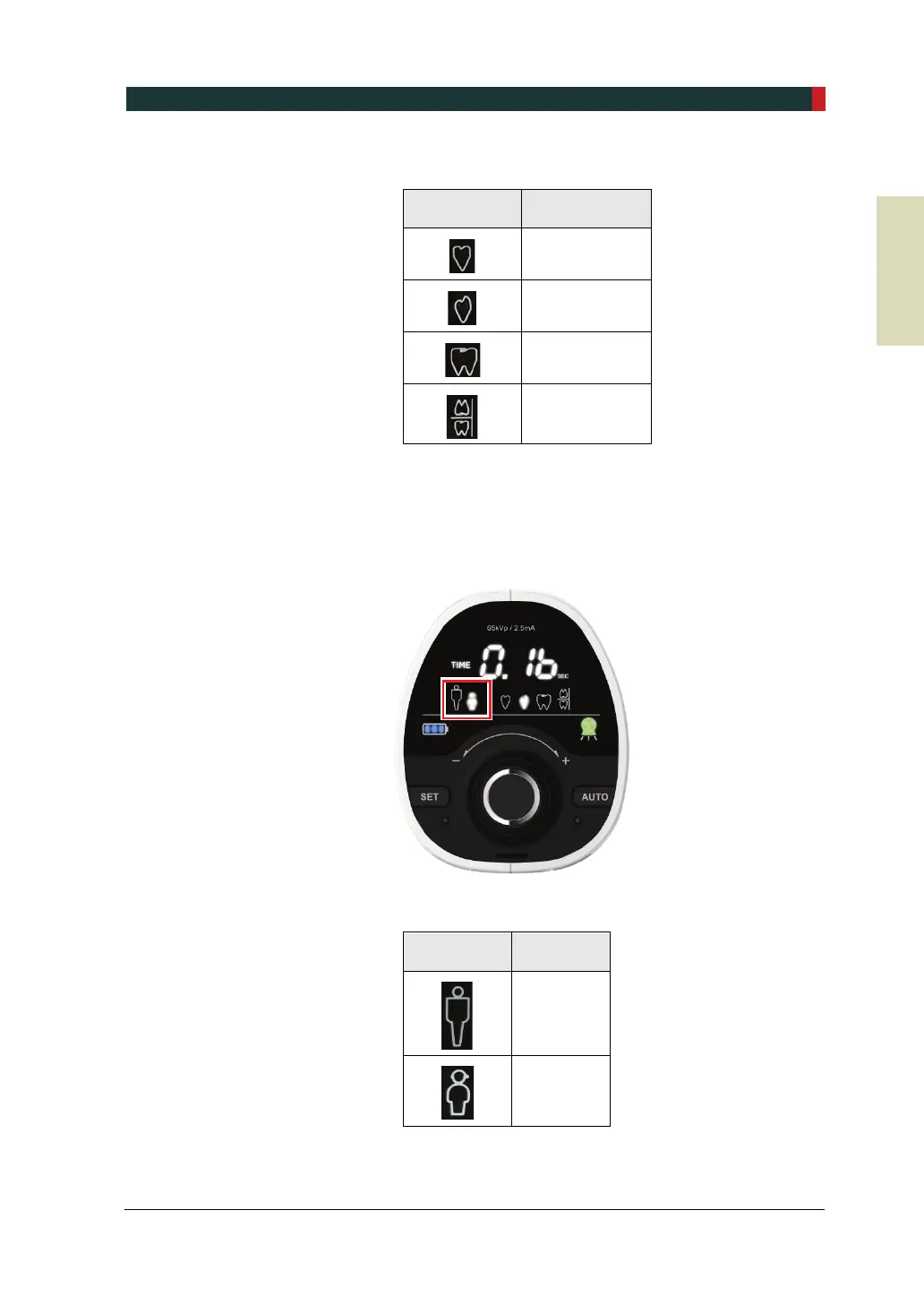
3. After tooth type selection, a patient type should be selected. When the Adult/Child
selection area flickers, turn the jog dial to select the patient type. To see the
Control Panel after selection, refer to the figure below.
After patient type selection
Patient Type
Symbol Type
Adult
Child













 To Next Page