3. Operation
12 EzRay Air (Model: VEX-P300) User Manual
3.2 Operation Mode
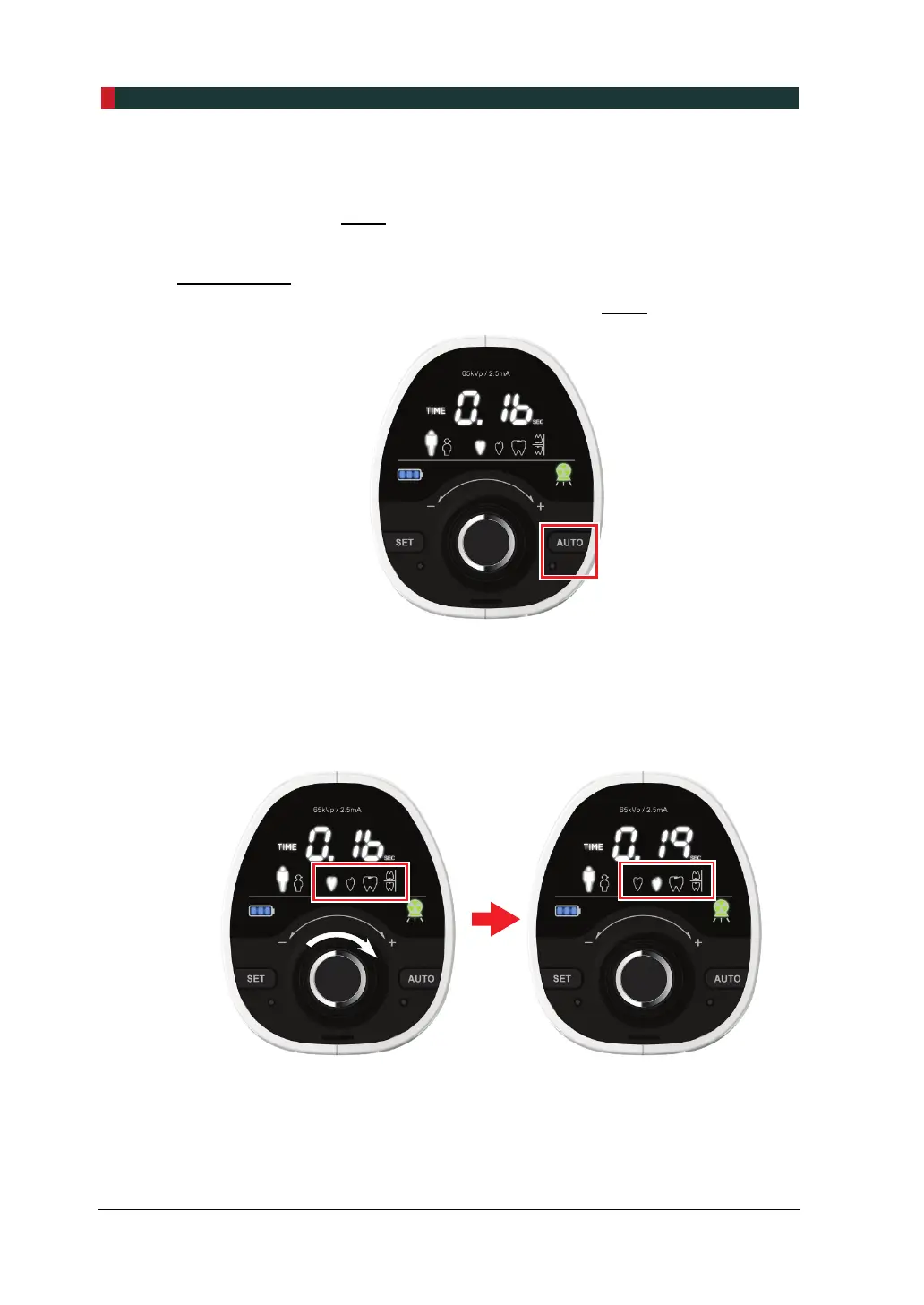
This system can be operated with Manual Mode and Auto Mode, and you can set up
the mode by using the AUTO button.
Manual Mode
1. To start the Manual Mode, check if the lamp under the AUTO button is turned off.
2. When the tooth type selection area flickers, turn the jog dial to select the tooth
type. To see the Control Panel before and after selection, refer to the figures
below.
Before tooth type selection After tooth type selection













 To Next Page