3. Operation
32 EzRay Air (Model: VEX-P300) User Manual
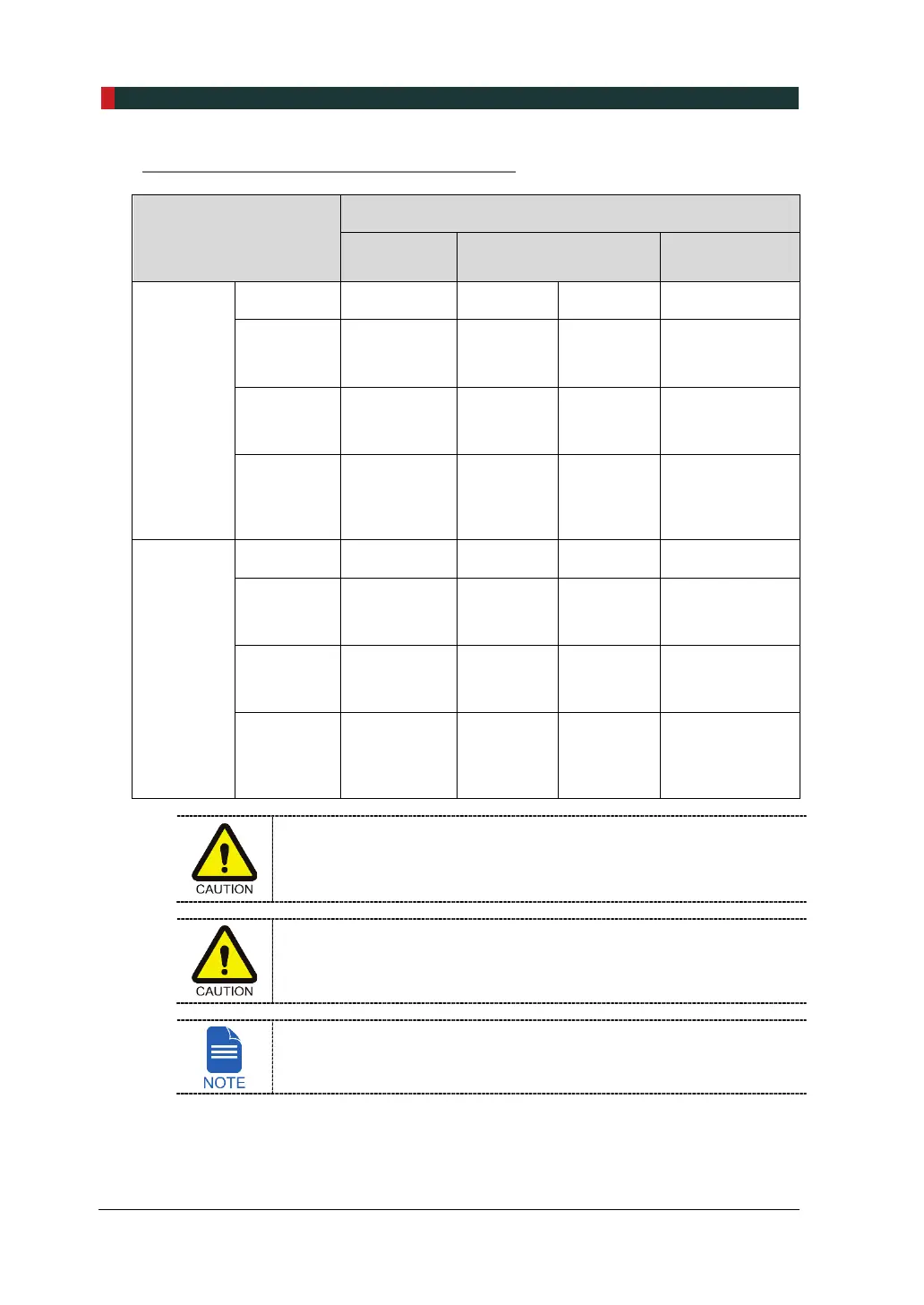
System Status depending on Battery Levels
Item
System Status
Battery
Level 3, 2
Battery Level 1 Low Battery
When
turning on
the system
Operation Normal Normal Normal Not operated
Battery
Level
Indicator
Normal Normal Flickers Not displayed
Battery
Charging
Indicator
Not
displayed
Not
displayed
Flickers Not displayed
Control
Panel
Brightness
Normal Normal Dark
Normal
(Error code E.10
is only
displayed)
When
operating
the system
Operation Normal Normal Normal Not operated
Battery
Level
Indicator
Normal Normal Flickers Not displayed
Battery
Charging
Indicator
Not
displayed
Not
displayed
Flickers Not displayed
Control
Panel
Brightness
Normal Normal Normal
Normal
(Error code E.10
is only
displayed)
Make sure to charge the battery if the Battery Charging Indicator flickers
(or the error code E.10 is displayed). If the device has been turned on
for long periods of time with the error code E.10, the battery may be
discharged.
DO NOT charge a fully discharged battery, as this may cause fire or
explosion. Be sure to replace the battery (provided by VATECH).
When the device is connected to the battery charger, the Battery
Charging Indicator is displayed at all times except that the battery is
fully discharged.













 To Next Page