9. Installing Software
106 PaX-i Plus / Insight (Model: PCH-30CS) Installation Manual
Finishing Installation
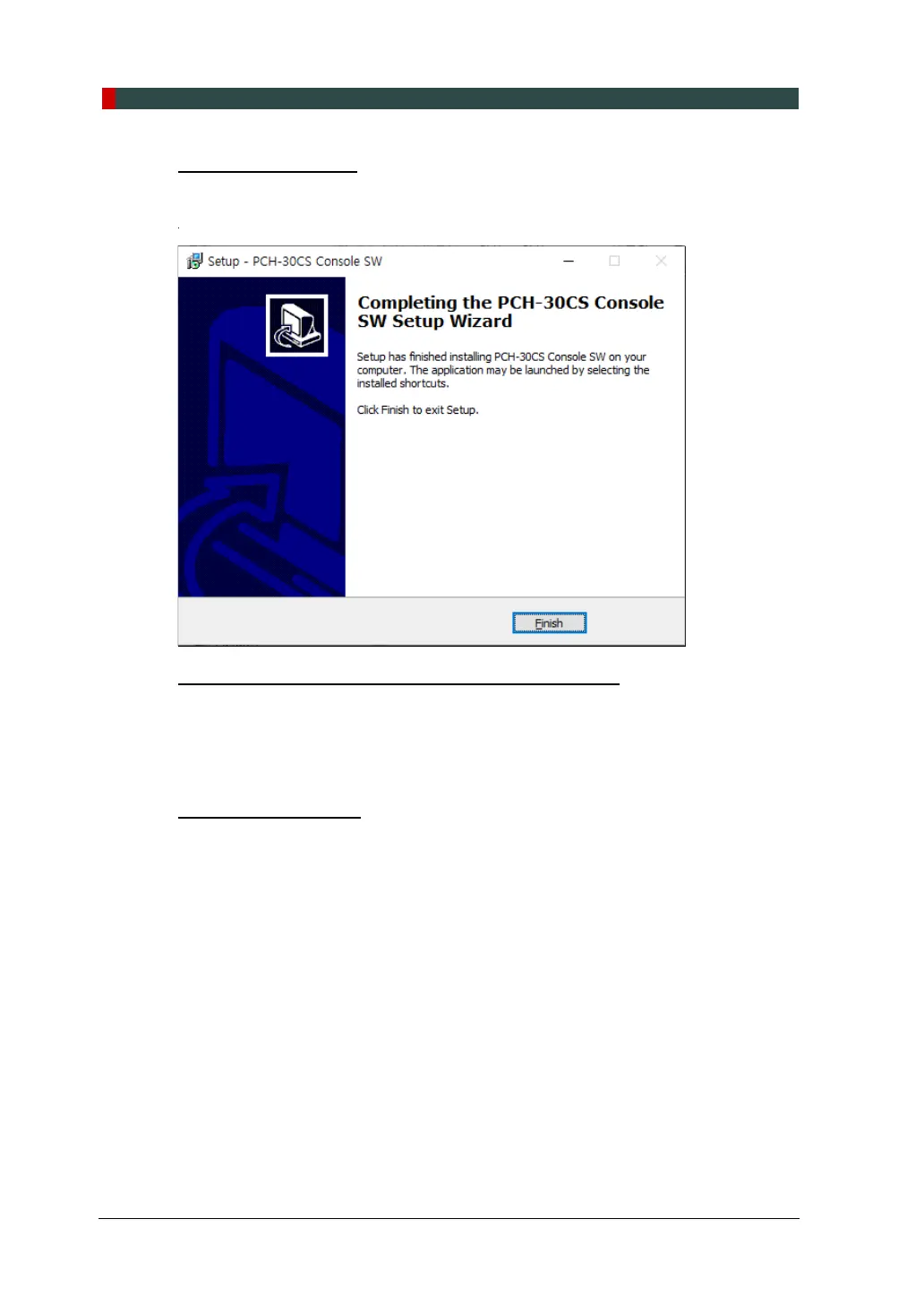
1. The installation has just been completed. Click Finish and restart PC.
Verifying that All Components are Properly Installed
1. Locate the file: PaX-i Plus_Insight_Install_Log.txt on the desktop.
2. Open it to check the file. You can find out that all components are installed.
3. Go to section 9.5 Setting up the User Information.
Uninstalling Software
1. Open the Start screen, type Uninstall a Program in the search box.
2. Find the programs you want to uninstall and double-click the program to uninstall.
3. When you are asked if you want to continue, click Yes or OK and follow the
prompts to finish the uninstallation.












 To Next Page