102 Instruments and controls
Info Display
The Info Displays can indicate:
● time 3 83
● outside temperature 3 82
● date 3 83
● Infotainment system, see
description in the Infotainment
system section
● indication of rear view camera
3 276
● indication of panoramic view
system 3 273
● indication of parking assist
instructions 3 263
● navigation, see description in the
Infotainment system section
● vehicle and system messages
3 106
● settings for vehicle
personalisation 3 107
Radio (Infotainment system)
Press ) to switch on the display.
Touch : to select system settings
(units, language, time and date).
Touch _ to select vehicle settings or
driving functions.
Confirm a required function or
selection by touching.
Touch 3 on the display to return to
the previous page.
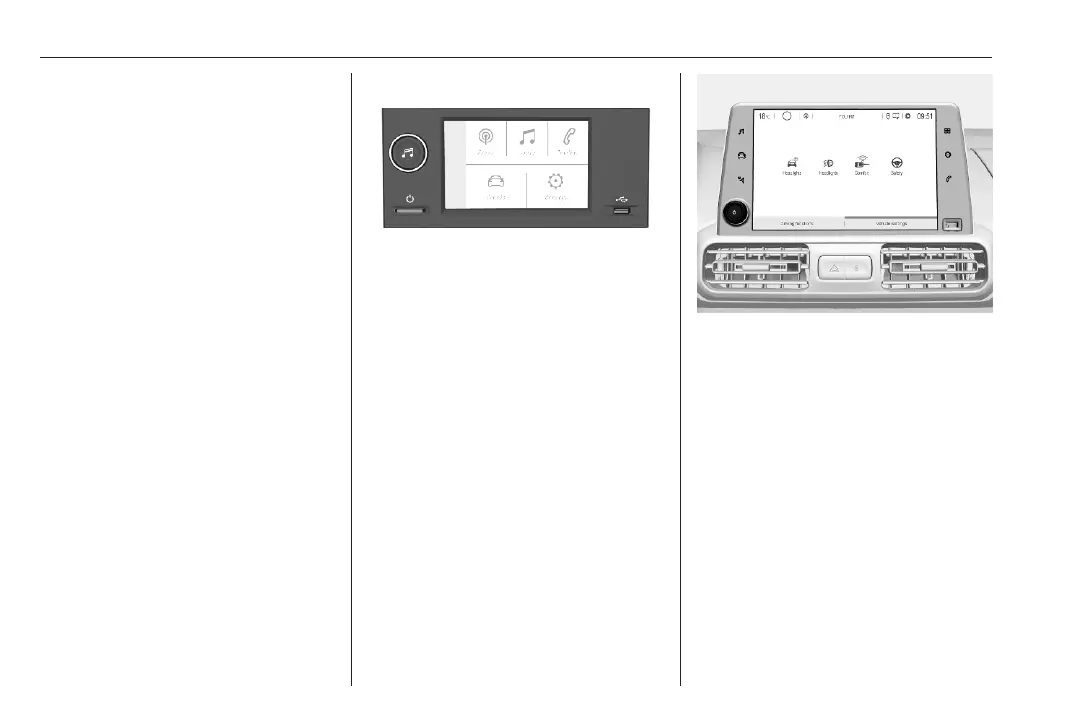
Multimedia / Multimedia Navi Pro
The illustrations show different
variants of the infotainment system.
Selecting menus and settings
There are three options to operate the
display:
● via buttons next to the display
● by touching the touchscreen with
the finger
● via speech recognition
Button and touch operation
Press ) to switch on the display.
Press : to select system settings
(units, language, time and date).
Press _ to select vehicle settings or
driving functions.
Touch required menu display icon or
a function with the finger.













 To Next Page