Instruments and controls 103
Confirm a required function or
selection by touching.
Touch 3 or & on the display to exit
a menu without changing a setting.
For further information, see
Infotainment system section.
Speech recognition
Description see Infotainment system
section.
Flow
Notice
On vehicles equipped with the
Multimedia infotainment system, this
menu can only be used via the
MyVauxhall App.
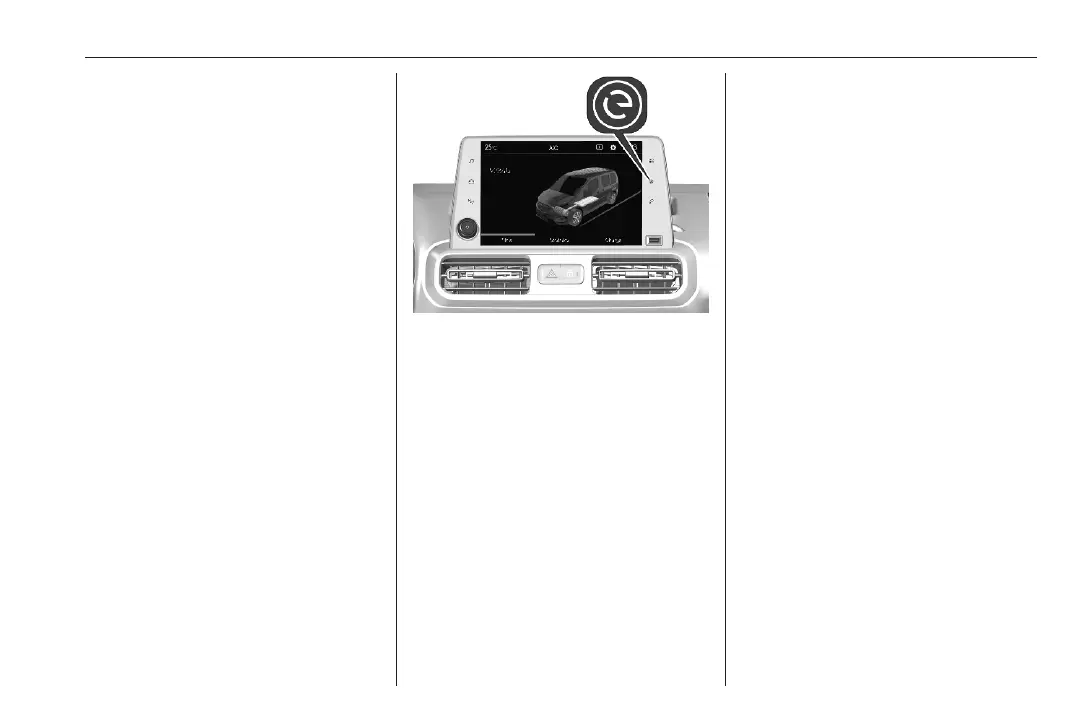
This menu displays the current
energy flow within the electric system.
1. Press m.
2. Select Flow.
Different colours show the energy
flow.
● green: electric engine operating
● blue: regenerating energy
Average consumption
Notice
On vehicles equipped with the
Multimedia infotainment system, this
menu can only be used via the
MyVauxhall App.
This menu displays the average
power consumption during the
current trip.
● green: electric energy consumed
● blue: electric energy generated
from the braking and
deceleration phases of the
vehicle used to recharge the
battery
The current trip is subdivided into time
steps. For each time step, the
average consumption is displayed.
The time steps can be modified.
1. Press m.
2. Select Statistics.
3. Press + and - to modify the time
steps.
Vehicle personalisation 3 107.
Head-up display
The head-up display displays driver
information concerning the
instrument cluster onto a foldable
projection plane on the driver's side.
The information appears as an image
projected from a lense in the
instrument panel onto the projection
plane directly ahead in driver's view.
The image appears focused out
toward the front of the vehicle.













 To Next Page