90 Instruments and controls
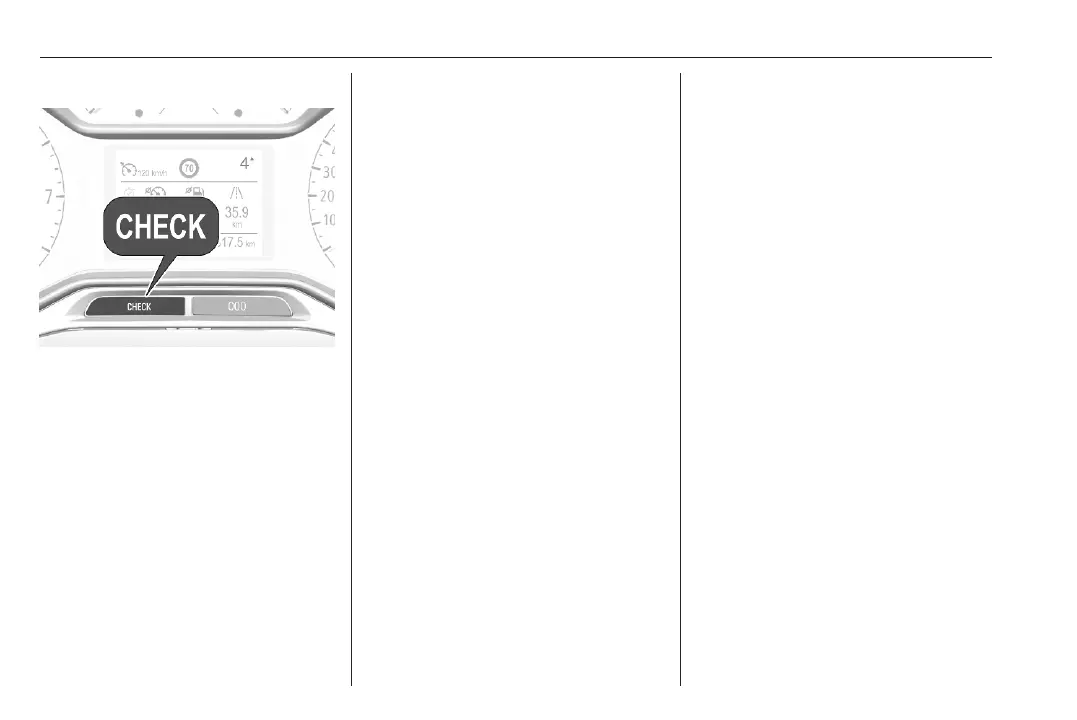
Retrieving service information
To retrieve the status of the service
information at any time press button
CHECK. Depending on version,
press Check in the vehicle settings
menu. The service information is
displayed for a few seconds.
Service information 3 342.
Control indicators
The control indicators described are
not present in all vehicles. The
description applies to all instrument
versions. Depending on the
equipment, the position of the control
indicators may vary. When the
ignition is switched on, most control
indicators will illuminate briefly as a
functionality test.
The control indicator colours mean:
red : danger, important reminder
yellow : warning, information, fault
green : confirmation of activation
blue : confirmation of activation
white : confirmation of activation
grey : system paused, at least one
system limitation has been
detected
Control indicators are located in the
Driver Information Centre.
Driver Information Centre 3 99.
Overview
The numbers in the overview table
indicate what to do, when a control
indicator illuminates or flashes.
1 : only for information
2 : information and warning
3 : seek the assistance of a
workshop
4 : stop engine and seek the
assistance of a workshop
5 : have the cause of the fault
remedied immediately by a
workshop
6 : stop vehicle, do not continue the
journey and seek the assistance
of a workshop
O
1 Turn signal 3 91
X
2 Seat belt reminder
3 92
v
5 Airbag and belt
tensioners 3 92
V
1 Airbag deactivation
3 93
p
4 Charging system
3 93
Z
5 Malfunction indicator
light 3 93
C i 5 Service vehicle soon
3 93
STOP 4 Stop engine 3 94
J
4 System check 3 94













 To Next Page