Climate control 211
Deactivation of electronic climate
control system
Press s subsequently until the
electronic climate control system is
deactivated.
Parking heater
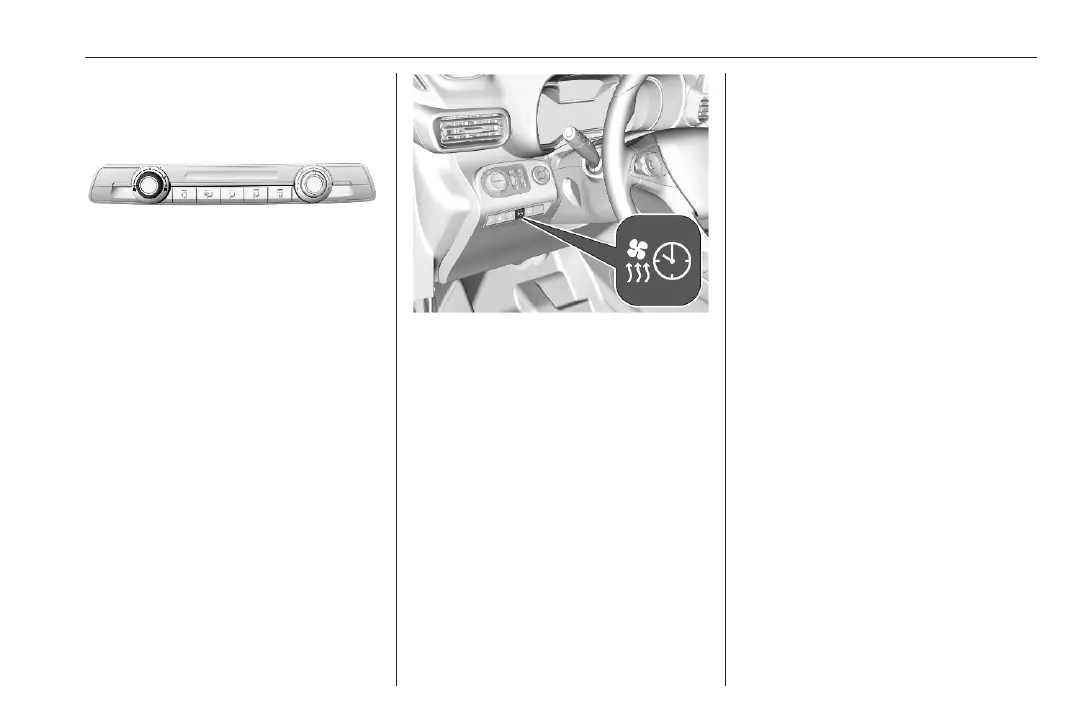
The parking heater allows to heat the
vehicle's interior and to ventilate the
vehicle's interior with ambient air.
The operating status of the parking
heater is shown by an indicator with a
LED.
● LED illuminates: A timer has
been set.
● LED flashes: The system is
operating.
The LED is extinguished at the end of
the heating operation or when the
parking heater is stopped using the
remote control.
The parking heater can be
programmed using the Graphic Info
Display / Colour Info Display.
Additionally, the parking heater can
be switched on and off using a remote
control.
Radio (Infotainment system)
Press MENU to open the menu page.
Press Heating or Ventilation.
Press H or I to select the desired
timer. Confirm with OK.
Set the required time of the timer:
Press { or } to set the desired
value. Confirm with OK.
To set the timer, press H or I to
select OK on the display. Confirm with
OK.
Multimedia / Multimedia Navi Pro
Press d.
Press Car Apps.
Press Temperature conditioning.
Close pop-up messages with Ù.
Programme the parking heater
Press Settings.
Select Heating or Ventilation and then
press ü.













 To Next Page