Driving and operating 291
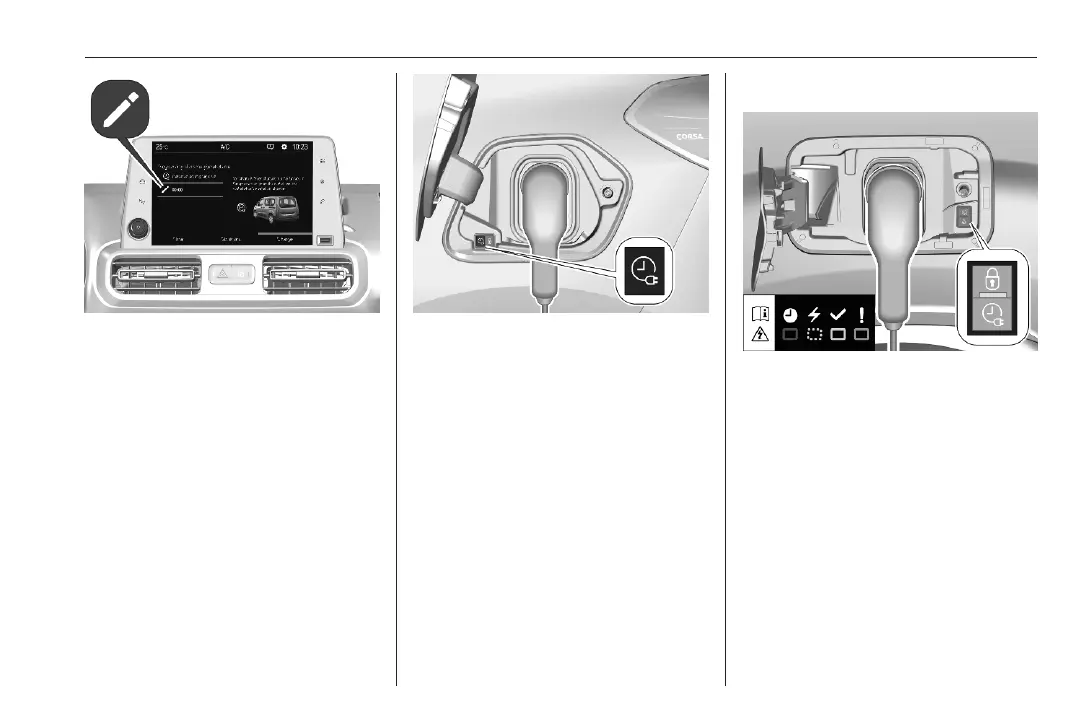
3. Press /.
4. Define the number of hours and
minutes after which the loading
process starts.
5. Press OK.
6. Plug in the vehicle.
7. Within one minute, press b to
activate programmable charging.
8. Depending on version, lock the
vehicle.
The status indicator illuminates blue
indicating that programmable
charging is active.
Charging 3 287.
Charging status 3 291.
Charging status
If the vehicle is plugged in and the
ignition is switched off, the charging
status indicator indicates the
following:
● Illuminates white: welcome
lighting when charging port flap is
opened
● Illuminates green: charging
complete
● Flashes green: charging in
process
● Illuminates red: charging fault
● Illuminates blue: programmable
charging active













 To Next Page