124 Infotainment system
For a detailed description of basic
functions of the navigation system
3 137.
Navigation menu
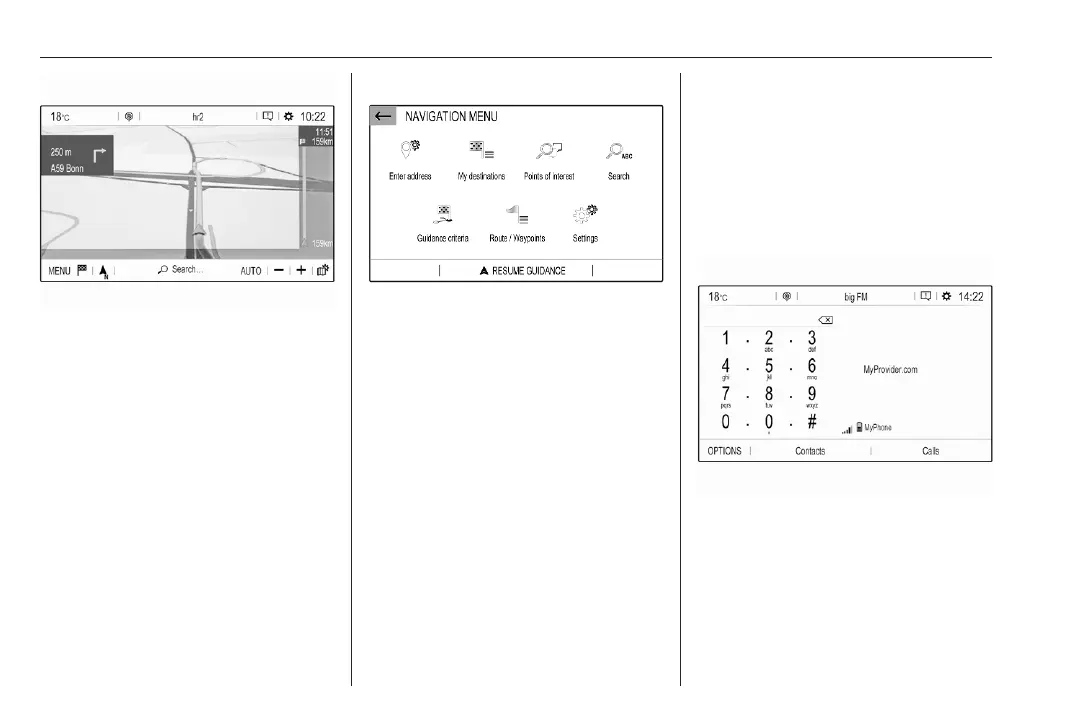
Select MENU to display the
navigation menu.
The navigation menu serves as
central entry point for:
● Address search and input
● Defining trips with several
waypoints
● Defining criteria for route
guidance
● Cancelling and resuming route
guidance
Navigation 3 137
Phone
Before the phone function can be
used, a connection has to be
established between the Infotainment
system and the mobile phone.
For a detailed description of
preparing and establishing a
Bluetooth connection between the
Infotainment system and a mobile
phone 3 150.
If the mobile phone is connected,
press a to display the main menu of
the phone function.
For a detailed description of mobile
phone operation via the Infotainment
system 3 150.
Network and connected services
Press d and then select OPTIONS
to display the Bluetooth, network and
connected services settings.


 To Next Page
 Loading...











